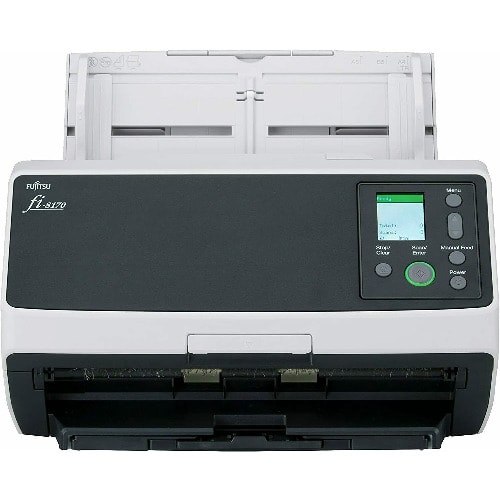
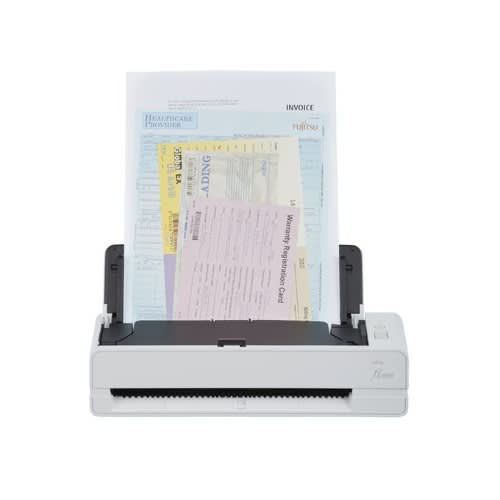
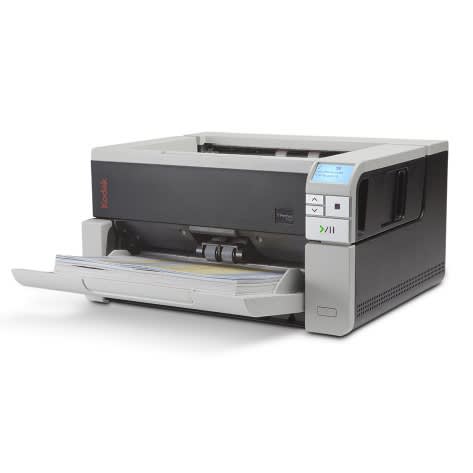
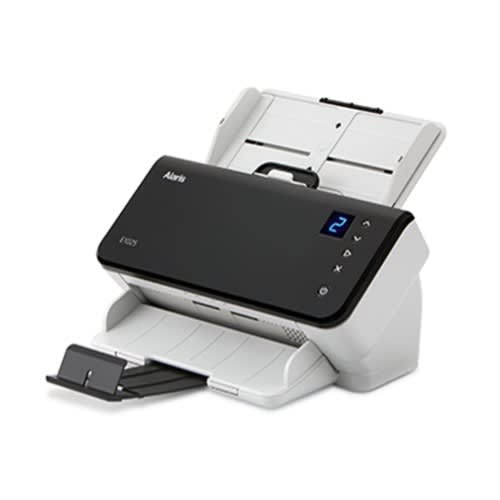
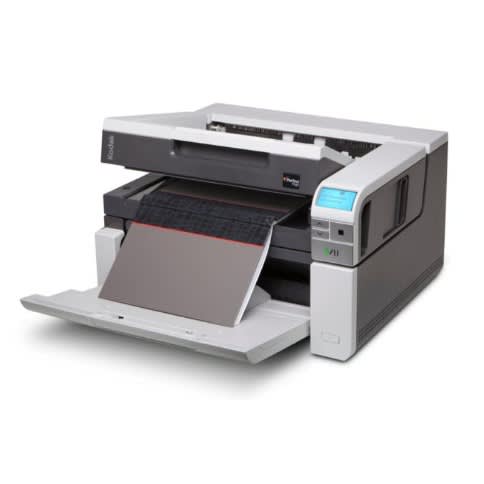
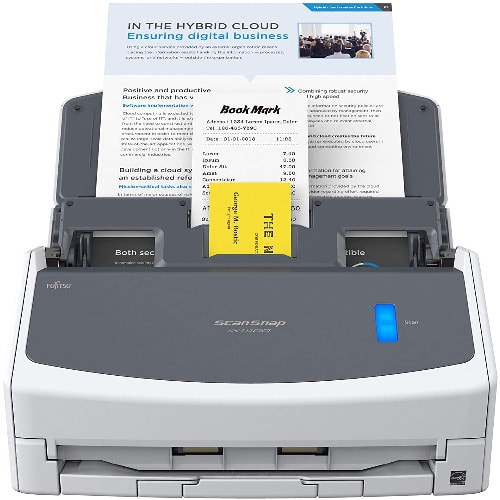
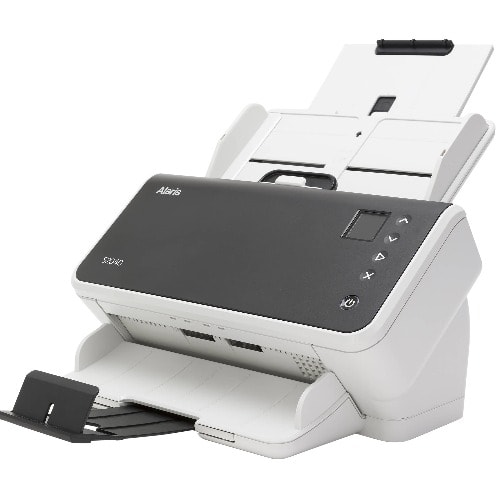
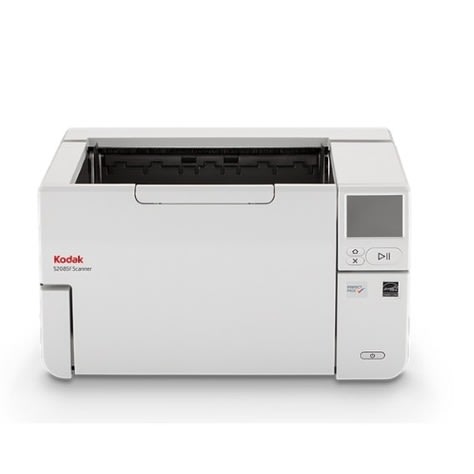
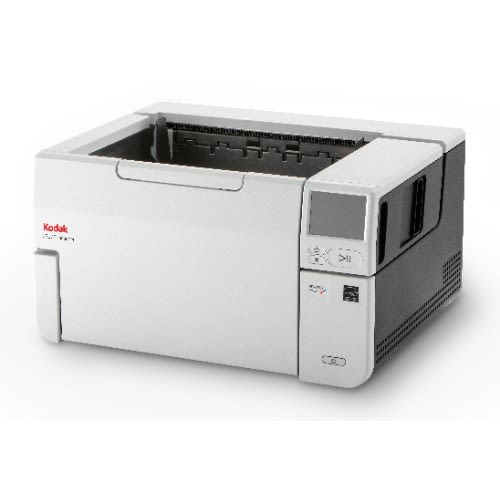
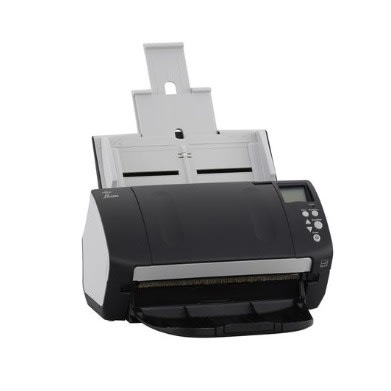
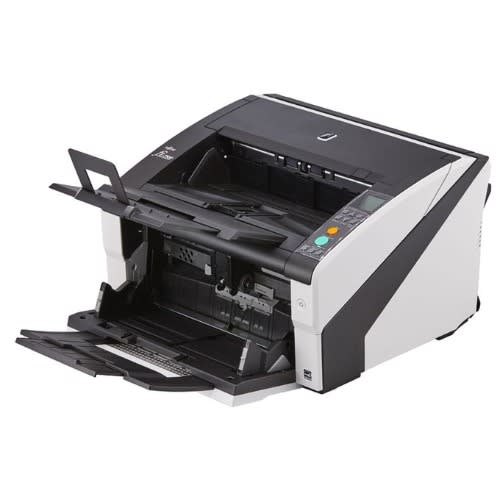
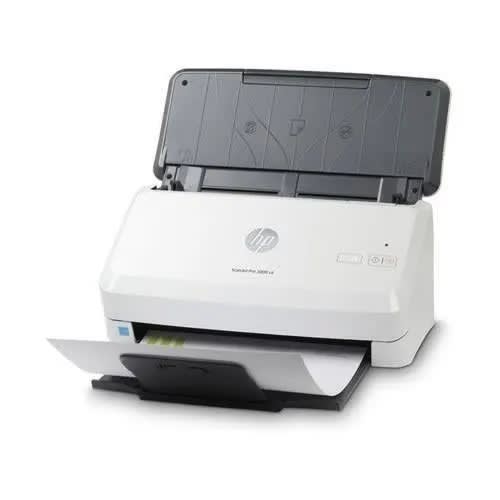
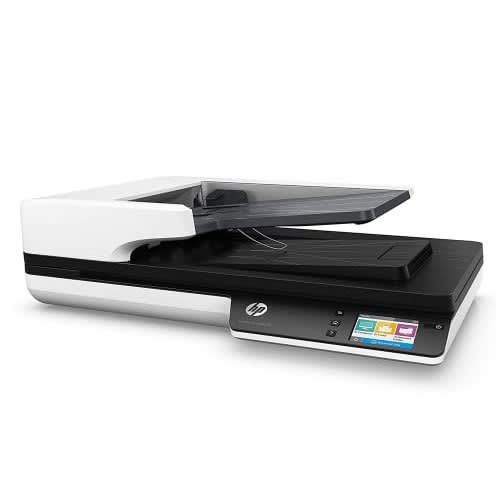
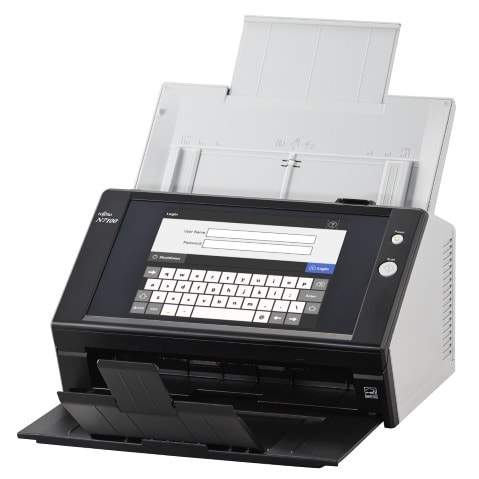
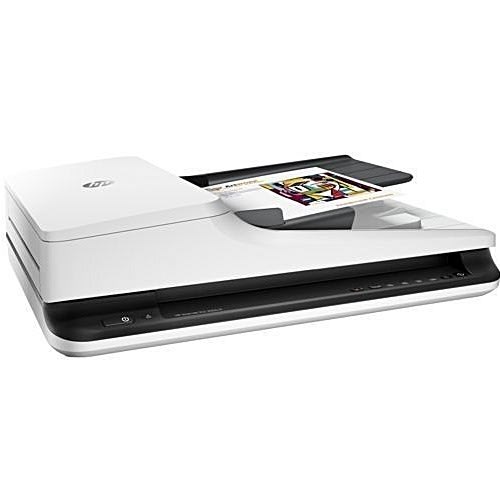
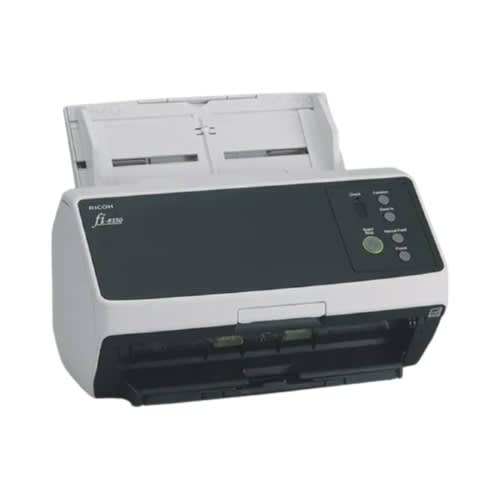
Fi-8150 A4 Document Scanner With Usb/lan Connectivity
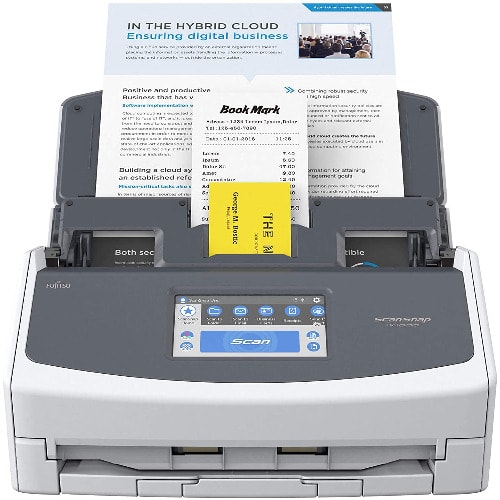
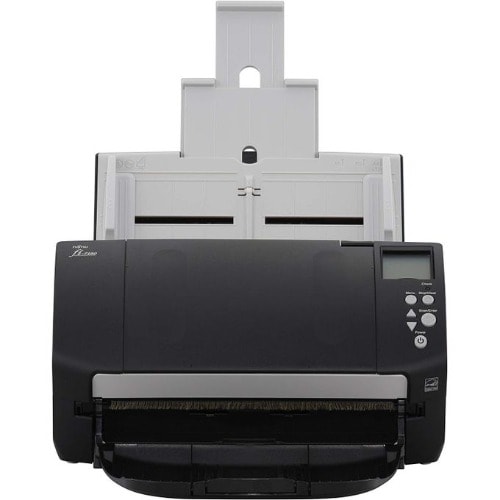
The Ricoh fi-8150 A4 document scanner offers an innovative and superior scanning experience. Compact and reliable, the scanner achieves scan speeds of 50 ppm/100 ipm (200/300 dpi, color, A4 portrait), loads up to 100 sheets at a time, and comes equipped with a capability of scanning up to as many as 8,000 sheets a day.
Scans big volumes with & ldquo;Automatic Separation Control & rdquo;
"Paper Protection" function using Image Monitoring technology
Optimized high-quality image data with "PFU Clear Image Capture"
Scans variety of documents including passports and booklets
PaperStream IP and PaperStream Capture providing advanced image processing functions, with PaperStream Capture Pro software as a premium option
PaperStream ClickScan for ad-hoc use
Supports a wide range of scan needs with state-of-art feeding technology
The scanner comes with reliable paper feeding, facilitating a seamless workflow. Scan faster without interruptions to help boost organizational efficiency.
Scans large volumes with & ldquo;Automatic Separation Control & rdquo;
The "Automatic Separation Control" optimizes paper feed to match the number of sheets loaded, and allows stable paper feeding even when performing large volume scans. Interruptions arising from paper misfeeds at high speed scans of 50 ppm, can be avoided.
Protects documents with the paper protection function
The "Image Monitoring" technology performs real-time image monitoring to keep document safe when angles exceed the safe range to assist users with accurate and comfortable scanning.
Supports scanning of wide range of documents
The scanner handles various types of documents to enable all scans with a single scanner. The Manual Feed Mode enables reading of copy forms, glued-on documents and bi-folded A3 documents. Passports and booklets up to thicknesses of 7 mm* can be read using the Booklet Carrier Sheet.
Since the scanner identifies the presence of thick plastic cards and labelled or barcoded documents, it excludes multi-feed errors, making simultaneous scanning of cards and paper document possible even when multi-feed detection is ON. Users are able to set documents together and continue scanning without interruption.
*Indicated thickness is inclusive of Booklet Carrier Sheet thickness.
Optimized high-quality image data for business use
PFU Clear Image Capture
Combining the new CIS sensor with the GI image processing engine suppresses the occurrence of color shifts."PFU Clear Image Capture" produces high definition images for data extraction while keeping power consumption to the minimum and reduces startup times.
Increased usability and flexibility to scan in any environment
Keep documents in order with the Stacker Supporter
The Stacker Supporter keeps documents in order, even when scanning mixed batches containing small pieces of paper that tend to fly out of the document tray. Scanned documents are easy to retrieve, reducing time spent on post-scan organization.
Supports various operation modes according to the customer & rsquo;s environment
The scanner supports both USB and LAN connectivity so that it can be used not only near the computer but also in various places under the network environment.By using server software ""*1, it is possible to scan in environments without the PC or even from a Web application running on a thin client terminal.
*1 A Windows Client Access License (CAL) is required for each scanner device or user.
Advanced software improves workflow before and after scanning
The functions of and , scanner driver and capture software for fi Series respectively, improves operators & rsquo; overall productivity, by reducing the number of operations before and after scanning.
PaperStream Series software is easier to use with expanded functions
With "Setting Assistant" on PaperStream Capture, frequent manual operations like deleting blank pages or correcting page orientations, can be reduced by following the suggestions that pop up in the software notifications.Options are available for added flexibility.- For the customers requiring advanced workflow, PaperStream Capture Pro, at a fee.- For customers with simple and basic operation needs, PaperStream ClickScan.
Quick MRZ Recognition
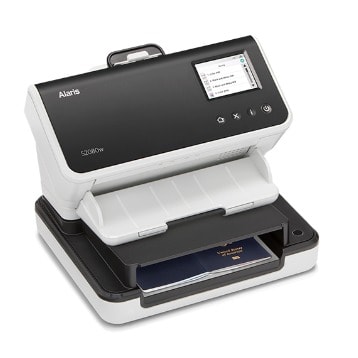
For passport and ID card scanning, personal information such as full name, document number, nationality, contained in the MRZ* (Machine Readable Zone), can be extracted for efficient entry of customer information.
*Supports recognition of MRZ on passports and ID cards, as defined by the ICAO (International Civil Aviation Organization). Passport MRZ layout is defined as two rows of 44 characters each (Doc 9303 TD3 format). ID card MRZ layout defined as three rows of 30 characters (TD1 format) or as two rows of 36 characters (TD2 format).
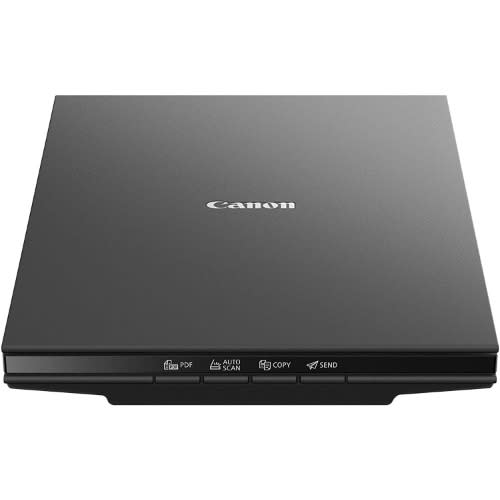
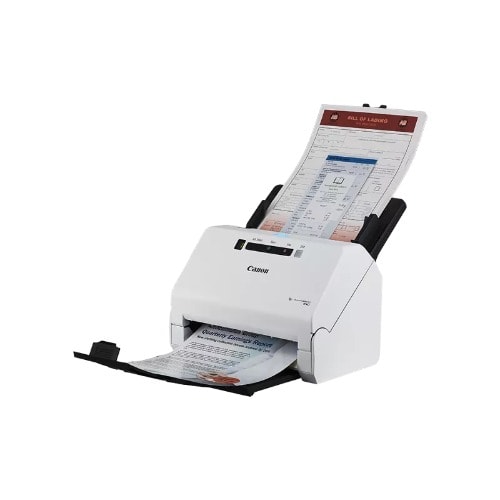
Media TypeReceipt, Paper, Photo, Business CardScanner TypeDocument, Business CardBrandCanonModel NameCanon imageFORMULA R40 Office Document ScannerConnectivity TechnologyUSBProduct Dimensions9.9"D x 11.4"W x 9.6"HResolution600Item Weight6.2 PoundsWattage22 wattsSheet Size600 dots_per_inchAbout this itemStay organized: Easily convert your paper documents into searchable digital formats.Grayscale : 8-bit, Long Document Mode : Up to 118 & rdquo;.Has Greyscale: & lrm;Grayscale:- Simplex: Up to 40 ppm ; Duplex: Up to 80 ipmReliably handles many different document types: Receipts, photos, business cards, reports, contracts, long documents, thick or thin documents, and moreFast and efficient: Scans both sides of a document at the same time, in color, at up to 40 pages per minute, with a 60 sheet automatic feeder, and one touch operationBroad compatibility: Windows and Mac TWAIN driver includedEasy Setup: Simply connect to your computer using the supplied USB cableBundled software: Includes easy-to-use Canon CaptureOnTouch scanning software (Win and Mac) plus free licenses for Readiris PDF and OCR software and Cardiris business card software (Win)Backed by a one-year warranty and US-based technical supportIn The Box
Main R40 UnitAC AdapterUSB CableSetup GuidePower CablePacking Materials
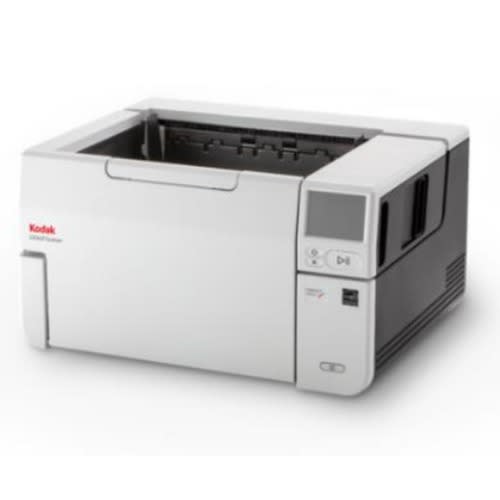
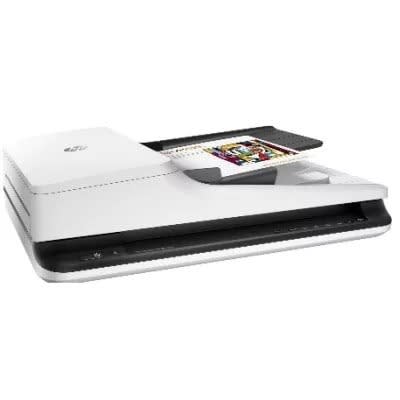
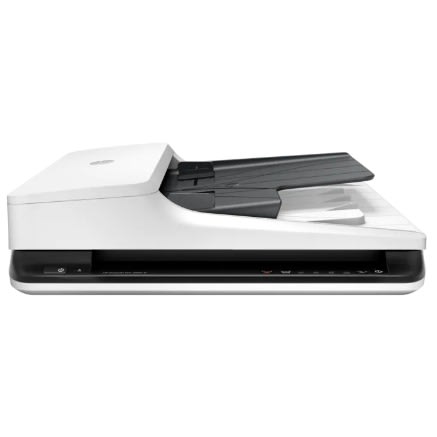
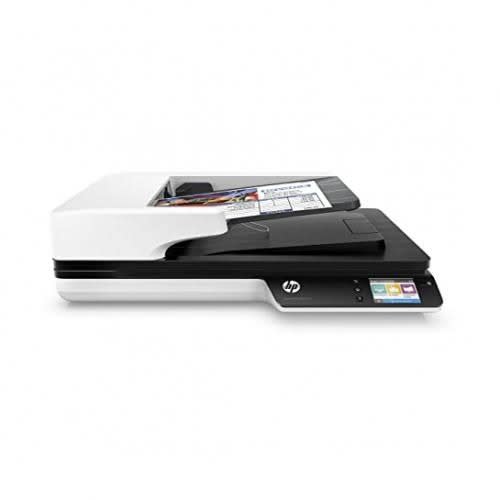
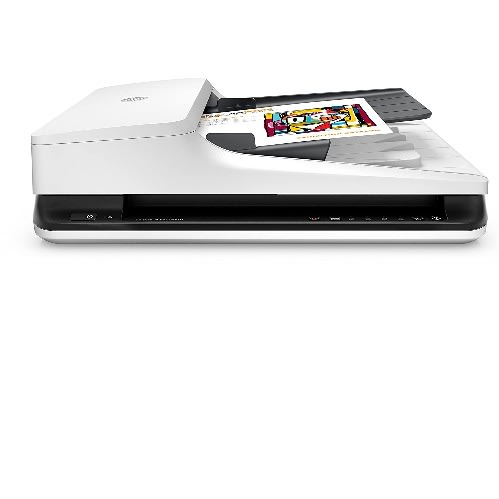
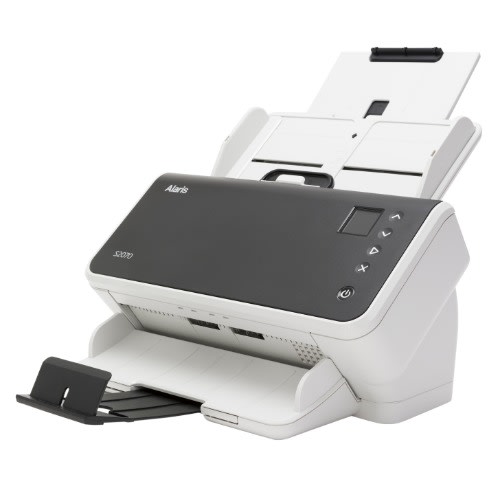
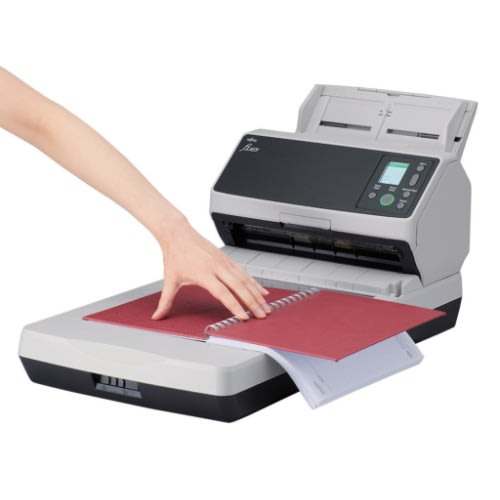
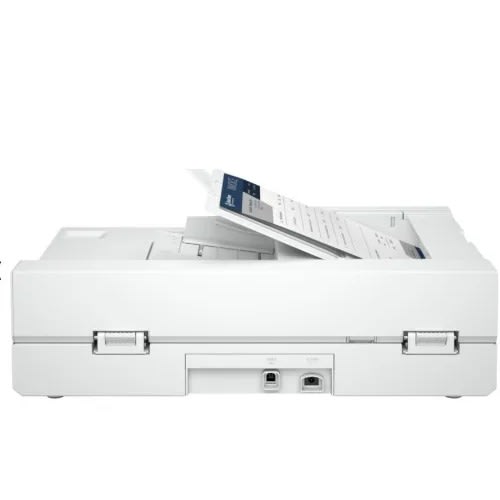
Fujitsu-Ricoh fi-8270 Document Scanner With Flatbed for A3 Paper size
The fi-8270 Flatbed Image Scanner from Ricoh offers an innovative and superior experience and comes with versatile scanning as flatbed and ADF.
It provides quick scans in just 1.7 seconds ipm (200/300 dpi) as flatbed, and 70 ppm/140 ipm (200/300 dpi, color, A4 portrait) as ADF.
The scanner loads up to 100 sheets at a time and comes equipped with the capability of scanning up to as many as 10,000 sheets a day.
The fi-8270 is built to last and powers up every time you need it regardless of job size. Strong urethane rollers, heavy-duty motors, a sturdy frame, and durable consumables combine for a long-lasting scanner that will let your organization capture the volumes of paper from seasonal peaks and heavy backlogs, worry-free.
Made for professional workflows, the fi-8270 scanner gives small and large organizations unparalleled productivity.
Equipped with a built-in flatbed, this scanner can scan fragile documents and thick books, impossible to scan with ADF.
Fast, double-sided scanning of up to 70 pages per minute.
100-page automatic document feeder (ADF).
Letter-size flatbed scans fragile documents, books, and photos.
Ensures uninterrupted workflows with industry-leading reliability and strength.
Scans documents up to 7mm, including IDs and pamphlets.
The scanner comes with reliable paper feeding, facilitating a seamless workflow. Scan faster without interruptions to help boost organizational efficiency.
Ensures the capture of all images fed through the scanner.
Prevents paper jams through a combination of sound and image detection.
TAA and EPEAT Silver rated.
Integrated TWAIN & ISIS driver connectivity. Works with hundreds of scanning software solutions. Kofax VRS Elite certified.
The Automatic Separation Control optimizes paper feed to match the number of sheets loaded and allows stable paper feeding even when performing large-volume scans. Interruptions arising from paper misfeeds at high speed scans of 70 ppm, can be avoided.
In addition to iSOP Technology which halts scanning heavily-skewed and stapled documents at abnormal noise detection, the "Image Monitoring" technology acts as a paper protection. A technology that performs real-time image monitoring to keep documents safe when angles exceed the safe range to assist users with accurate and comfortable scanning.
The scanner incorporates the strong characteristics of both CIS and CCD to generate optimal images for OCR. Combining the new CIS sensor with the GI image processing engine suppresses the occurrence of colour shifts. PFU Clear Image Capture produces high-definition images for data extraction while keeping power consumption to the minimum and reducing startup times.
Three sensors accurately detect the tips of documents and extend the scanning area automatically, ensuring that sufficient margins are secured around the scanned documents. Accurate image data can be generated without defects even when original documents are skewed. Users can save time by minimizing the need for re-scans.
Equipped with a colour LCD panel, users can view status information and select setting configuration more easily. The use of color enables intuitive operation, for reduced human errors.
The Stacker Supporter keeps documents in order, even when scanning mixed batches containing small pieces of paper that tend to fly out of the document tray. Scanned documents are easy to retrieve, reducing time spent on post-scan organization.
Captures a wide variety of documents consistently, streamlining mixed document batches and minimizing the need for re-scans.
The scanner supports both USB and LAN connectivity so that it can be used not only near the computer but also in various places under the network environment. By using server software PaperStream NX Manager, it is possible to scan in environments without the PC or even from a Web application running on a thin client terminal.
Easy-to-use software interface provides convenient scanning, powerful image enhancement, quick image capture, and indexing options, including optical character recognition (OCR). The functions of PaperStream IP and PaperStream Capture, scanner driver and capture software for fi Series respectively, improve operators' overall productivity, by reducing the number of operations before and after scanning.
It supports both USB 3.2 Gen 1 and Ethernet wired network connections.
For passport and ID card scanning, personal information such as full name, document number, and nationality, contained in the MRZ (Machine Readable Zone), can be extracted for efficient entry of customer information. Supports recognition of MRZ on passports and ID cards, as defined by the ICAO (International Civil Aviation Organization). The passport MRZ layout is defined as two rows of 44 characters each (Doc 9303 TD3 format). ID card MRZ layout is defined as three rows of 30 characters (TD1 format) or as two rows of 36 characters (TD2 format).
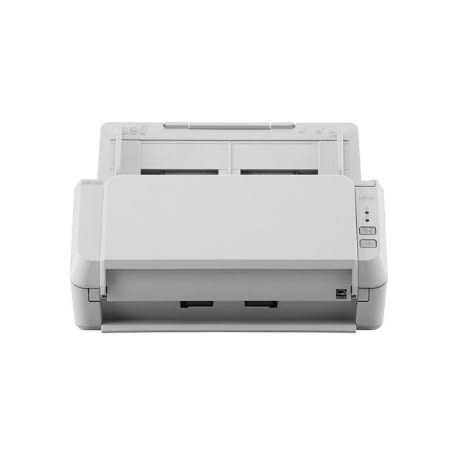
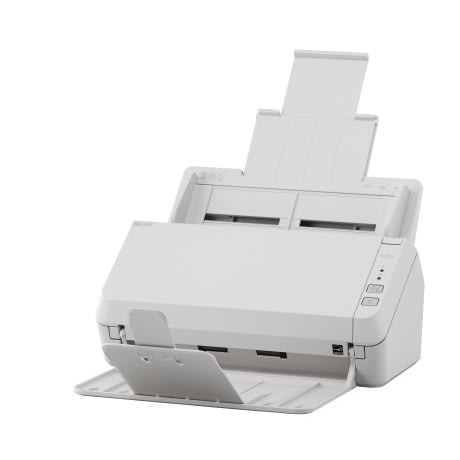
Simple yet reliable scanner for business useThe SP-1130 is suitable for reception spaces and deskwork environments, with scanning speeds of 30 ppm/60 ipm (A4 portrait, color, 200 / 300 dpi), ADF capacity of 50 sheets, ability to scan a wide range of documents, and easy-to-use design.
High quality technologies for accurate feedingPlastic card scanningCompact and user-friendly designComes with PaperStream IP for SP Series and PaperStream Capture Lite providing advanced image processing functionsVarious software available for better data management*Availability of this model may vary depending on region
FeaturesReliable scanning for multi purposesComfortable scanningThe SP-1130 enables stress-free operation with 30 ppm scanning that does not drop speeds even when scanning in 300 dpi resolution and ADF that holds up to 50 sheets at a time. Accurate page feeding with brake roller separation and multifeed detection with the ultra-sonic sensors allow users to scan without worrying about any unexpected interruptions.
Document handling for various scanning needsThe scanner handles a wide range of paper from thin to thick, as well as plastic cards to suit all scanning needs. When using the scanner at reception desks, application forms and plastic ID cards can be scanned at the same time so that receptionists can offer better customer service with less wait time.
Refined design ideal for simple useA compact footprint allows the SP-1130 to be placed in locations with space restrictions. Operation is also simple with only two buttons to push, Scan/Stop and Power On/Off. Its minimal design reduces scanning procedures and human-error.
Advanced software for higher productivityCombining multiple software with business system allows users to greatly increase work efficiency. Users can enjoy smooth scanning and utilize data efficiently with the advanced image processing features and the easy-to-understand UIs.
Optimized image data with PaperStream IP for SP SeriesPaperStream IP for SP Series, the scanner driver supporting both TWAIN/ISIS, eliminates the need of making fine setting adjustments for OCR processes. It automatically converts images into exceptionally clean images, accelerating OCR even when scanning wrinkled, soiled and patterned documents.
PaperStream Capture Lite specialized in routine scansPaperStream Capture Lite, capture software for SP Series, dramatically elevates efficiency of document capture within business workflows. By configuring and saving batch profile settings in advance, users can focus on their routine tasks such as batch scanning with its intuitive UIs and usability.
Efficient data management with Presto! & trade; PageManager & trade;Presto! & trade; PageManager & trade; turns paper documents into organized digital documents. After presetting is complete, only one push of the scan button is necessary to store document image data instantly. Users can create, write, and open PDF files without file conversion or other applications, as well as split multiple page PDF files into separate files or merge several PDF files into one. The software also makes it easy to group, store and share files.
Searchable documents made possible with ABBYY & trade; FineReader & trade; SprintWith ABBYY & trade; FineReader & trade; Sprint, scanned data can be converted to searchable PDF or office documents such as Word/Excel & reg; so that users can fully utilize the data in day to day work tasks.
Product Name SP-1130Scanner Type ADF (Automatic Document Feeder), DuplexScanning Speed*1 (A4 Portrait)(Color*2/Grayscale*2/Monochrome*3) Simplex: 30 ppm (200/300 dpi)Duplex: 60 ipm (200/300 dpi)Image Sensor Type Single line CMOS-CIS x 2 (front x 1, back x 1)Light Source 3 Color LED x 2 (front x 1, back x 1)Optical Resolution 600 dpiOutput Resolution*4
(Color / Grayscale / Monochrome) 50 to 600 dpi (adjustable by 1 dpi increments), 1,200 dpi (driver)*5Output Format Color: 24-bit, Grayscale: 8-bit, Monochrome: 1-bitBackground Colors WhiteDocument Size Maximum 216 x 355.6 mm (8.5 x 14 in.)Minimum 52 x 74 mm (2.0 x 2.9 in.)Long Page Scanning*6 3,048 mm (120 in.)Paper Weight (Thickness) Paper 50 to 209 g/m2 (13.4 to 56 lb)*7Plastic Card 0.76 mm (0.0299 in.) or less*8ADF Capacity*9*10 50 sheets (A4 80 g/m2 or Letter 20 lb)Expected Daily Volume*11 4,500 sheets
Multifeed Detection Overlap detection (Ultrasonic sensor)Interface*12 USB 2.0 / USB 1.1Power Requirements AC 100 to 240 V & plusmn;10 %Power Consumption Operating Mode 18 W or lessSleep Mode 1.6 W or lessAuto Standby (Off) Mode 0.4 W or lessOperating Environment Temperature 5 to 35 & deg;C (41 to 95 & deg;F)Relative Humidity 20 to 80% (non-condensing)Environmental Compliance ENERGY STAR & reg;, RoHSDimensions*13 (W x D x H) 298 x 135 x 133 mm (11.7 x 5.3 x 5.2 in.)Weight 2.5 kg (5.5 lb)
Supported Operating System Windows & reg; 11*14, Windows & reg; 10*14, Windows & reg; 8.1, Windows & reg; 7, Windows Server & reg; 2022, Windows Server & reg; 2019, Windows Server & reg; 2016, Windows Server & reg; 2012 R2, Windows Server & reg; 2012, Windows Server & reg; 2008 R2, Linux (Ubuntu)Software / Drivers PaperStream IP for SP Series (TWAIN/TWAIN x64/ISIS), WIA Driver*15, Image Scanner Driver for Linux (SANE)*15*16, PaperStream Capture Lite*17*18, Software Operation Panel, Error Recovery Guide, Scanner Central Admin, ABBYY & trade; FineReader Sprint & trade;*18, Presto! & trade; PageManager & trade;*18Image Processing Functions Multi image output, Automatic color detection, Automatic page size detection, Blank page detection, Dynamic threshold (iDTC), Advanced DTC, SDTC, Error diffusion, Dither, De-Screen, Emphasis, Dropout color (None/Red/Green/Blue/White/Saturation/Custom), sRGB output, Split image, De-Skew, Edge filler, Vertical streaks reduction, Digital endorser, Background pattern removal
Included Items AC adapter, USB cable, Setup DVD-ROMActual scanning speeds are affected by data transmission and software processing times.Indicated speeds are from using JPEG compression.Indicated speeds are from using TIFF CCITT Group 4 compression.Selectable maximum resolution may vary depending on the length of the scanned document.Limitations may apply to the size of documents that can be scanned, depending on system environment, when scanning at high resolution (over 600 dpi).Capable of scanning documents with dimensions exceeding that of Legal sizes. Resolutions are limited to 200 dpi or less when scanning documents sizes exceeding 863 mm (34 in.) in length.Thicknesses of up to 127 to 209 g/m2 (34 to 56 lb) can be scanned for A8 (52 x 74 mm / 2.1 x 2.9 in.) sizes.ISO7810 ID-1 type compliant. Capable of scanning embossed cards with total thicknesses of 1.24 mm (0.049 in.) or less.Maximum capacity depends on paper weight and may vary.
Capable of setting additional documents while scanning.Numbers are calculated using scanning speeds and typical hours of scanner use, and are not meant to guarantee daily volume or unit durability.Scanning speeds slow down when using USB 1.1.Excludes the ADF paper chute and stacker.SP Series scanners do not run with Windows & reg; 11 and 10 ARM-based PCs.Functions equivalent to those offered by PaperStream IP may not be available with the Image Scanner Driver for Linux or WIA Driver.Refer to the for full lineup of all supported operating system versions.Software can be downloaded from the website if not included.Operation on Windows Server & reg; OS is not supported.
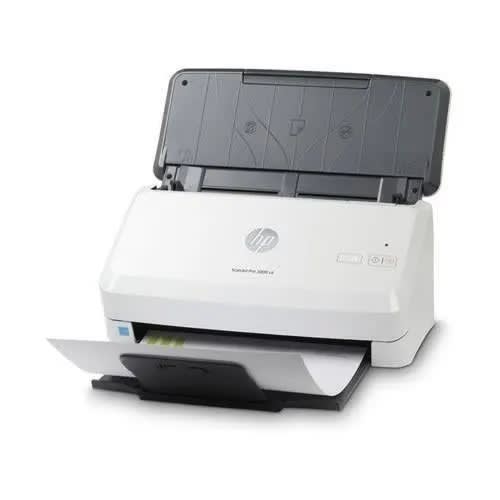
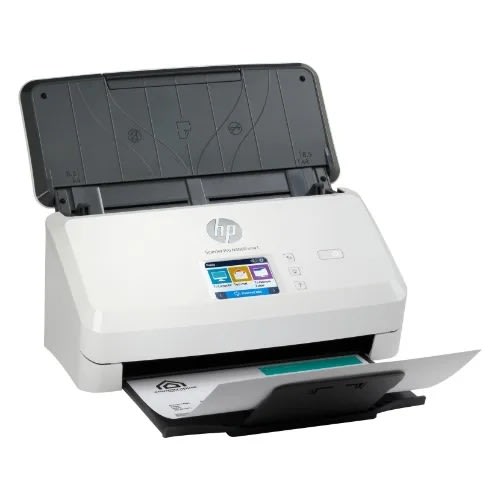
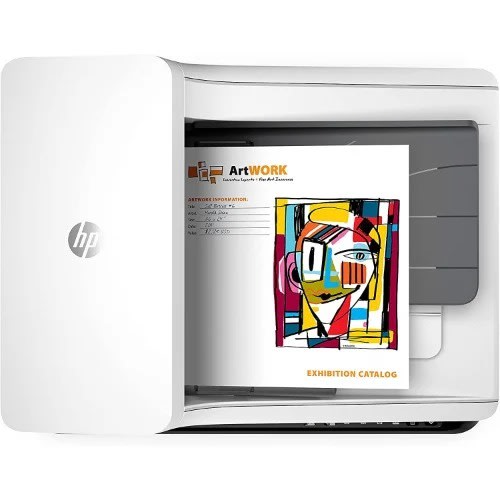
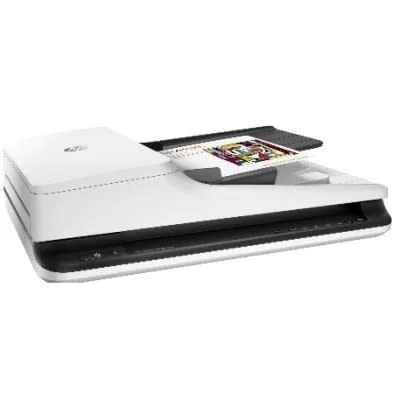
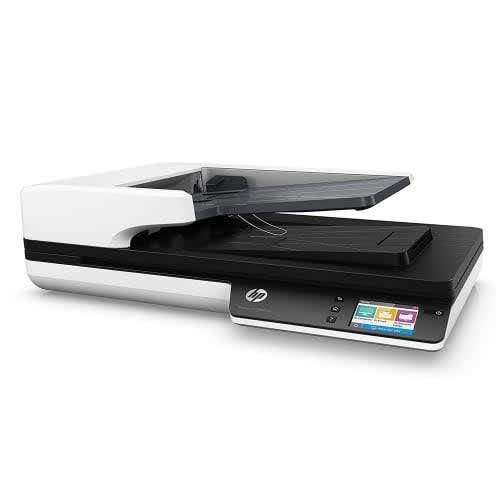
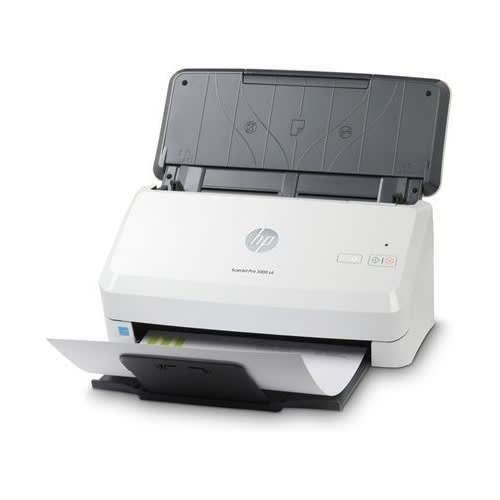
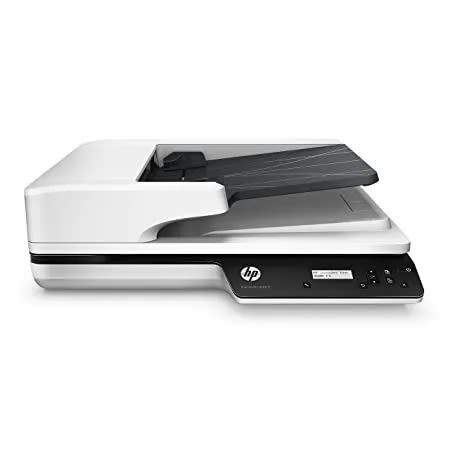
Scanjet Pro 3600 F1 - Fast 2-sided Scanning And Auto Document Feeder
BEST FOR & ndash; Sharp, true-to-life scans of documents, graphics and photos with up to 1200 dpi resolution
PROFESSIONAL PRODUCTIVITY & ndash; Get more done with fast 2-sided scanning and the 60-page auto document feeder
EASY TO USE & ndash; USB connectivity provides simple setup and reliable connections, and Instant-on Technology lets you begin scanning quickly
FAST SPEEDS & ndash; Scan up to 30 ppm / 60 ipm
VERSATILE SCANNING & ndash; Scan a variety of documents including books, magazines and ID cards
DESIGNED FOR HIGH VOLUMES & ndash; Scan up to 3,000 pages daily
SIMPLIFY WORKFLOW & ndash; Use pre-configured scan shortcuts, automated workflows and intelligent editing tools with HP Scan Pro Software, and scan directly to document applications with WIA, ISIS and TWAIN support
STRONG SECURITY & ndash; Genuine HP boot code signature validation prevents booting if the code has been altered, and worry-free updates ensure authentic firmware
Resolution
Up to 600 x 600 dpi (color and mono, ADF); Up to 1200 x 1200 dpi (color and mono, flatbed)
Control panel
6 lights (Shortcut, Duplex, Error); 5 button (Power, Scan, Duplex, Shortcut Select, Cancel )
Bit depth
24-bit (external), 48-bit (internal)
Maximum document scan size
8.5 x 122 in
Scannable media types
Paper (banner, inkjet, photo, plain), envelopes, labels, cards (greeting, index)
Input type
ADF; CIS scanning technology; Flatbed
Auto document feeder
Standard, 60 sheets
Connectivity
USB 3.0
Dimensions (W X D X H)
19.4 x 12.8 x 5.2 in
Weight
11.9 lb
Supported operating systems
Windows 11; Windows 10; Windows 8; Windows 8.1; Windows 7; Windows Server; macOS 10.14 Mojave; macOS 10.15 Catalina; macOS 11 Big Sur; macOS 12 Monterey; Linux
ENERGY STAR
CECP; SEPA; IT ECO Declaration; EPEAT & reg; Silver registered
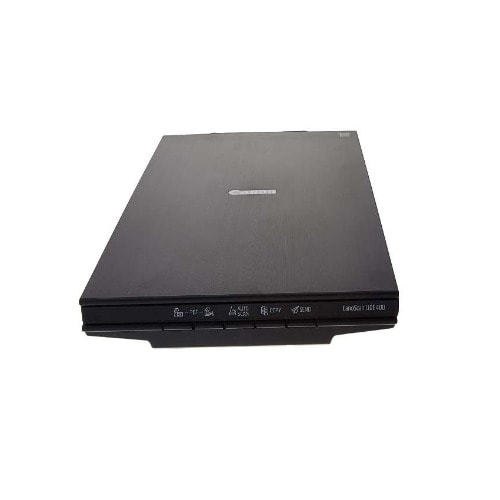
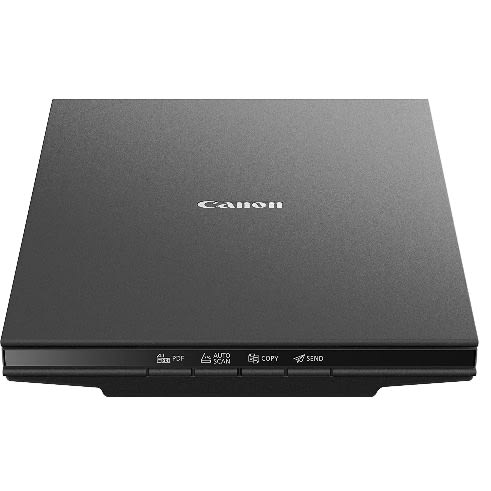
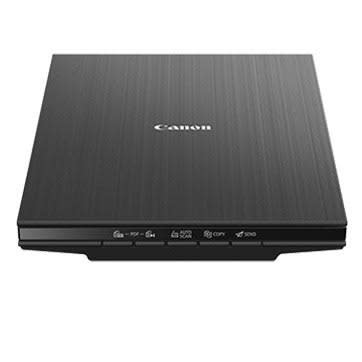
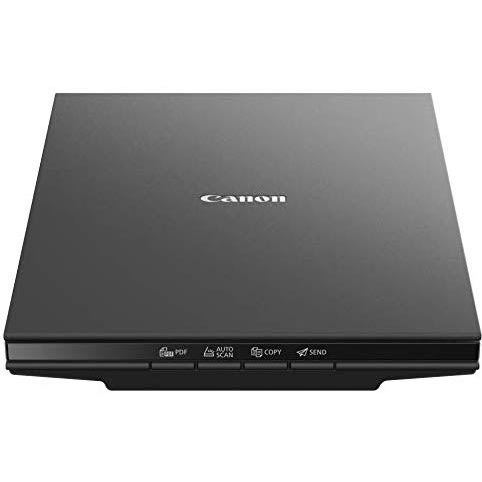
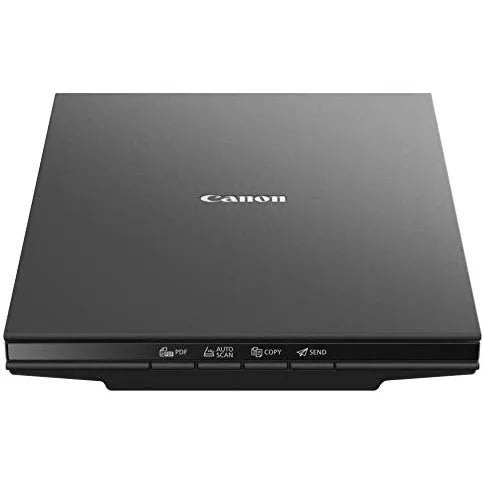
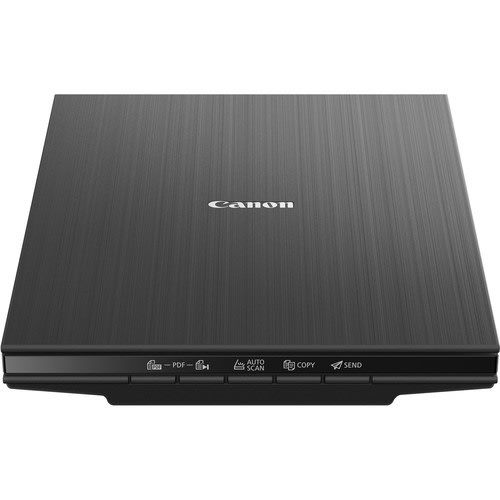
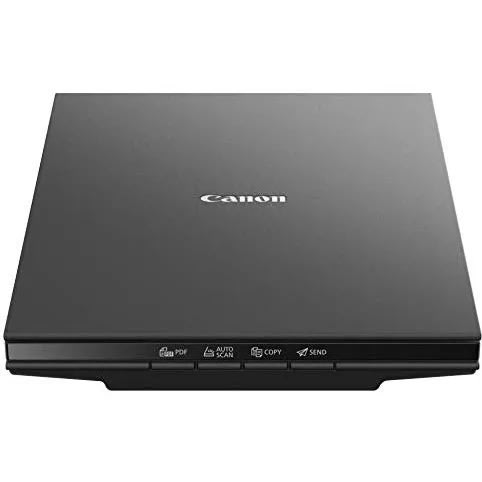
Lide 400 Colour Flatbed Scanner - High Resolution Scanning
Features
Scans Documents and Photos
Optical Resolution: 4800 dpi
Max Resolution: 19200 x 19200 dpi
Color Depth: 48-Bit
Maximum Scan Area: 8.5 x 11.7"
USB 2.0 Connectivity for Data and Power
5 EZ Buttons
Vertical Stand
Easily and quickly scan documents in high resolution with the CanoScan LiDE 400 Slim Color Image Scanner from Canon. This lightweight and sleek scanner has an optical resolution of 4800 dpi and a max interpolated resolution of 19200 dpi, which is suitable for digitally capturing photos or other documents. The 8.5 x 11.7" flatbed CIS scanner
Easily and quickly scan documents in high resolution with the CanoScan LiDE 400 Slim Color Image Scanner from Canon. This lightweight and sleek scanner has an optical resolution of 4800 dpi and a max interpolated resolution of 19200 dpi, which is suitable for digitally capturing photos or other documents. The 8.5 x 11.7" flatbed CIS scanner can scan a whole page in just 8 seconds at 300 dpi. Upright scanning is also possible with the included stand.This scanner features an Advanced Z-lid Expansion Top and 5 EZ Buttons, which allow for quick operation in a variety of modes. Bundled software can, on the Windows version, correct scanned images for dust and scratches and other issues. Additionally, the Send to Cloud feature enables quick uploads to cloud storage services like Microsoft OneDrive and Dropbox while connected to a computer.
Advanced Z-Lid accepts books and other thick media for scanning.
Entire unit runs off USB power.
EZ Buttons enable quick scanning in a variety of situations.
Documents can be immediately uploaded to cloud services like OneDrive or Dropbox.
Compatible with Windows 10/8.1/7 SP1, Mac OS X 10.10.5 - 10.13, and Linux with ScanGear MP driver installed.
Compatible still image formats are PDF (created using Canon PDF Creator only), JPEG (Exif), TIFF, and PNG.
Colour
White
Brand
Hp ScanJet Pro 4500 fn1 Network Scanner - (l2741a)
Measuring 5.7 by 20.5 by 15.2 inches (HWD) and weighing 13.2 pounds, the HP ScanJet Pro 4500 is, like the ScanJet Pro 3500 (which is slightly smaller and lighter), too big to fit on the average desktop. The 4500 is also somewhat longer, yet shorter and lighter, than both the Canon DR-2020U and the Epson DS-6500.
All of the scanners mentioned here are capable of 600dpi when you scan from the ADF and 1,200dpi from the flatbed, and they all deploy single-pass scanning mechanisms with two sensors (one for each page side), for faster, more reliable two-sided scanning. The two ScanJets and the imageFormula have 50-page ADFs, and the WorkForce model's ADF holds 100 pages. In addition, the ScanJet 4500's daily duty cycle of 4,000 pages is significantly higher than other models discussed here.
Configuration and scanning from the machine itself is handled from the ScanJet 4500's 2.8-inch color touch screen and accompanying buttons: Back, Home, and Help. The 4500 and the included HP Scan Software come with a handful of predefined workflow profiles & mdash;Scan to PDF, Scan to Folder, Scan to Email, and so on & mdash;containing resolution, destination, and other configuration options. You can modify the existing profiles or create new ones as needed. As mentioned, the 4500 is networkable via Wi-Fi or gigabit Ethernet, and you can scan to your mobile devices with Wi-Fi Direct or HP's JetAdvantage Capture app for Android or iOS. You can also connect to it directly via USB 3.0 or USB 2.0 (a USB 3.0 cable comes in the box). The Epson DS-6500 are networkable only via an optional Wi-Fi adapter or Ethernet module, respectively.
Setup and SoftwareThe ScanJet 4500 comes out of the box with a minimal amount of tape and other packing material. Depending on which connectivity option you choose & mdash;Wi-Fi, Ethernet, or USB & mdash;setup is slightly different. Since, for consistency's sake, we test over USB, I used the included USB 3.0 cable. The included optical disk contains the drivers, HP utilities, Nuance PaperPort, and Kofax VRS Pro, but the optional optical character recognition (OCR) and business card archiving software programs are only available online. The HP utilities are HP Scan Software and HP Scan Tools Utility, and the OCR program is the full-featured Readiris. The business card software is Cardiris, also an industry-standard in its category.
HP Scan Software is the primary scanning utility, but, as you'll see in the next section, I got much better, or faster, results scanning from inside Readiris. HP Scan Software is a comprehensive interface that allows you to create and save profiles controlling all aspects of your scans, from file type (JPEG, TIFF, PNG, BMP, RTF, TXT, image and searchable PDF), to resolution, to destination (including Printer, Folder, FTP, SFTP, OCR, Mobile Device, Dropbox, OneDrive, and Everyday Scan, as well as multiple destinations at once).
HP Scan Tools Utility allows you to view scanner stats and manage the scanner in general. Nuance PaperPort is a popular document management program, and Kofax VRS Pro evaluates and enhances poor scans to improve (primarily OCR) accuracy. Compared with some of its competitors, the ScanJet 4500 has one of the more complete software bundles.
PerformanceHP rates the ScanJet Pro 4500 at 30 pages per minute (ppm) for single-sided (simplex) scans and 60 images per minute (ipm, where each page side is considered an image) for two-sided (duplex) scans. (I tested using Readiris at its default 300dpi over USB 3.0 from our standard Core i5 PC running .) Not including the lag time (the time it takes after the last page is scanned to subsequently process and save the scans to a useable file format, which, for our testing purposes, is either image or searchable PDF), I clocked the 4500 at 31.6ppm and 61.2ipm, or slightly faster than its ratings. When scanning and saving to image PDF, the speed dropped some, to 28.6ppm and 54.5ipm. Even so, it was still faster than the Canon 2020U, the less-expensive HP ScanJet Pro 3500, and the , when saving to image PDF. (Note that when I used HP Scan Software to perform the same test, it took more than twice as long.)
Where the 4500 really outshined the others, though, was in scanning and saving to the more useful searchable PDF, which really wasn't much slower than when saving to image PDF. It scanned our two-sided 25-sheet (50 pages) document to searchable PDF in 58 seconds, or just 2 seconds slower than when saving the same document to image PDF. The DR-2020U took 1 minute and 23 seconds to scan and save the same document to searchable PDF; the DS-6500 took 2:36; and the ScanJet 3500 took a whopping 5:44. Note, however, that the ScanJet 4500 was tested over USB 3.0, while the others were tested via USB 2.0 (even though the ScanJet 3500 does support USB 3.0). It's likely that using the faster interface on the 4500 gave it an advantage.
OCR Accuracy and Other TestsIn testing OCR performance, the 4500's accuracy down to six points with no errors on our Arial font test page and eight points on the Times New Roman page was opposite to that of the 3500's eight points for Arial and six points for Times New Roman. The managed eight points without errors on both pages, and the Epson DS-6500 came in at five points on the Arial font page and eight points for Times New Roman. All four results are accurate, perhaps even slightly above, for this type of scanner.
I also spent some time scanning business cards into Cardiris, allowing the program to convert the scanned text to editable text and then populate the archiving database. As is usually the case with business card scanning software, the most important factor in determining accuracy was the design of the individual cards themselves. Cards consisting of common fonts on white or light-color backgrounds lent themselves to greater accuracy than those comprised of decorative typefaces and/or colorful or patterned backgrounds. When I turned on color dropout and some other enhancement filters, results were somewhat better, but the filters aren't capable of performing magic. Often, if the data on the cards is easily and readily deciphered by the naked eye, the more likely scanning the data on them, without excessive retyping, will be successful.
ConclusionThe HP ScanJet Pro 4500 fn1 Network Scanner is one of very few networkable flatbed document scanners (with an ADF) that we know of. That & mdash;for the same or comparable price as its competitors & mdash;it comes ready, out of the box, to support both Wi-Fi and Ethernet, makes it an exceptional value. Its faster-than-average scanning speed (and subsequent saving to searchable PDF) and high accuracy helps, too, not to mention a suite of software that covers the gambit of document-scanning needs. Our evaluation and testing of the ScanJet 4500 left us with little to complain about, rendering it our new Editors' Choice flatbed document scanner for low-to-medium volume network scanning in a micro or small office or workgroup.
Features
Optical Resolution: 600 dpi
Scan Speed: 120 ppm / 240 ipm
Color Depth: 24-Bit
Max ADF Scan Area: 11.7 x 34"
Max Flatbed Scan Area: 11.7 x 17"
ADF Capacity: 200 Sheets
8" Touchscreen and Pull-Out Keyboard
Scans to PDF, JPEG, TIFF, HTML, PNG
Daily Duty Cycle: 20,000 Pages
USB 2.0 and Ethernet Connectivity
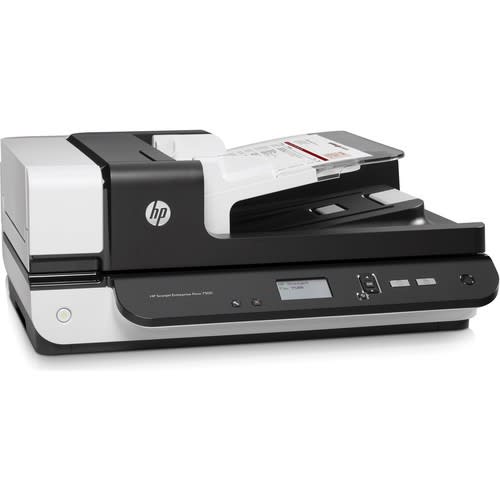
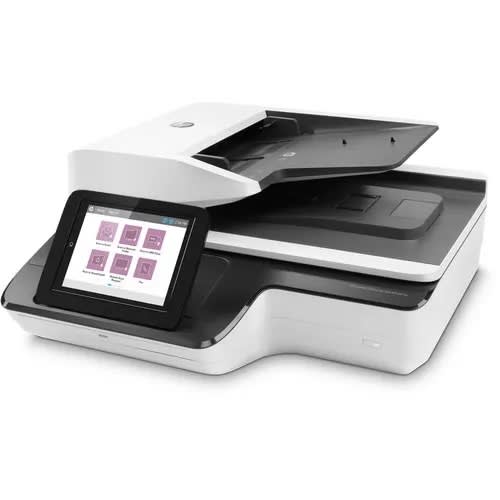
Designed for demanding workplaces, the Scanjet Enterprise Flow N9120 fn2 Flatbed Scanner from HP can efficiently transform your paper documents or books into 600 dpi files. It counts with a large flatbed ideal for bound media as well as an automatic document feeder, with both options scanning pages as large as 11.7 x 17" and the ADF
Scanner
Type
Flatbed Scanner with Automatic Document Feeder (ADF)
Maximum Resolution
600 dpi (Optical)
Scan Modes
Color, Grayscale, Monochrome
Color Depth
24-Bit (External)
Grayscale Depth
8-Bit (External)
Image Sensor
1 x Charge-Coupled Device (CCD)1 x Contact Image Sensor (CIS)
Duplex Scanning
Yes
Single Pass Duplex
Yes
Scan Speed
Simplex Speed120 ppm in ColorDuplex Speed240 ipm in Color
Automatic Image Corrections
Yes
File Formats
BMP, HTML, JPEG, Multi-Page TIFF, PDF, PNG, RTF, TIFF, TXT, Unicode TXT, XPS
Scanner Media Handling
Scan Sizes
ADFMaximum: 11.7 x 34" / 29.7 x 86.4 cm
Paper Capacity
ADF: 200 x Sheet
Media Weight
75 gsm
Daily Life Expectancy
20,000 Sheets
Special Media Support
Business Card, Envelope
Connectivity
Inputs/Outputs
USB-A (USB 2.0), USB-B (USB 2.0), RJ45
Wireless
None
Internal Memory
3584 MB
Scanner Drivers
TWAIN v2.1, WIA, ISIS
OS Compatibility
LinuxWindowsmacOS*As of February, 2021: Check with manufacturer for the most up-to-date compatibility
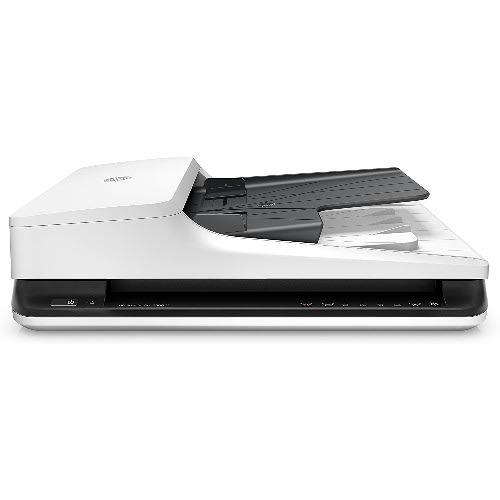
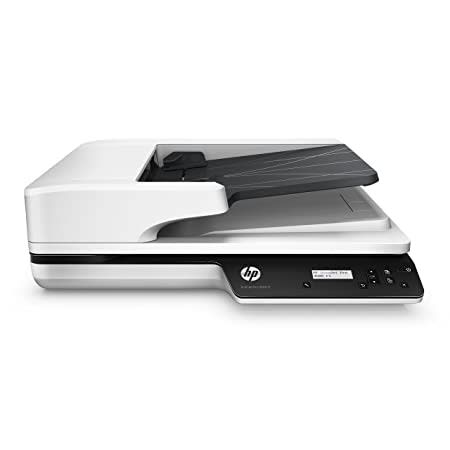
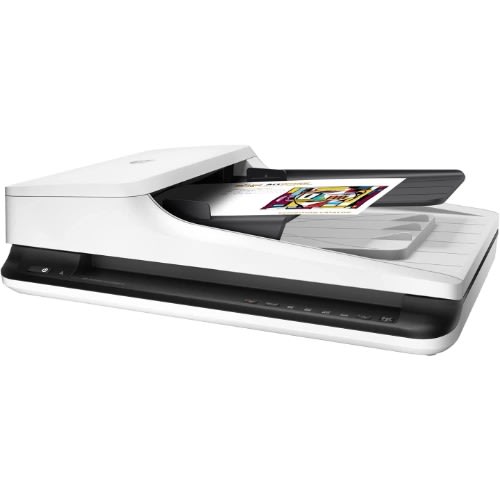
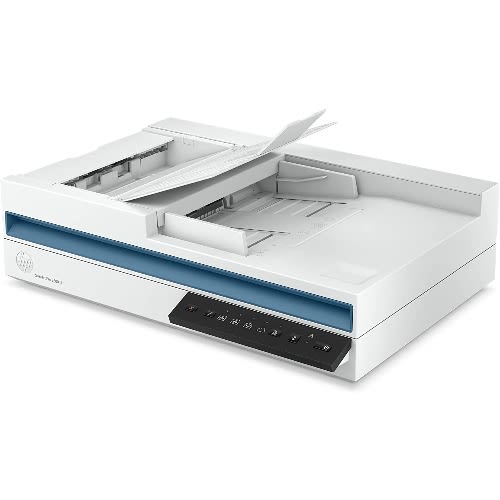
Scanjet Pro 2600 F1 - Fast 2-sided Scanning And Auto Document Feeder
BEST FOR & ndash; Sharp, true-to-life scans of documents, graphics and photos with up to 1200 dpi resolution
PROFESSIONAL PRODUCTIVITY & ndash; Get more done with fast 2-sided scanning and the 60-page auto document feeder
EASY TO USE & ndash; USB connectivity provides simple setup and reliable connections, and Instant-on Technology lets you begin scanning quickly
FAST SPEEDS & ndash; Scan up to 25 ppm / 50 ipm
VERSATILE SCANNING & ndash; Scan a variety of documents including books, magazines and ID cards
DESIGNED FOR HIGH VOLUMES & ndash; Scan up to 1,500 pages daily
SIMPLIFY WORKFLOW & ndash; Use pre-configured scan shortcuts, automated workflows and intelligent editing tools with HP Scan Pro Software, and scan directly to document applications with WIA, ISIS and TWAIN support
STRONG SECURITY & ndash; Genuine HP boot code signature validation prevents booting if the code has been altered, and worry-free updates ensure authentic firmware
Product Description
The HP ScanJet Pro 2600 f1 is perfect for scanning a variety of documents in high volumes. Boost productivity with single-pass, 2-sided scanning using the auto document feeder, or scan directly from the flatbed. Simplify work processes with pre-defined shortcuts, automated workflows and powerful editing tools, and ensure your data remains safe with enhanced security.
Resolution
Up to 600 x 600 dpi (color and mono, ADF); Up to 1200 x 1200 dpi (color and mono, flatbed)
Control panel
6 lights (Shortcut, Duplex, Error); 5 button (Power, Scan, Duplex, Shortcut Select, Cancel )
Bit depth
24-bit (external), 48-bit (internal)
Maximum document scan size
8.5 x 122 in
Scannable media types
Paper (banner, inkjet, photo, plain), envelopes, labels, cards (greeting, index)
Input type
ADF; CIS scanning technology; Flatbed
Auto document feeder
Standard, 60 sheets
Connectivity
USB 2.0
Dimensions (W X D X H)
19.4 x 12.8 x 5.2 in
Weight
11.9 lb
Supported operating systems
Windows 11; Windows 10; Windows 8; Windows 8.1; Windows 7; Windows Server; macOS 10.14 Mojave; macOS 10.15 Catalina; macOS 11 Big Sur; macOS 12 Monterey; Linux
ENERGY STAR
CECP; IT ECO Declaration; SEPA; EPEAT & reg; Silver registered
Warranty
One-year limited hardware warranty, phone and Web support included. Warranty may vary by country as required by law. Go to //www.hp.com/support to learn about HP world-class service and support options in your region.
What's in the box
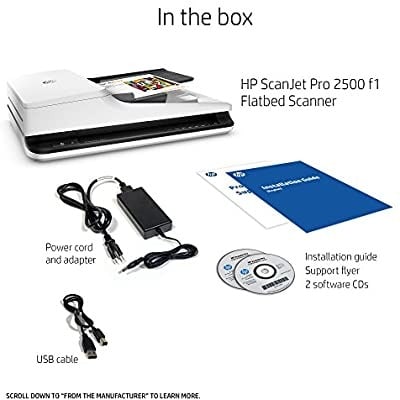
HP ScanJet Pro 2600 f1 Scanner; Install Guide; Supporting flyers; Cushions; USB cable; Power adapter; Power cords
Scanjet Pro N4600 Fnw1 - Fast 2-sided Scanning And Auto Document Feeder With Wireless
BEST FOR & ndash; Sharp, true-to-life scans of documents, graphics and photos with up to 1200 dpi resolution
PROFESSIONAL PRODUCTIVITY & ndash; Get more done with fast 2-sided scanning and the 100-page auto document feeder
EASY TO USE & ndash; USB, Ethernet and Wi-Fi connectivity provide reliable connections, and Instant-on Technology lets you begin scanning quickly
FAST SPEEDS & ndash; Scan up to 40 ppm / 80 ipm
SCAN TO USB & ndash; Walk up and scan documents directly to a USB drive
VERSATILE SCANNING & ndash; Scan a variety of documents including books, magazines and ID cards
DESIGNED FOR HIGH VOLUMES & ndash; Scan up to 6,000 pages daily
SIMPLIFY WORKFLOW & ndash; Use pre-configured scan shortcuts, automated workflows and intelligent editing tools with HP Scan Pro Software, and scan directly to document applications with WIA, ISIS and TWAIN support
STRONG SECURITY & ndash; Genuine HP boot code signature validation prevents booting if the code has been altered, and worry-free updates ensure authentic firmware
HP ScanJet Pro N4600 fnw1 (20G07A)
Scanner type
ADF; CIS scanning technology; Flatbed
Digital sending standard features
Send to email (Store up to 50 e-mails); Send to network folder; Send to PC
Digital sending optional features
Send to email; Send to network folder; Send to PC
Scan resolution, optical
Up to 600 dpi (color and mono, ADF); Up to 1200 dpi (color and mono, flatbed)
Scan resolution, hardware
Up to 600 x 600 dpi (color and mono, ADF); Up to 1200 x 1200 dpi (color and mono, flatbed)
Enhanced scanning resolution
Up to 1200 dpi
Duty cycle (daily)
Recommended daily duty cycle: 6000 pages
Bit depth
24-bit (external), 48-bit (internal)
Automatic document feeder scan speed
Up to 40 ppm/80 ipm (b & w, gray and color, 300 dpi) 1
Automatic document feeder scan speed
Up to 40 ppm/80 ipm (b & w, gray and color, 300 dpi) 1
Scan size (ADF), maximum
216 x 5362 mm
Scan size, maximum
216 x 356 mm
Scan size (ADF), minimum
89 x 148 mm
Automatic document feeder capacity
Standard, 100 sheets
Duplex ADF scanning
Yes
Scan file format
For text and image pages : PDF, JPEG, PNG, BMP, TIF, Text(TXT), Rich Text(RTF), SEARCHABLE PDF, PDF/A, Word(DOC), Word(DOCX), Excel(XLS), Excel(XLSX), CSV
Scan input modes
Scan front-panel function : Scan to Computer, Scan to E-mail, Scan to Network Folder, Scan to Share Folder, Scan to USB Drive and Everyday Scan. HP Scan in Win OS, HP Easy Scan/ICA in Mac OS and THIRD parties applications via TWAIN.
Color scanning
Yes
Levels of grayscale
256
Image scaling or enlargement range
Will not perform any arbitrary scaling
Scan technology
ADF; Flatbed; Contact Image Sensor (CIS)
Scanning options (ADF)
Single-pass Duplex scanning
Multifeed detection
Yes
Output resolution dpi settings
75; 150; 200; 240; 300; 400; 500; 600; 1200 ppi
Light source (scanning)
Light Emitting Diode (LED)
With Send to Cloud you can easily upload your images to Cloud Services like Evernote and Dropbox
Auto Scan Mode automatically adjusts settings by detecting what you are scanning
Scan a letter sized document in approx. 10 seconds
Auto Document Fix automatically employs area by area correction for beautiful, easy to view scans
OS Compatibility Windows:5,6 Windows 8, Windows 8.1, Windows 7, Windows 7 SP1, Windows Vista SP1, Vista SP2, Windows XP SP3 32 bit.5,6. Mac:5,6Mac OS X v10.6.8 10.95,6
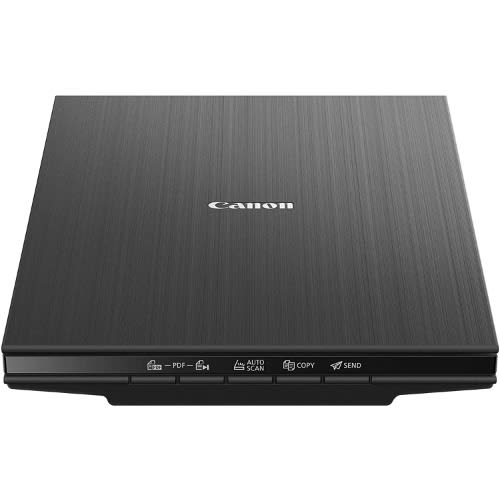
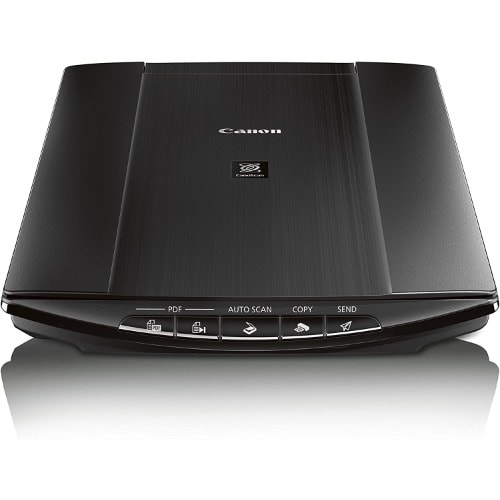
CanoScan LiDE 220 Launch Assets Color Image Scanner
The CanoScan LiDE220 Color Image Scanner offers advanced features, easy operation and 'Send to Cloud' functionality.1 The LiDE220 lets you upload images to the Cloud with remarkable ease. Providing a maximum optical resolution of 4800 x 4800 dpi2, its vivid 48-bit color depth is capable of producing over 281 trillion possible colors. An Auto Document Fix feature automatically produces beautiful scans with advanced image analysis and area-by-area data correction, while Auto Scan Mode3 automatically evaluates the item being scanned and saves it with the appropriate settings. The LiDE220 scanner also helps you work efficiently with five EZ Buttons that enable you to scan, copy, Send to Cloud1, or create a single or multipage PDF in a snap. It scans fast too, creating a letter-sized color scan in approximately 10 seconds.4 Plus, it comes with a stand to enable vertical scanning & mdash; accommodating workspaces of just about any size. And the Advanced Z-LidTM Expansion Top extends up approximately one-inch and over the platen to let you scan large items, such as textbooks or other thick documents. The LiDE220 scanner uses one USB cable for both data and power, so plugging in is easy. The LiDE 220 includes My Image Garden5, a convenient software package that makes organizing your photos fun and easy.
1-Year limited warranty with InstantExchange Program. 1-Year toll-free technical phone support.
Canoscan LIDE220 color image scanner setup software & users guide CD-Rom, USB Cable and vertical stand.
Features
5 EZ Buttons, Advanced Z-lid Expansion Top, Auto Dust & Scratch Reduction, Auto Document Fix, Auto Scan Mode, Digital Filing, Fading Correction, Grain Correction, Gutter Shadow Correction, High-Speed Scanning4, Image Correction, Low Power Consumption, My Image Garden5, One Cable For Data & Power, Send to Cloud1, Upright Scanning
Excellent Resolution
4800 x 4800 dpi maximum optical color resolution, 48-bit color depth with over 281 trillion possible colors and 19,200 x 19,200 (Interpolated) software enhanced scans.
High Speed Scan
Delivers a letter size color scan in approx. 10 seconds.
EZ Buttons
Five buttons that enable you to scan, copy, Send to Cloud1 or create PDFs faster.
Auto Document Fix
Automatically employs area-by-area correction for beautiful, easy-to-view scans.
Auto Scan Mode
Automatically recognizes the type of original, then scans and saves with suitable settings with one click of the Scan button.
Advanced Z-Lid Expansion Top
Lifts approximately one-inch to scan large items such as personal notebooks, and other thick documents.
Send to Cloud
An easy way to send all your data or attachments to Dropbox or Evernote with a single button.
HI-Speed USB
Plug the cable into your PC for a super-fast connection for your data transfers.
Scan Type
Flatbed
Scanner Element
Contact Image Sensor (CIS)
Light Source
Three-color (RGB) LED
Maximum Resolution
Optical: 4800 x 4800 dpi
Interpolated: 19,200 x 19,200 dpi
Scanning Mode
Color: 48-bit internal/48 bit or 24-bit external
Grayscale: 16-bit internal/8-bit external
Scanner Buttons (EZ Buttons)
Auto Scan, Copy, PDF (x2), Send
Maximum Document Size
8.5 inches x 11.7 inches
Power Requirements
Hi-Speed USB
Maximum Power Consumption
2.5W (1.4 W Standby)
Environmental Conditions (without condensation)
Canoscan Lide 300 Scanner Scan To Cloud & Auto Scan
Take the time-consuming hassle out of scanning documents and images, with the canon canoscan lide 300 flatbed scanner. lightweight and powered by a usb cable, the canon canoscan lide 300 is ideal for working on the go and uploading documents in a hurry. scan pages in as little as ten seconds - handy when you want to save notes and assignments to your pc. with a high quality resolution, you're able to capture the subtle details in scanned photos, so they don't lose their clarity when you share them on social media. and with the auto-scan button, the canon canoscan lide 300 automatically selects the best settings for the type of document or image you're scanning. so, you won't need to manually program your scanner for each photo or page. type a4 colour flatbed scanner maximum scan size a4 optical resolution photo & document: 2400 & times; 4800 dpi scanning element cis interface usb 2.0 colour depth - 48-bit input - 48/24-bit output scan speed 10 seconds usb-bus powered yes
Canon canoscan lide 300 slim overview easily and quickly scan documents in high resolution with the canoscan lide 300 slim color image scanner from canon. This lightweight and sleek scanner has an optical resolution of 2400 dpi and a max interpolated resolution of 19200 dpi, which is suitable for digitally capturing photos or other documents. The 8.5 x 11.7" flatbed cis scanner can scan a whole page in just 10 seconds at 300 dpi. This scanner features an advanced z-lid expansion top and 4 ez buttons, which allow for quick operation in a variety of modes. Bundled software can, on the windows version, correct scanned images for dust and scratches and other issues. Additionally, the send to cloud feature enables quick uploads to cloud storage services like microsoft onedrive and dropbox while connected to a computer.