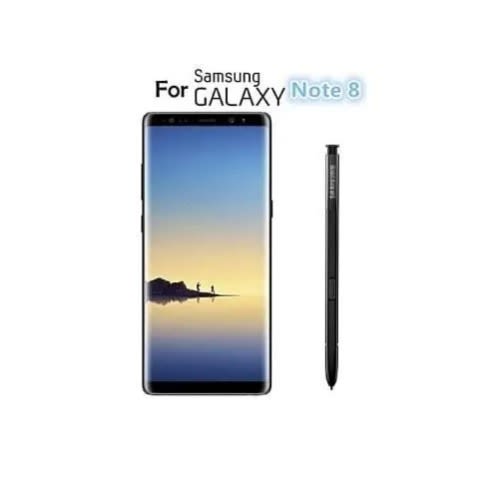
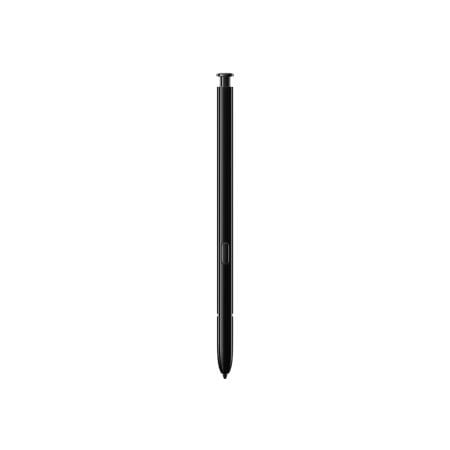
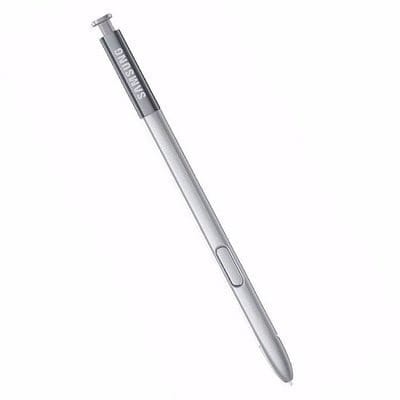
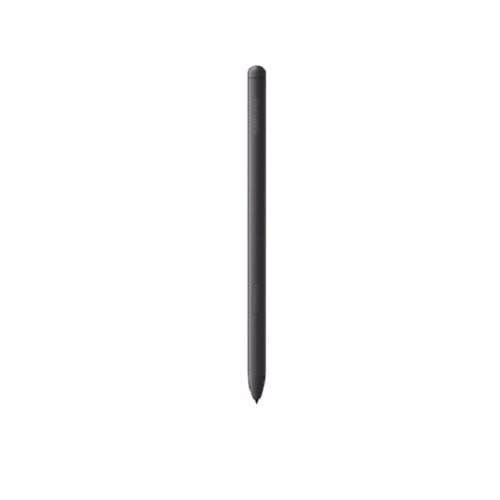
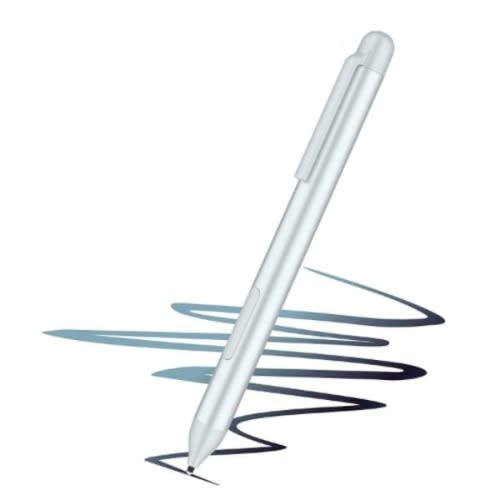
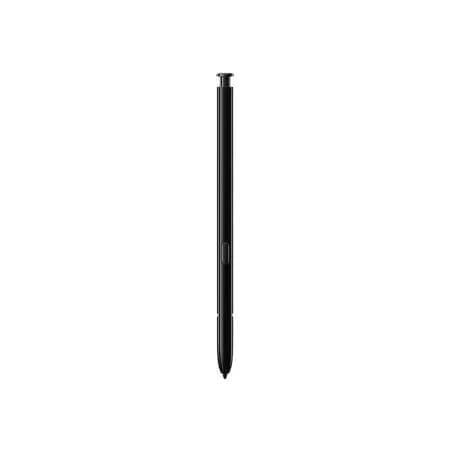
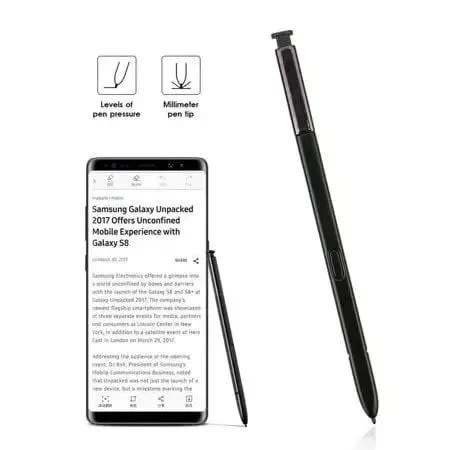
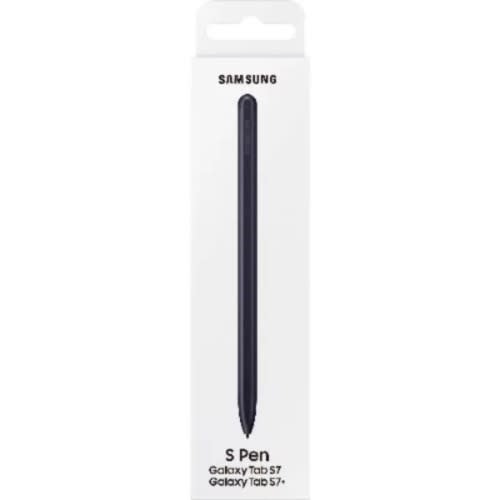
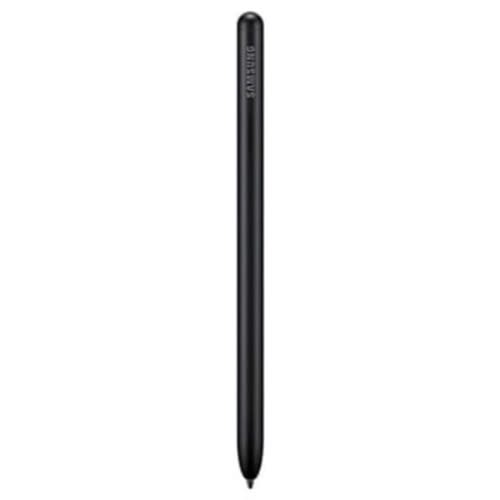
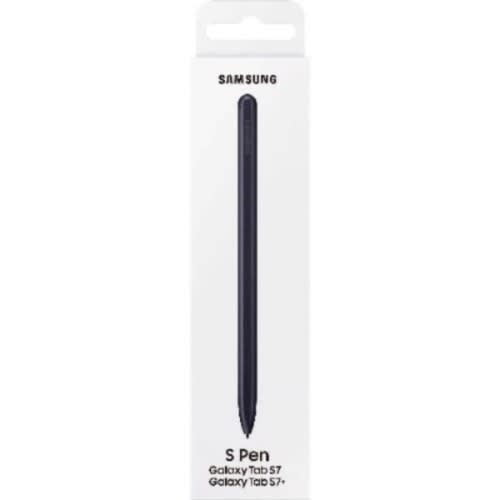
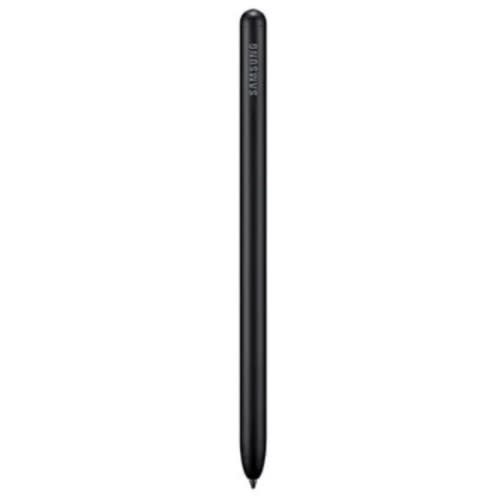
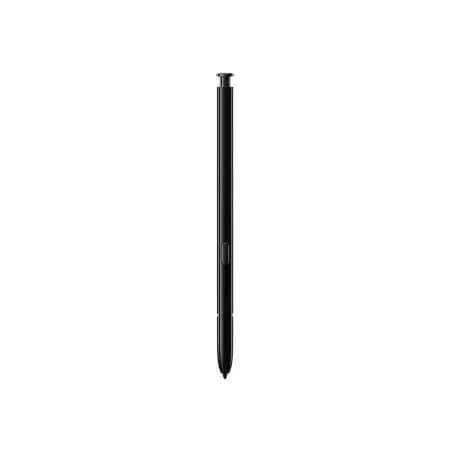
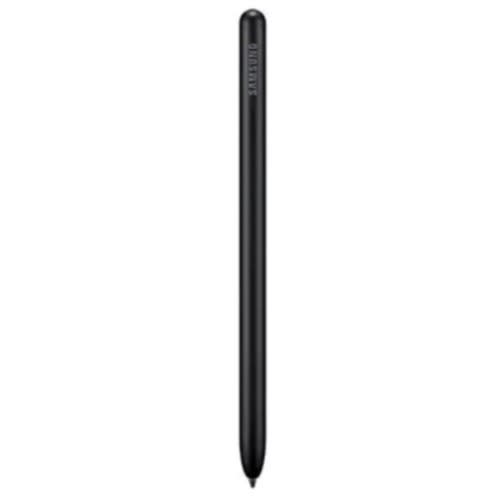
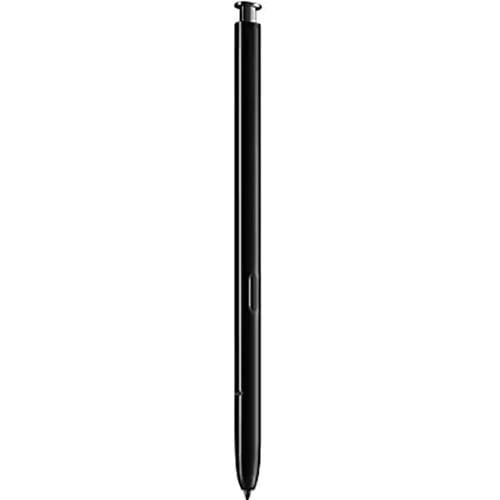
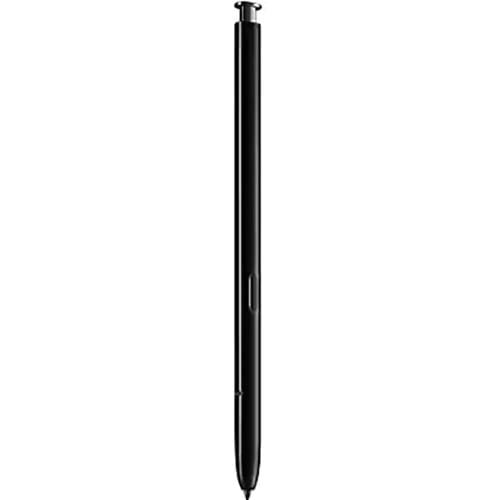
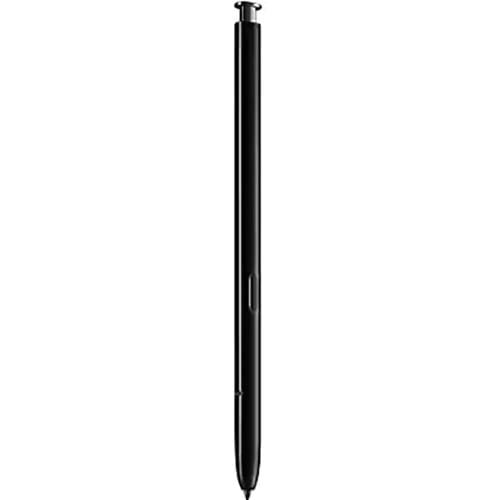
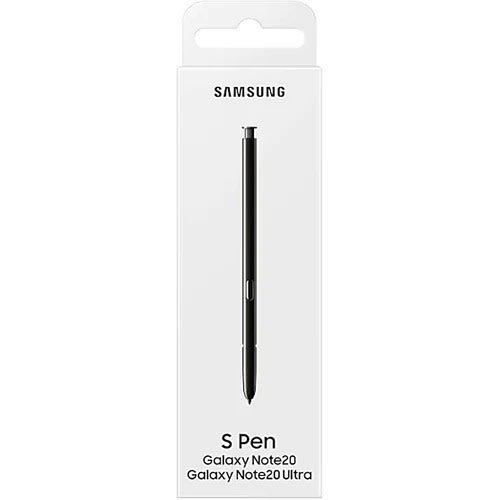
The Samsung Galaxy S Pen can be used to work preciecer and productive with your Galaxy Note 8. This Note 8 accurate stylus is specially designed for your Galaxy Note 8 and the two fit together so perfectly.
The proof is in its precision. Vast improvements have made this stylus even more responsive and water resistant so you can enjoy far more accurate, worry-free strokes. It & rsquo;s about as close to traditional writing as you can get.
Works with Samsung Galaxy Note 8
Once you get hooked on the Samsung Galaxy Note 8's S Pen for taking notes, you won't ever want to go back to just using the on-screen keyboard.
The tip of the Samsung Galaxy S Pen simulates a finger touch, tap or swipe to provide a full touch-screen environment without leaving any fingerprints behind.
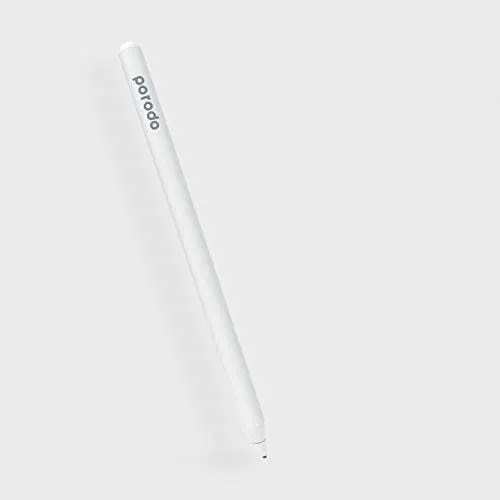
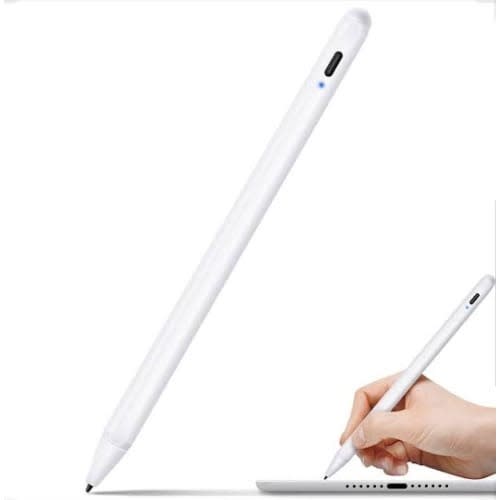
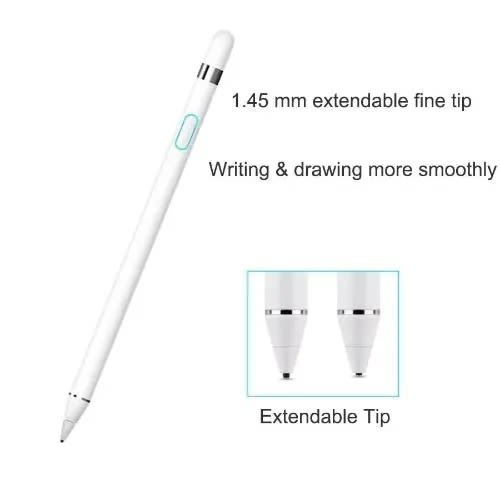
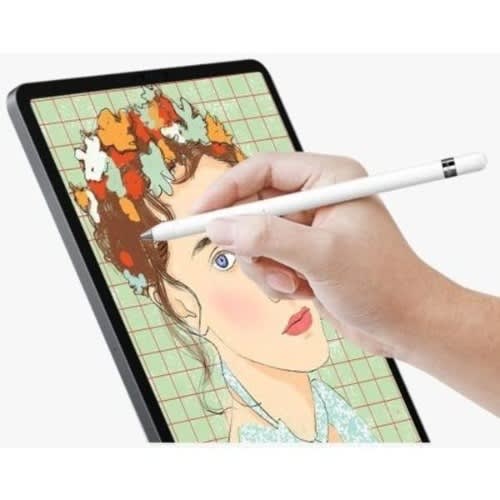
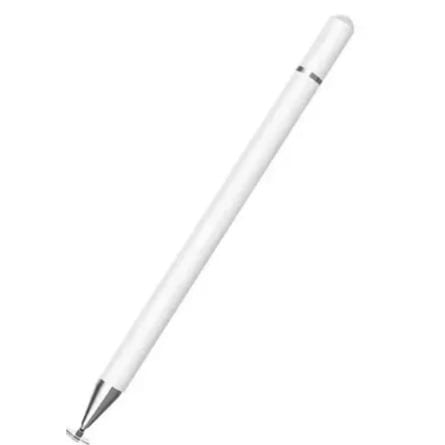
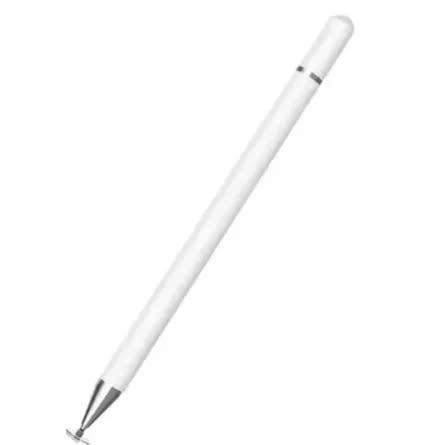
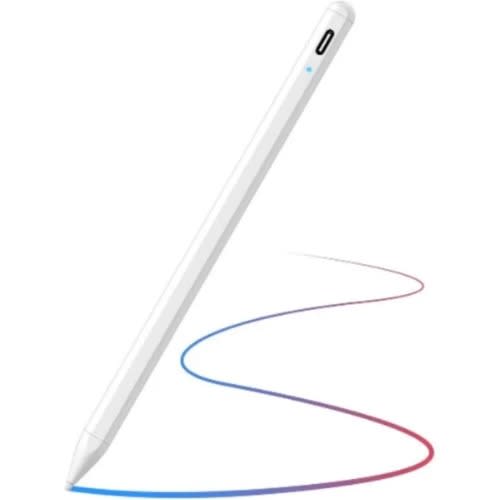
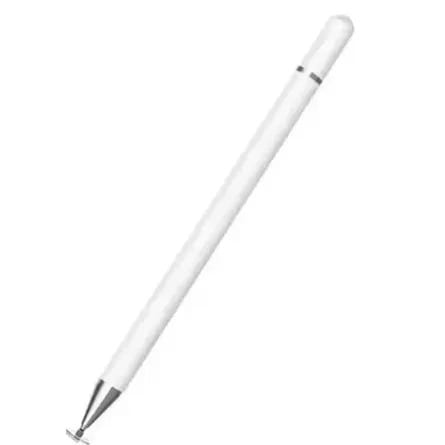
Stylus Pencil Compatible With iOS And Android Tablet
Colour
White
OS
-
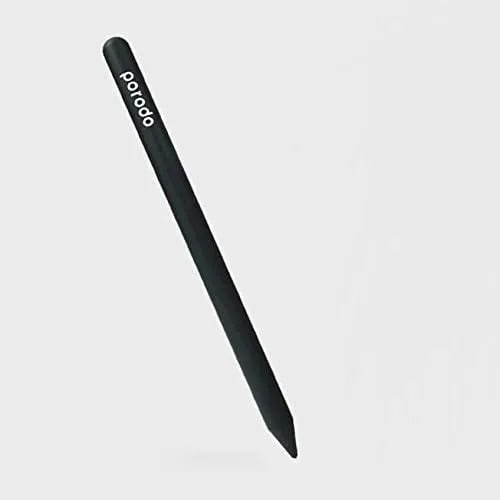
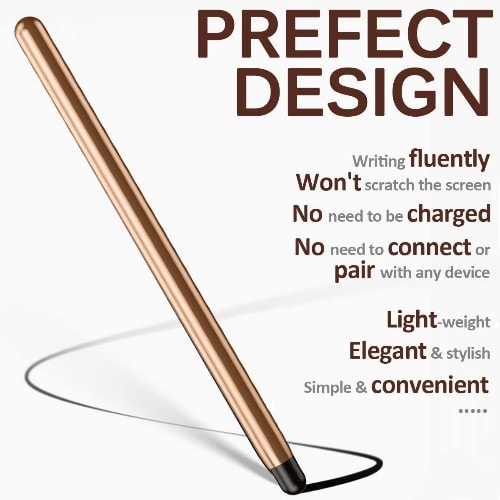
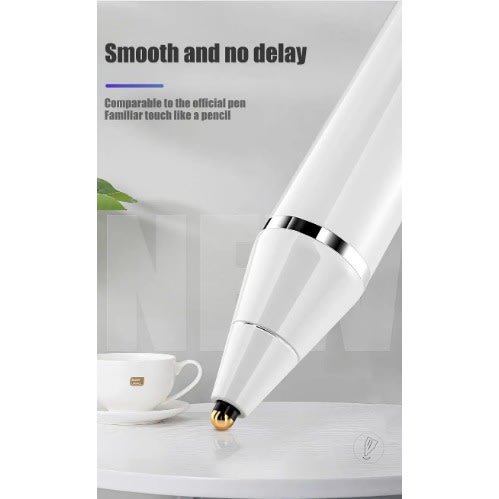
Speed up your designing make better designs use your phone more enjoyable and stay stylish all with Universal Pencilit has pixel perfect precision to help you on you quality of working Universal Pencil also have magnetic attachmentand it can be at your service for 12 hours every time you charge the Universal Pencil is compatible with iOS & Android tabletsand it is very easy to use
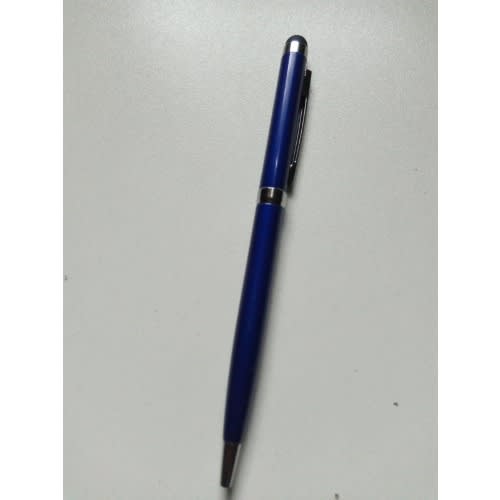
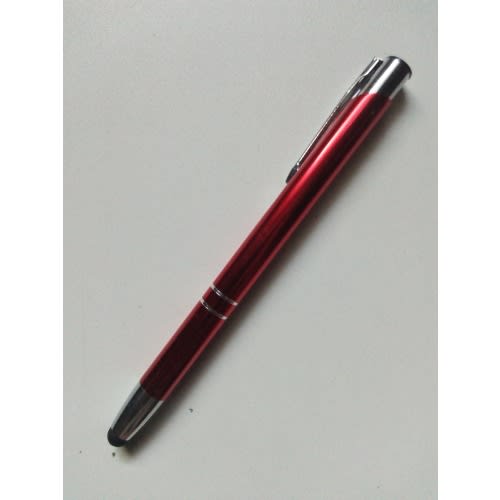
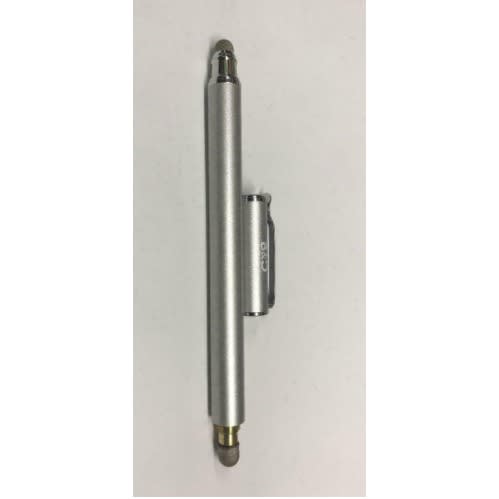
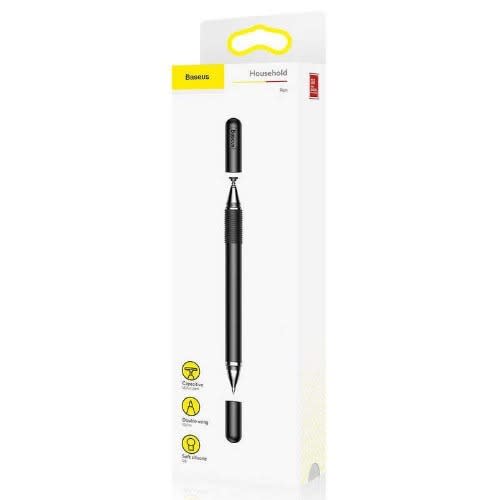
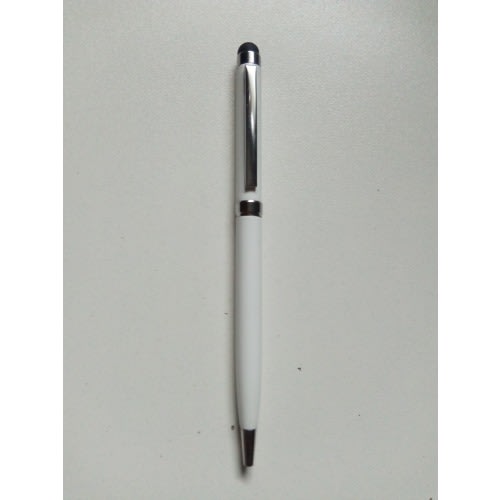
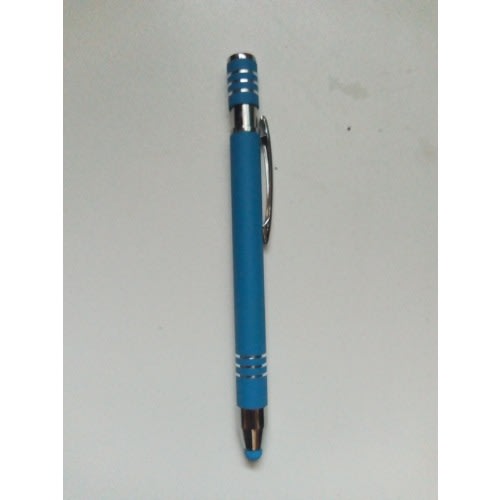
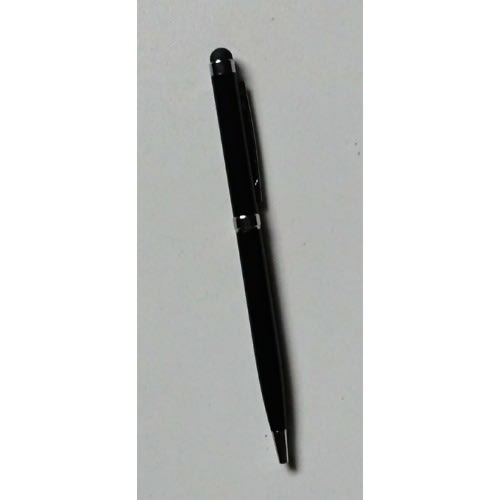
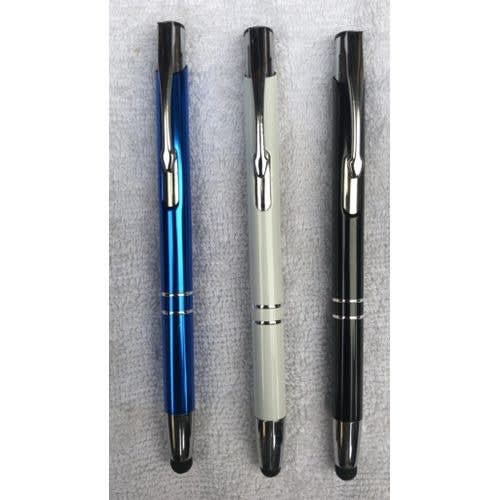
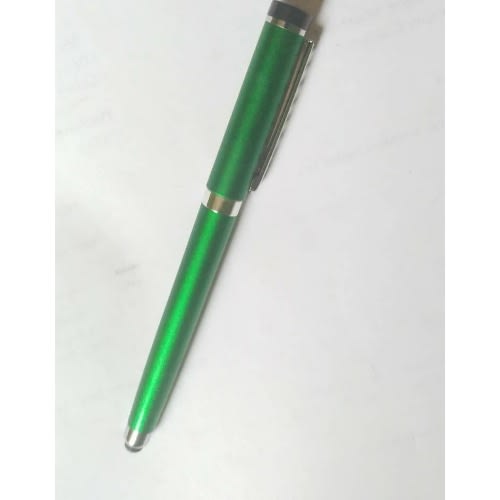
This dual function stylus includes a soft touch capacities stylus fully compatible with all touch-screen
devices and a resistive hard tip stylus.
Capacitive Stylus and Resistive Hard Tip Stylus Combination.
Capacitive Stylus fully compatible with all capacitive touch-screen devices.
Practical design brings more convenience to your life.
The touching end of stylus is designed with rubber, soft enough to protect your screen against fingerprints
and scratches, maintaining high definition to your screen.
Compatible with all capacities touch screen devices, such as iPhone 7/7 Plus/6/6s/6 Plus/6s Plus, iPad Mini,
iPad Air, iPod, Samsung Galaxy S3/s4/s5/s6/s7 edge, HTC, Google Nexus, Blackberry, Sony, Android Phones and
Resistive Touch Screen device.
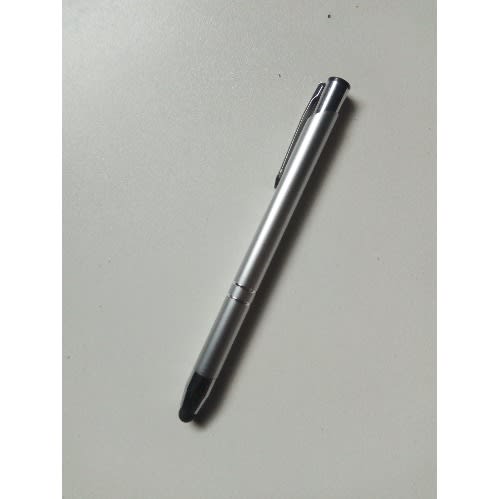
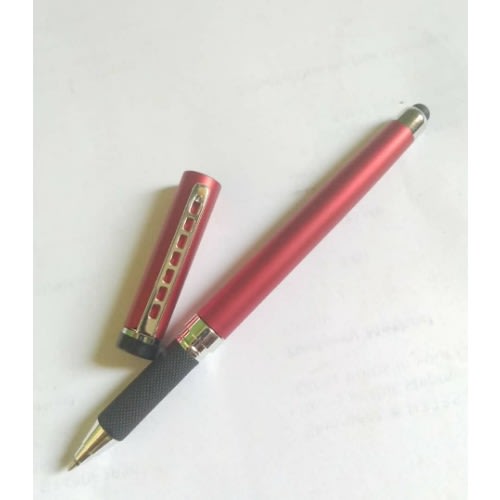
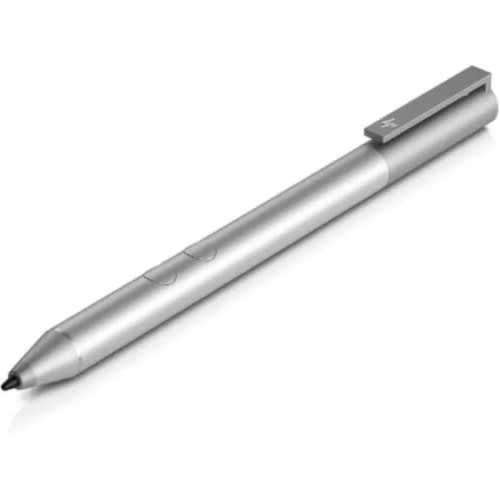
Soft rubber tip and solid metal material.
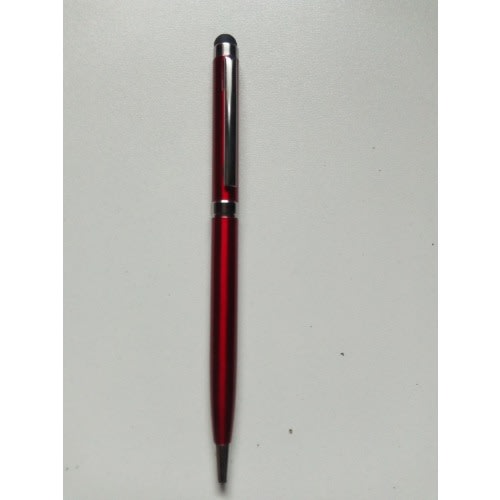
It also can be used as a ball pen.
Compact and light weight design easy to carry.
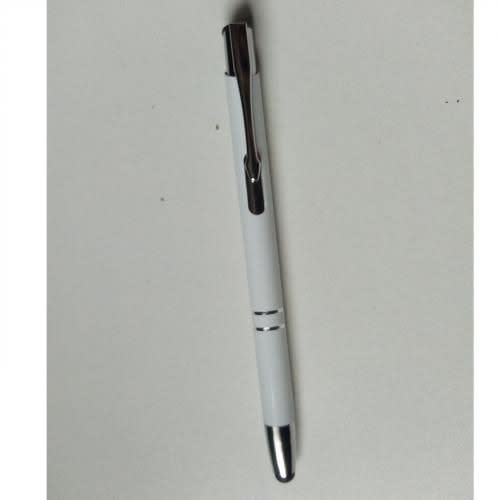
Clip design can be clipped in your pocket book diary,etc.
Keep your screen free from scratching and fingerprint.
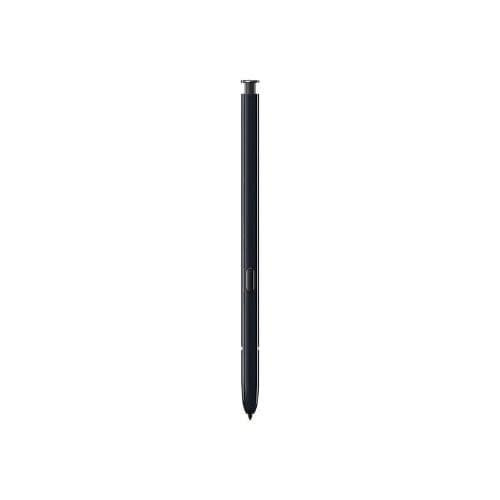
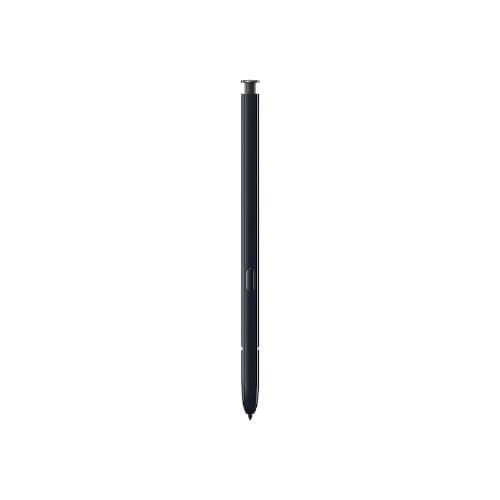
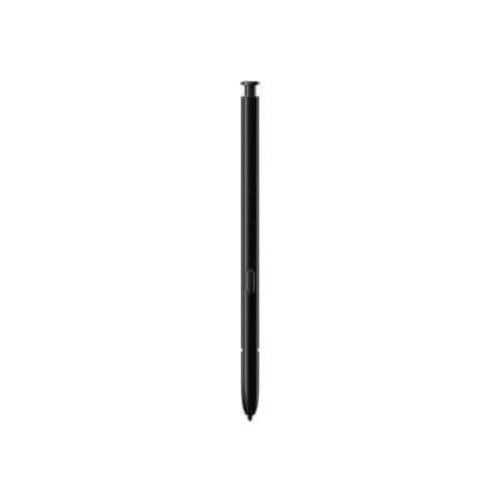
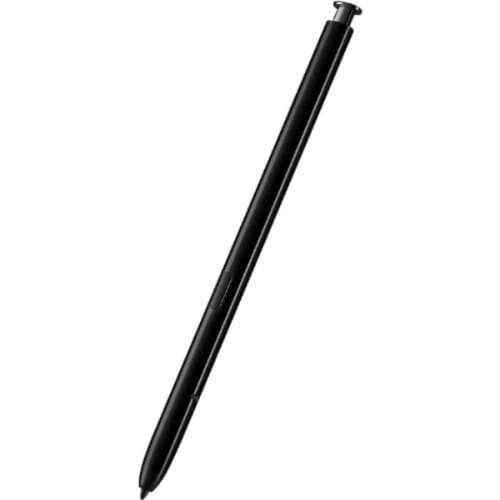
Replacement Stylus Pen For Galaxy Note 10 & Note 10 Plus -Black
The smartest stylus on the market - the S pen - compatible with the Samsung Galaxy Note 10 and Note 10plusThe improved S pen allows you to be as creative as possible with your Galaxy Note 10 and Note 10plus enabling you to get an ideal experience possible from your tabletMaking it impossible to scratch your screen during use, the round end of the stylus allows you to use it without the fear of causing any damage to your tabletThis is an official Samsung product, so is made to the higher standards with the ideal quality materialsRemote camera accessCapture moments like no one else canTake your photography to new heights with S Pen's remote camera feature. No more rushing to beat the self-timer, straining your arm to take a selfie, or struggling to snap an epic wefie.
Presentation controlCommand your slideshow without touching your phoneConnect your Galaxy Note t 10 and Note 10plus o Samsung DeX and pull up your presentation, then switch slides using the S Pen. Make a major impression with a simple press of the button.
Your favorite appsEnhance your app experienceTake advantage of the S Pen with a variety of native and third party apps. From photos in the Gallery to YouTube videos, you can use the stylus to play, pause, or switch to the next one, from up to 10 meters away. And for more control, you can set your own custom functions
This dual function stylus includes a soft touch capacities stylus fully compatible with all touch-screen
devices and a resistive hard tip stylus.
Capacitive Stylus and Resistive Hard Tip Stylus Combination.
Capacitive Stylus fully compatible with all capacitive touch-screen devices.
Practical design brings more convenience to your life.
The touching end of stylus is designed with rubber, soft enough to protect your screen against fingerprints
and scratches, maintaining high definition to your screen.
Compatible with all capacities touch screen devices, such as iPhone 7/7 Plus/6/6s/6 Plus/6s Plus, iPad Mini,
iPad Air, iPod, Samsung Galaxy S3/s4/s5/s6/s7 edge, HTC, Google Nexus, Blackberry, Sony, Android Phones and
Resistive Touch Screen device.
Soft rubber tip and solid metal material.
It also can be used as a ball pen.
Compact and light weight design easy to carry.
Clip design can be clipped in your pocket book diary,etc.
Keep your screen free from scratching and fingerprint.
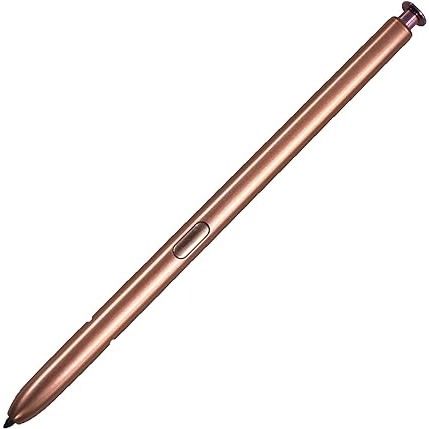
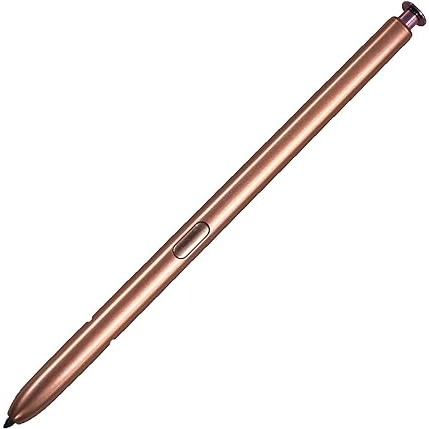
Official Galaxy Note 20 - Note 20 Ultra S Pen Stylus - Gold
Unparalleled, S Pen Defines The Note Experience
The Note 20 S Pen has been redesigned with the latest innovation to put more power at your fingertips. This is Samsung's most advanced S Pen yet. With an elegant, unibody design, it follows your movement enabling you to write, draw and control for longer.
S Pen Is Now Your Remote Control
Crafted with the latest design the S Pen can be used as a remote control turning your clicks into actions. This makes it the most powerful pen yet as with a click you can navigate a presentation, play and pause videos or snap a photo instantly.
Action
Turn up the sound by gesturing up. Lower the sound by gesturing down & mdash; no need to touch the volume key. Flick left or right in the Gallery app to move to the next photo, or go back to the previous one. Move S Pen clockwise or counterclockwise to change the camera angle and capture a close-crop group shot or the whole scene.
Cutting Edge Technology
Engineered with cutting edge technology, this Note 20 S Pen matches your movements allowing you to control your phone via simple gestures. The air actions give you intuitive control with a wave of your hand.
Control Your Galaxy Note 20 With Maximum Precision
The smartest stylus on the market - the S Pen - compatible with the Samsung Galaxy Note 20. The new and improved S Pen allows you to be as creative as possible with your Galaxy Note 20 enabling you to get the best experience possible from your tablet.
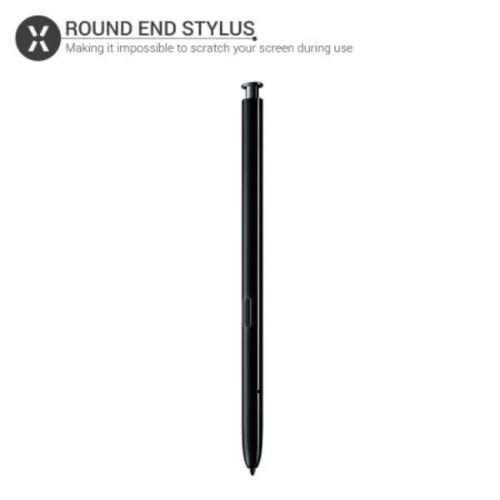
Round End Stylus Won't Scratch or Damage Your Screen
Making it impossible to scratch your screen during use, the round end of the stylus allows you to use it without the fear of causing any damage to your tablet.
Official Samsung Accessory
This is an official Samsung product, so is made to the highest standards with the best quality materials. It is designed specifically for use with the Samsung Galaxy Note 20, so offers perfect compatibility, and does not impede the use of the touchscreen.
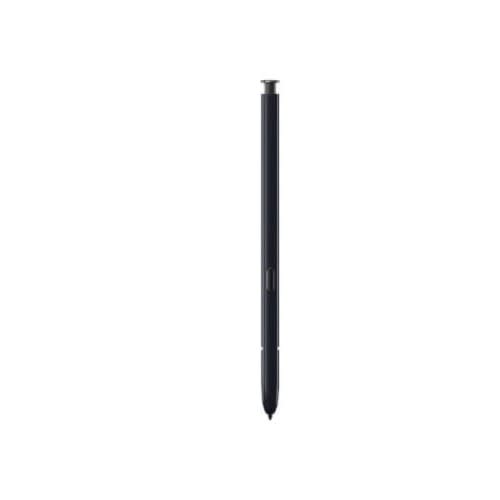
Official Galaxy Note 20 - Note 20 Ultra S Pen Stylus - Black
Unparalleled, S Pen Defines The Note Experience
The Note 20 S Pen has been redesigned with the latest innovation to put more power at your fingertips. This is Samsung's most advanced S Pen yet. With an elegant, unibody design, it follows your movement enabling you to write, draw and control for longer.
S Pen Is Now Your Remote Control
Crafted with the latest design the S Pen can be used as a remote control turning your clicks into actions. This makes it the most powerful pen yet as with a click you can navigate a presentation, play and pause videos or snap a photo instantly.
Action
Turn up the sound by gesturing up. Lower the sound by gesturing down & mdash; no need to touch the volume key. Flick left or right in the Gallery app to move to the next photo, or go back to the previous one. Move S Pen clockwise or counterclockwise to change the camera angle and capture a close-crop group shot or the whole scene.
Cutting Edge Technology
Engineered with cutting edge technology, this Note 20 S Pen matches your movements allowing you to control your phone via simple gestures. The air actions give you intuitive control with a wave of your hand.
Control Your Galaxy Note 20 With Maximum Precision
The smartest stylus on the market - the S Pen - compatible with the Samsung Galaxy Note 20. The new and improved S Pen allows you to be as creative as possible with your Galaxy Note 20 enabling you to get the best experience possible from your tablet.
Round End Stylus Won't Scratch or Damage Your Screen
Making it impossible to scratch your screen during use, the round end of the stylus allows you to use it without the fear of causing any damage to your tablet.
Official Samsung Accessory
This is an official Samsung product, so is made to the highest standards with the best quality materials. It is designed specifically for use with the Samsung Galaxy Note 20, so offers perfect compatibility, and does not impede the use of the touchscreen.
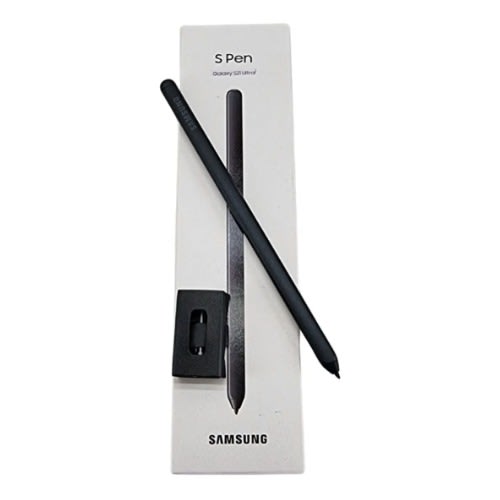
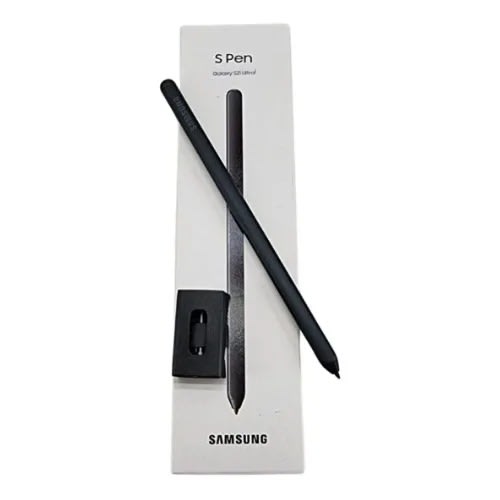
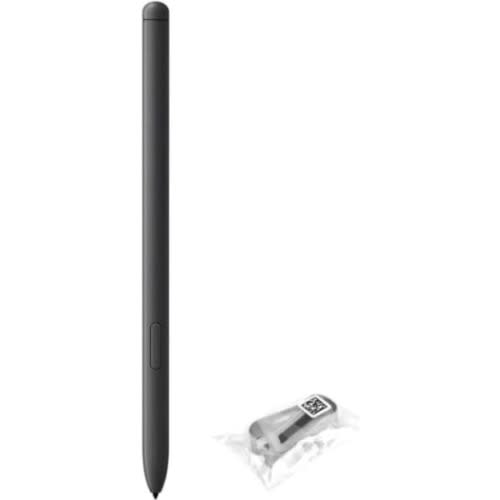
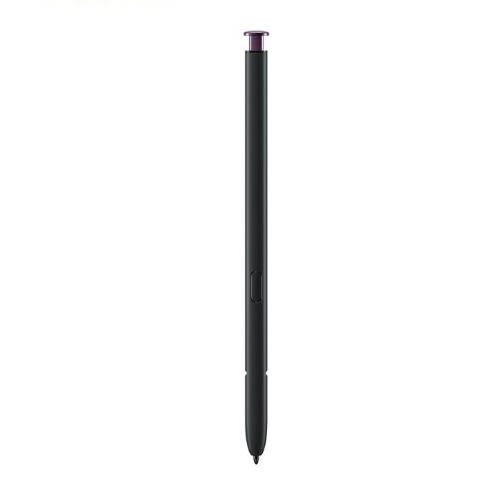
The S21 Ultra stylus is long and thin. It has two large flat surfaces and two rounded sides for superior grip, and the rubberised texture gives greater comfort and non-slip issues.The weight is off-set towards the stylus end for better writing balance and precision, and alongside the length not only feels like a good pen, but only aids in comfortable writing and operating the phone.
The pressure sensitivity is very fine 4096 and really nice, though not something I use much off.
The button placement is a tad lower than where I would like but this is totally user dependent, so YMMV. It works perfectly regardless and fast.
Using both One UI 3.1 S Pen settings and Samsung Good Lock Pentastic module, the S Pen is customisable on the software side and has a number of fast features for various tasks.Holding the button and tapping twice on my screen, on or off, allows me to instantly write notes into Samsung Notes app.Using the button to bring up multiple S Pen features user choice to customise gives me more flexibility in multitasking.Three of my most used features are:
- GlanceAllows me to automatically make app 1 become a tiny window whilst I use app 2; simply hovering over the tiny window brings back the previous app 1 to full screen and use as normal. Move my S Pen away from the screen makes the app 1 condense back into a tiny window and app 2 is ready to interact with.
- Screen WriteThis let's me immediately write on any given screen on my phone depending on security and privacy features for certain app and create a screenshot.
- Smart SelectMultiple feature in one, here I can select portions of a screen for a screen grab, extract text from, say, a picture, create a GIF, and pin a section of a screen to my phone for multitasking.
- MagnifyAllows me further see a portion of a screen closer wherever the pointer is, and I can increase the magnification at will.In Adobe Photoshop Lightroom I use this to really dive into a picture when using the healing brush, using the S Pen superior precision and accuracy my finger alone could never achieve. The magnification tool is a huge boon for this task in photographic editing.
Regarding the tips, Samsung thoughtfully provided spares and two types. The default black feels soft and grips great on a glass screen, and the feeling is like using a cross between a pencil, ballpoint pen, rollerball, and a dried paintbrush. It's a tad weird yet utterly wonderful to write with.The alternative white tips are hard plastics with no flex or soft feel, so this is for those who prefer a more resistive style of typing using a stylus.It's very easy to change out the tips if you want to try them or change out an older tip. Getting spare tips is, from what I can tell, via contacting Samsung customer services.
Later this year a Bluetooth, battery operated version is getting released, the S Pen Pro, which I'll likely upgrade to, however the shape, size, weight, and comfort of the standard S21 Ultra S Pen is amazing and easily worth obtaining, provided that you have a solution for carrying it around...
Well done Samsung for making a great stylus experience!
Wrote this review on my S21 Ultra 5G 512GB Exynos and with the S21 Ultra S Pen. Also have a Whitestone Dome glass screen protector with gel layer; no lag nor issues!
*A past user of Samsung stylus devices, from way back with the Microsoft OS Samsung Omnia SGH-i900 to the then Note II and Note 3, I have enjoyed the experiences a stylus can give.The Note II and 3 were my favourite phones in the past, but it has been years since I used any stylus. The issue I had with most is the shortness of the styluses themselves; even on my Nintendo 3DS XL and N3DS XL I used third party telescopic styluses
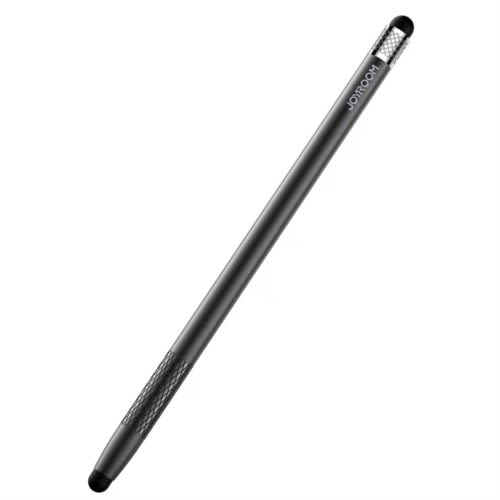
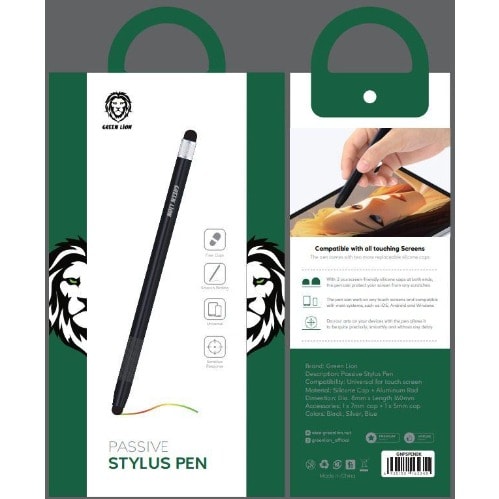
passive capacitive stylus touch screen pen This Universal stylus pen is compatible with all phone and tablet models It is light and easy to carry around with a pocket clipThis Stylus pen is compatible with all LED and OLED touch screens so it will be suitable for many applications Tips which can be easily replaced will allow you to draw play games edit photos and highlight texts precisely A light and ergonomic housing lets you stably hold the stylus pen in your hand for a long time
This dual function stylus includes a soft touch capacities stylus fully compatible with all touch-screen
devices and a resistive hard tip stylus.
Capacitive Stylus and Resistive Hard Tip Stylus Combination.
Capacitive Stylus fully compatible with all capacitive touch-screen devices.
Practical design brings more convenience to your life.
The touching end of stylus is designed with rubber, soft enough to protect your screen against fingerprints
and scratches, maintaining high definition to your screen.
Compatible with all capacities touch screen devices, such as iPhone 7/7 Plus/6/6s/6 Plus/6s Plus, iPad Mini,
iPad Air, iPod, Samsung Galaxy S3/s4/s5/s6/s7 edge, HTC, Google Nexus, Blackberry, Sony, Android Phones and
Resistive Touch Screen device.
Soft rubber tip and solid metal material.
It also can be used as a ball pen.
Compact and light weight design easy to carry.
Clip design can be clipped in your pocket book diary,etc.
Keep your screen free from scratching and fingerprint.
This dual function stylus includes a soft touch capacities stylus fully compatible with all touch-screen
devices and a resistive hard tip stylus.
Capacitive Stylus and Resistive Hard Tip Stylus Combination.
Capacitive Stylus fully compatible with all capacitive touch-screen devices.
Practical design brings more convenience to your life.
The touching end of stylus is designed with rubber, soft enough to protect your screen against fingerprints
and scratches, maintaining high definition to your screen.
Compatible with all capacities touch screen devices, such as iPhone 7/7 Plus/6/6s/6 Plus/6s Plus, iPad Mini,
iPad Air, iPod, Samsung Galaxy S3/s4/s5/s6/s7 edge, HTC, Google Nexus, Blackberry, Sony, Android Phones and
Resistive Touch Screen device.
Soft rubber tip and solid metal material.
It also can be used as a ball pen.
Compact and light weight design easy to carry.
Clip design can be clipped in your pocket book diary,etc.
Keep your screen free from scratching and fingerprint.
PEN INK : Blue
* Samsung Galaxy note 10 and note 10+ stylus pen is specially designed to suit your device.
* It is easy to use
* It is long lasting
* Samsung Galaxy note 10 and note 10+ stylus pen is specially designed to suit your device.
* It is easy to use
* It is long lasting