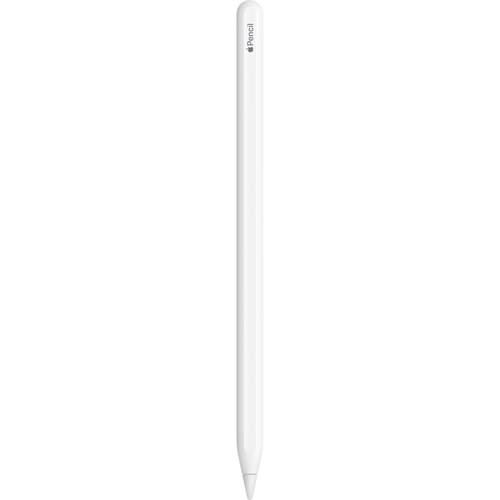
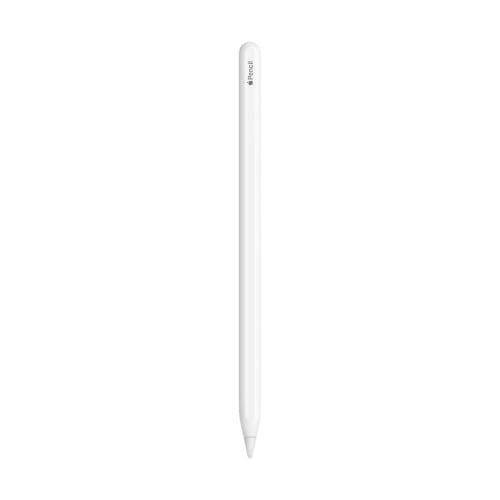
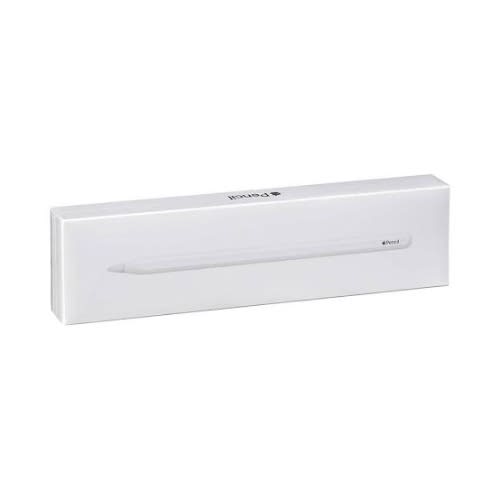
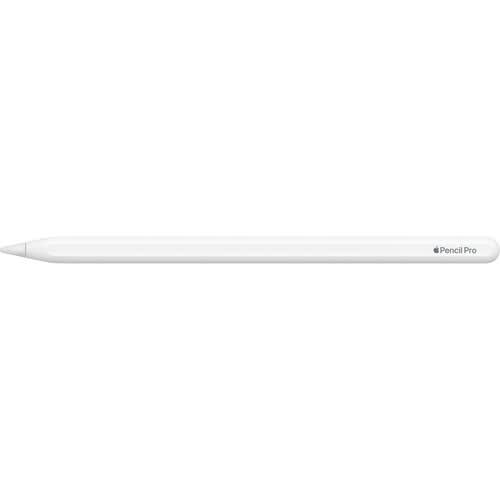
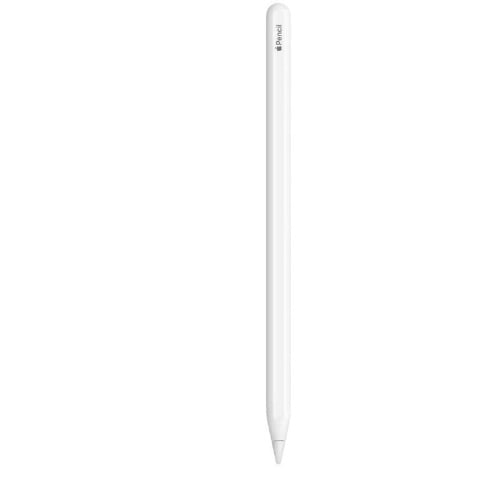
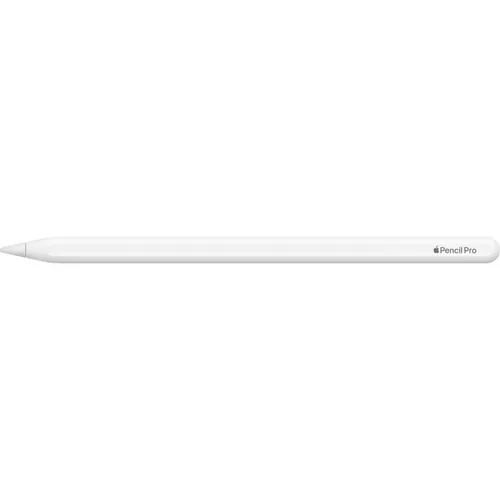
Apple Pencil Pro: Advanced Tools, Pixel-Perfect Precision, Tilt and Pressure Sensitivity, and Industry-Leading Low Latency for Note-Taking, Drawing, and Art
Color
White
Brand
Apple
Material
Aluminum
Number of Batteries
1 Lithium Ion batteries required. (included)
Item Weight
0.68 Ounces
Compatible Devices
iPad Pro 13-inch (M4), iPad Air 13-inch (M2), iPad Pro 11-inch (M4), iPad Air 11-inch (M2)
Item dimensions L x W x H
8.34 x 2.19 x 0.81 inches
Are Batteries Included
Yes
Batteries Required?
Yes
Item Diameter
0.35 Inches
About this item
WHY APPLE PENCIL PRO & mdash; Apple Pencil Pro is loaded with intuitive features for ultimate creative control. Gestures and haptics allow you to seamlessly create without missing a beat. And Apple Pencil Pro features pixel-perfect precision, tilt and pressure sensitivity, and low latency. Attaches magnetically for wireless pairing and charging.
COMPATIBILITY & mdash; Apple Pencil Pro works with iPad Pro 13-inch (M4), iPad Pro 11-inch (M4), iPad Air 13-inch (M2), and iPad Air 11-inch (M2).
ADVANCED TOOLS & mdash; Apple Pencil Pro gives you ultimate creative control. Use gestures like squeeze and barrel roll to access tools, change brushes, and create strokes without missing a beat. Haptics allow you to feel shapes snap into place, and more. Use Apple Pencil hover on iPad Pro and iPad Air (M2) to preview your mark before you make it. And now you can use Find My to locate your Apple Pencil Pro.
EASY AND NATURAL & mdash; Apple Pencil Pro does it all with pixel-perfect precision, tilt and pressure sensitivity, and low latency. Featuring a flat edge, Apple Pencil Pro allows you to change tools with just the tap of a finger. Apple Pencil Pro attaches, charges, and pairs magnetically.
TRANSFORMS IPAD INTO A CANVAS & mdash; Draw, sketch, color, take notes, and mark up documents. Use built-in apps like Notes and Freeform, or choose from over a million more apps available on the App Store. And for pros, use Apple Pencil hover on iPad Pro and iPad Air (M2) to preview your mark before you make it.
Apple Pencil Pro is sold separately. Compatible with iPad Pro (M4) and iPad Air (M2).
Weight
0.50 kg
Brand
OS
iOS
Take notes and enhance your creative side with the Apple Pencil Pro. It provides you with advanced features to take your experience to new heights.
Designed for the 11 and 13" M4 iPad Pro and M2 iPad Air models, the Pencil Pro enhances the creative experience by providing additional tactile functions. Use Squeeze to quickly swap between your essential tools, change colors, and more by simply applying some pressure. Double Tap offers quick tool swapping, going from drawing to erasing with two quick sequential taps. An internal gyroscope gives the Apple Pencil Pro its Barrel Roll functionality, with precise control of shaped tools including pens and brushes. Apple Pencil Hover lets you preview your work so you know exactly what will be affected before any permanent changes are made. All the latest features are backed by integrated haptic feedback, which provides a unique feel when you perform actions like enabling Squeeze or Double Tap, allowing a more immersive experience whether you are taking notes or creating your next masterpiece. If you happen to misplace the Apple Pencil Pro, you can use the Find My app to locate it. The Apple Pencil Pro pairs via Bluetooth and attaches magnetically to charge on the side of your iPad for added convenience.
System Requirements
iPadOS 17.5 or later
Compatibility
iPad Pro 13" (M4)
iPad Pro 11" (M4)
iPad Air 13" (M2)
iPad Air 11" (M2)
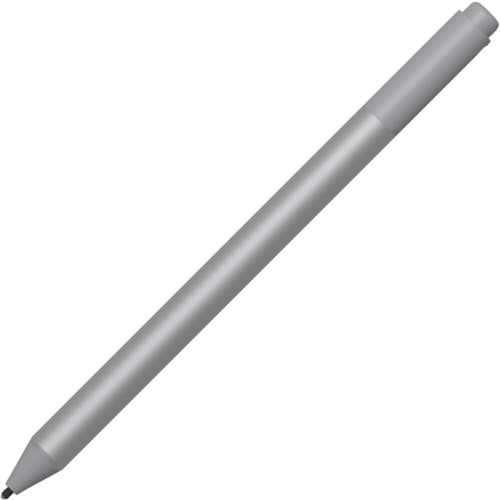
Microsoft Surface Pen Platinum
Brand
Microsoft
Material
Rubber
Number of Batteries
1 Lithium Polymer batteries required. (included)
Item Weight
20 Grams
Item dimensions L x W x H
0.93 x 2.01 x 6.97 inches
Are Batteries Included
Yes
Batteries Required?
Yes
Item Diameter
0.38 Inches
About this item
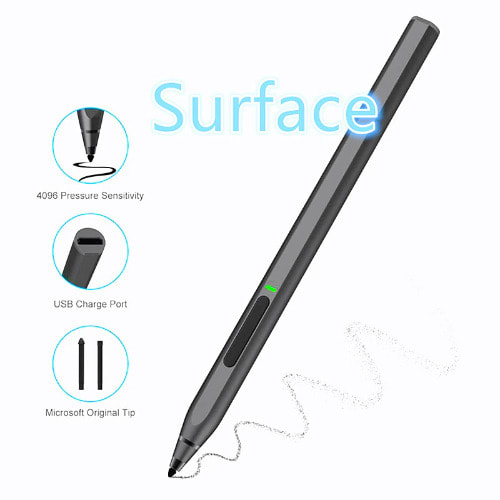
Surface Pen. Write and draw naturally. Create without limits
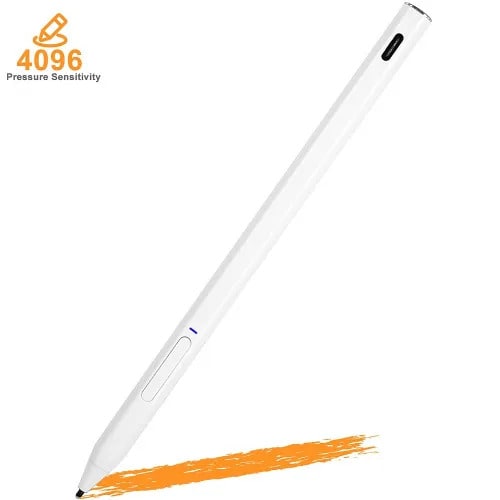
Precisely sketch and shade with 4,096 pressure points that respond to the lightest touch
Reduced lag/low latency: Ink flows out in real time with no lag or latency
Use Surface Pen with apps like OneNote, Microsoft Office, Adobe Suite, Sketch able, Bluebeam Revue, Draw board, CorelDraw, and Staff pad
Compatibility- Surface Book, Surface Book 2, Surface Studio 1st Gen, Surface Studio 2, Surface Laptop 1st Gen, Surface Laptop 2, Surface Go, Surface Pro 3, Surface Pro 4, Surface Pro 5th Gen, Surface Pro 6, Surface 3, Pen Tip Kit
Weight
0.50 kg
OS
-
Color
Black
Brand
Microsoft
Material
Rubber
Number of Batteries
1 Lithium Polymer batteries required. (included)
Item Weight
20 Grams
Compatible Devices
Surface Book,Surface Book 2, Surface Studio 1st Gen, Surface Studio 2, Surface Laptop 1st Gen, Surface Laptop 2, Surface Go, Surface Pro 3, Surface Pro 4, Surface Pro 5th Gen, Surface Pro 6, Surface Pro 7, Surface Pro X, Surface 3, Pen Tip KitSurface Book,Surface Book 2, Surface Studio 1st Gen, Surface Studio 2, Surface Laptop 1st Gen, Surface Laptop 2, Surface Go, Surface Pro 3, Surface Pro 4, Surface Pro 5th Gen, Surface Pro 6, Surface Pro 7, Surface Pro X, Surface 3, P & hellip;
Item dimensions L x W x H
0.93 x 2.01 x 6.97 inches
Are Batteries Included
Yes
Batteries Required?
Yes
Item Diameter
0.38 Inches
About this item
Surface Pen. Write and draw naturally. Create without limits
Precisely sketch and shade with 4,096 pressure points that respond to the lightest touch
Reduced lag/low latency: Ink flows out in real time with no lag or latency
Use Surface Pen with apps like OneNote, Microsoft Office, Adobe Suite, Sketch able, Bluebeam Revue, Draw board, CorelDraw, and Staff pad
Compatibility- Surface Book, Surface Book 2, Surface Studio 1st Gen, Surface Studio 2, Surface Laptop 1st Gen, Surface Laptop 2, Surface Go, Surface Pro 3, Surface Pro 4, Surface Pro 5th Gen, Surface Pro 6, Surface 3, Pen Tip Kit
Surface pen. Write and draw naturally. Create without limits
Precisely sketch and shade with 4,096 pressure points that respond to the lightest touch
Reduced lag/low latency: Ink flows out in real time with no lag or latency
Connector type: bluetooth 4.0. Use Surface Pen with apps like OneNote, Microsoft Office, Adobe Suite, Sketch able, Bluebeam Revue, Draw board, CorelDraw, and Staff pad
Compatibility: Surface Book, Surface Book 2, Surface Studio 1st Gen, Surface Studio 2, Surface Laptop 1st Gen, Surface Laptop 2, Surface Go, Surface Pro 3, Surface Pro 4, Surface Pro 5th Gen, Surface Pro 6, Surface 3, Pen Tip Kit
Warranty Valid at Point of Sale.
Create uninterrupted.
Write and draw with precision ink on one end and a rubber eraser on the other. Tilt your Surface Pen to shade your sketches just like you would a graphite pencil.
Write and draw naturally.
Precisely sketch and shade with 4,096 pressure points that respond to the lightest touch. Ink flows from the tip of Surface Pen to your screen with virtually no lag, and the eraser rubs away mistakes.
Bring your vision to life.
Compose a song, make an animated short, take notes, and draw 3D CAD designs. Use Surface Pen with apps like OneNote, Microsoft Office, Adobe Suite, Sketch able, Bluebeam Revu, Drawboard, Corel DRAW, and Staff pad.
Express yourself with Surface Pen.
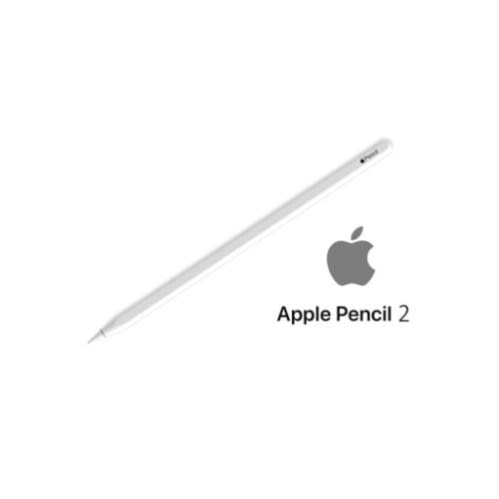
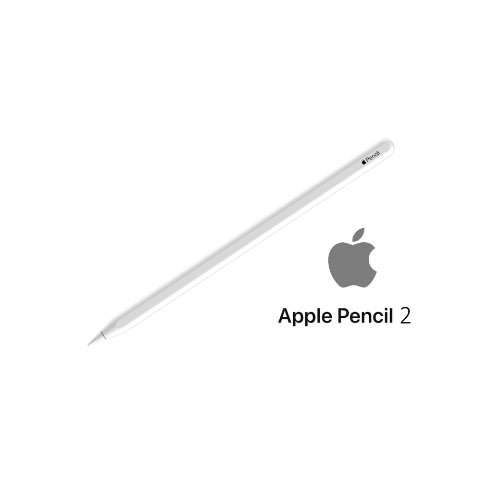
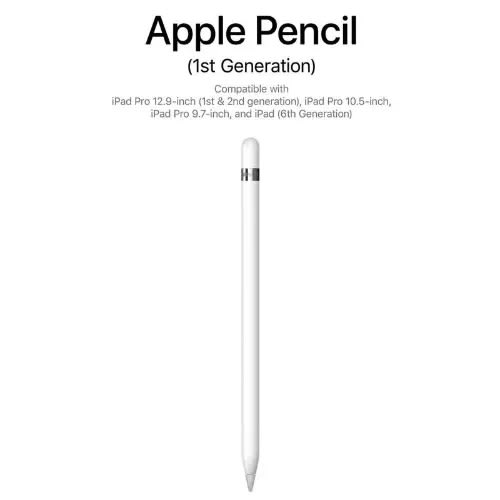
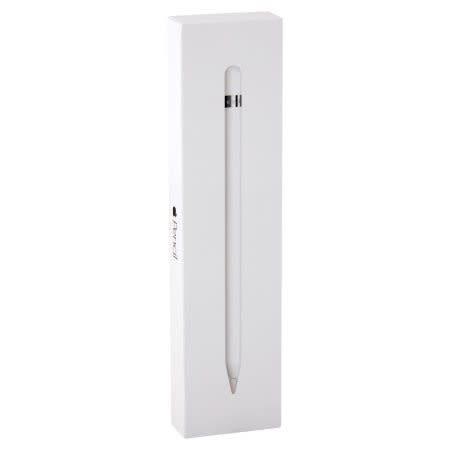
Apple Pencil
Apple Pencil features the precision, responsiveness, and natural fluidity of a traditional writing instrument and the versatility to become so much more.
With Apple Pencil, you can turn iPad into your notepad, canvas, or just about anything else you can imagine.
Compatible with iPad Pro 11-inch (1st and 2nd generation) and iPad Pro 12.9-inch (3rd and 4th Generation).
Apple Pencil is designed to be an even more comfortable, natural tool to use. The seamless design & mdash; no connectors or moving parts & mdash; makes it easy to store
Apple Pencil. This stylus connects to your iPad Pro or 6th Gen iPad via Bluetooth, giving you the ability to draw, paint, write, and draft with single-pixel accuracy. When in use, the Pencil and iPad Pro work together to determine the Pencil's position on the screen, the force at which it's pressed into the display, and the angle at which it is held. This lets you alter the thickness and shading of the mark you're making in a fluid, natural manner.
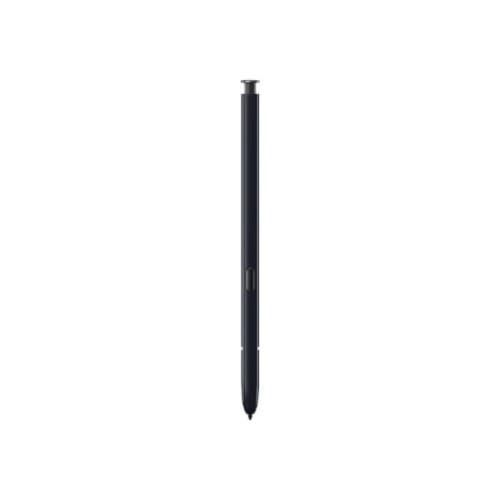
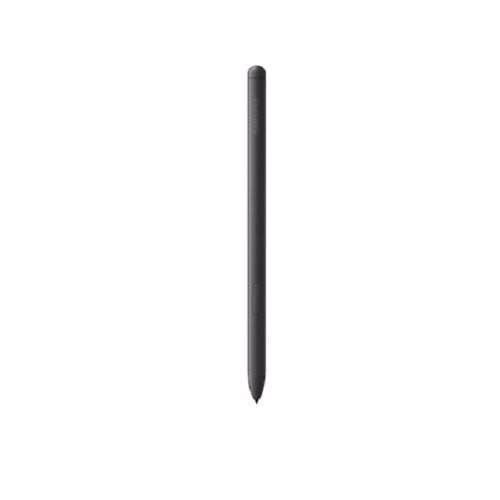
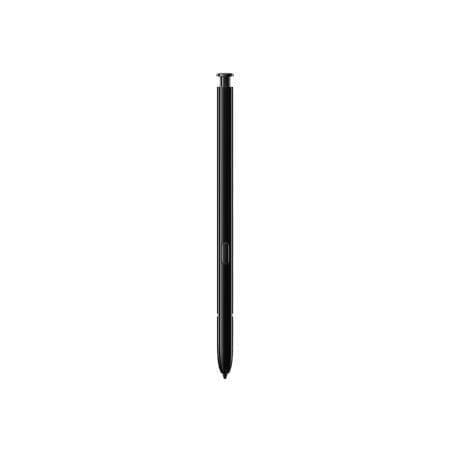
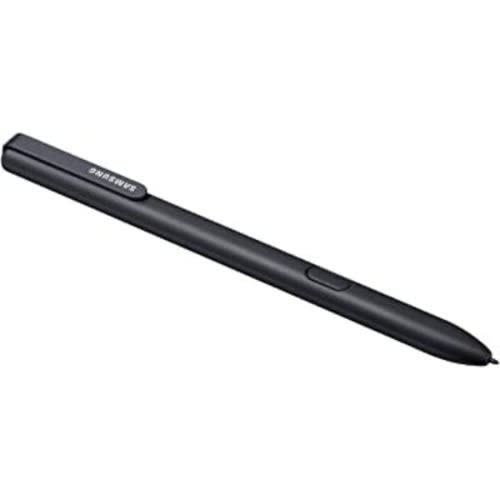
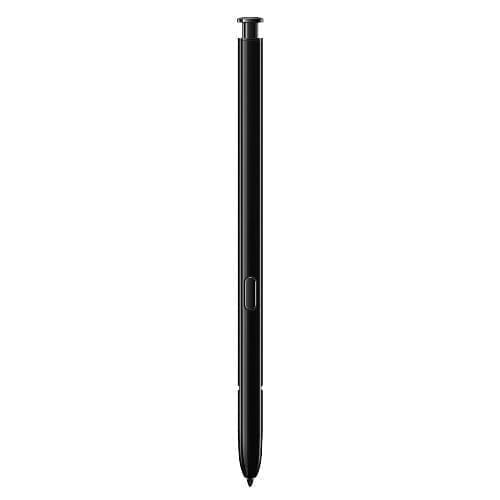
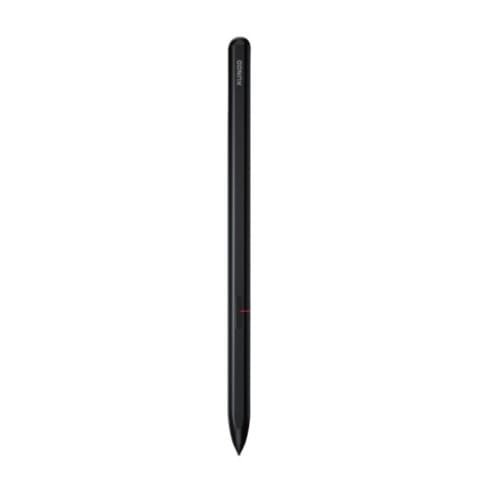
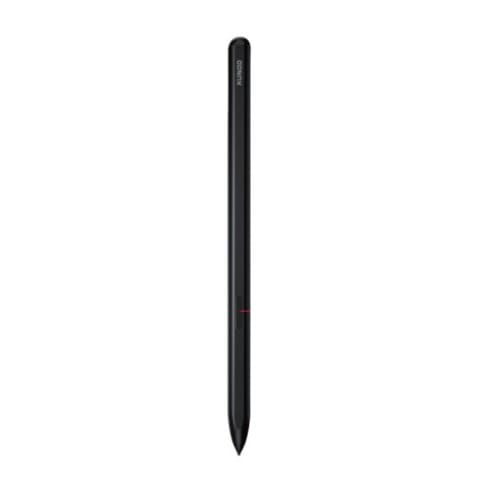
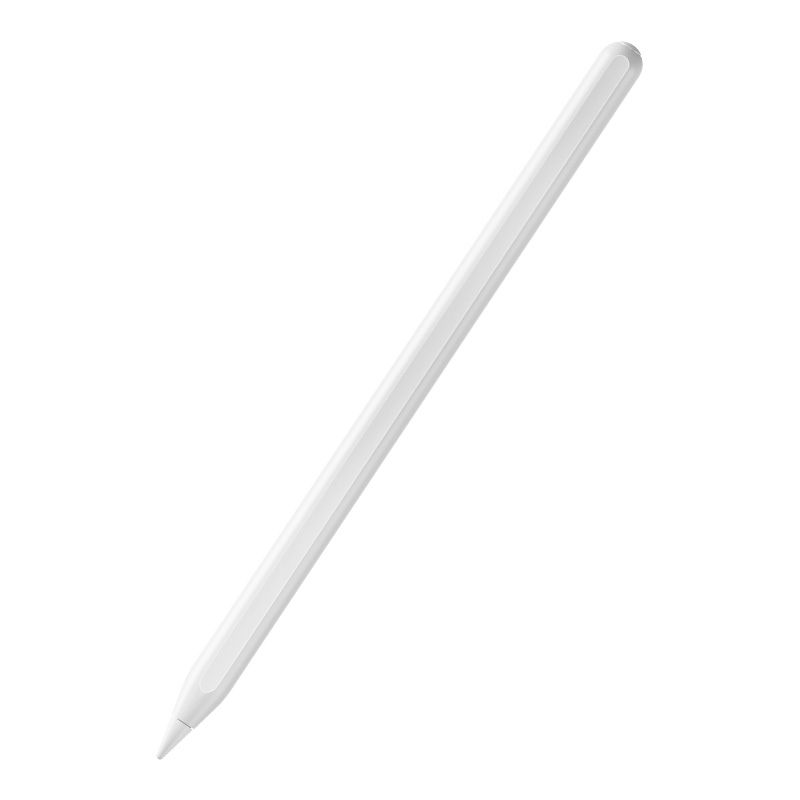
Electromagnetic pen for Samsung Tab
Learning, drawing, playing games
Writing without Delay
Magnetic ads option
No need to charge
Aluminum alloy + POM Material
Compatible with Samsung Tab and Smartphones
Take notes and enhance your creative side with the Apple Pencil Pro. It provides you with advanced features to take your experience to new heights.
Designed for the 11 and 13" M4 iPad Pro and M2 iPad Air models, the Pencil Pro enhances the creative experience by providing additional tactile functions. Use Squeeze to quickly swap between your essential tools, change colors, and more by simply applying some pressure. Double Tap offers quick tool swapping, going from drawing to erasing with two quick sequential taps. An internal gyroscope gives the Apple Pencil Pro its Barrel Roll functionality, with precise control of shaped tools including pens and brushes. Apple Pencil Hover lets you preview your work so you know exactly what will be affected before any permanent changes are made. All the latest features are backed by integrated haptic feedback, which provides a unique feel when you perform actions like enabling Squeeze or Double Tap, allowing a more immersive experience whether you are taking notes or creating your next masterpiece. If you happen to misplace the Apple Pencil Pro, you can use the Find My app to locate it. The Apple Pencil Pro pairs via Bluetooth and attaches magnetically to charge on the side of your iPad for added convenience.
System Requirements
iPadOS 17.5 or later
Compatibility
iPad Pro 13" (M4)
iPad Pro 11" (M4)
iPad Air 13" (M2)
iPad Air 11" (M2)
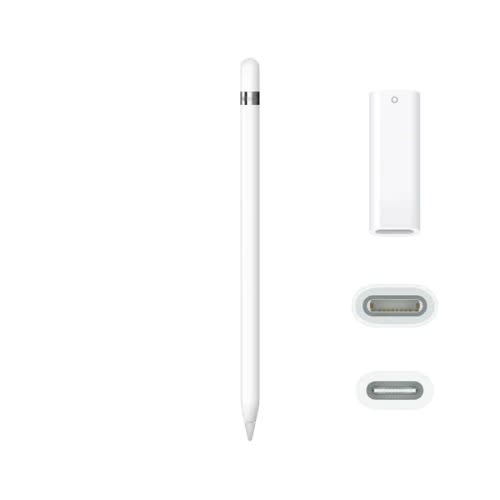
Pencil (1st Generation) 2022 With USB-C To Apple Pencil Adapter
Unleash your creativity with the 1st Gen Apple Pencil. This stylus connects to your iPad via Bluetooth, giving digital artists the ability to draw, paint, write, and draft with single-pixel accuracy.
It's sensitive to pressure and tilt, giving you a natural feel when drafting and allowing you to easily change line weight, create subtle shading, and produce a wide range of artistic effects.
The Apple Pencil includes a magnetically attached cap that gives you access to the Lightning charging connector.
The battery lasts for up to 12 hours and can gain up to 30 minutes of use with a 15-second charge when fully depleted.
You can use this Apple Pencil on a wide range of iPad models including the 1st and 2nd-Gen iPad Pro 12.9", 3rd-Gen iPad Air, 5th-Gen iPad mini, 10th-Gen iPad, and more.
Note:
To pair and charge the Apple Pencil with the 10th Gen iPad, use the included USB-C to Apple Pencil adapter and your iPad's USB-C cable to connect the Apple Pencil to your tablet.
Compatibility
iPad Air (3rd Gen)
iPad mini (5th Gen)
10.5" iPad Pro
9.7" iPad Pro
12.9" iPad Pro (2nd Gen)
12.9" iPad Pro (1st Gen)
iPad (10th Gen)
iPad (9th Gen)
iPad (8th Gen)
iPad (7th Gen)
iPad (6th Gen)
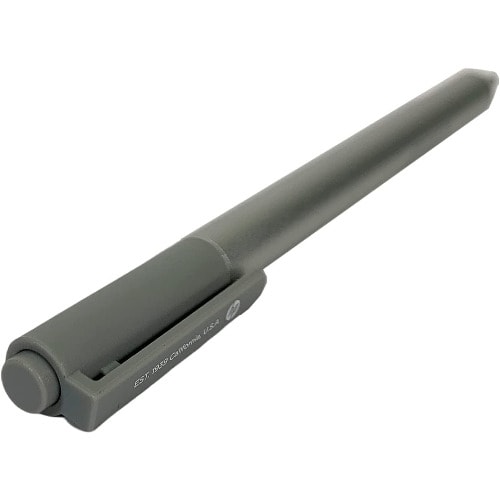
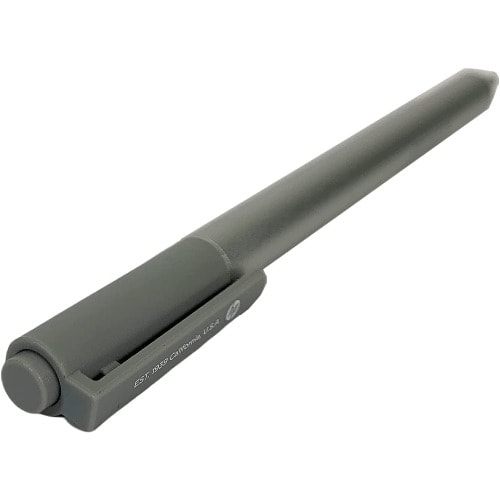
Active Pen For Hp Elite X2 1012 G1,G2,Elitebook 1030 G2 - Silver
Genuine orginal OEM product. SPS : 846410 , HP P/N : 839082-003 Use the pen to write or draw onscreen or interact with your touch applications. Integrated pressure sensors help you control the width of your drawn lines. Launch an app on your device from your pen with a programmable Bluetooth feature that you can pair with your choice of frequently-used software. Once in range, your device detects the pen and cues you where to place it onscreen. Erase, highlight, and click on your content with the two convenient side buttons. 2048 Levels of Pressure Sensitivity: The Pen has an ultra-sensitive pen-point with 2048 pressure levels that perfect simulate the friction of pen on paper, restoring the tactile and timeless sensation of writing, allows you to write and draw with confidence and precision.
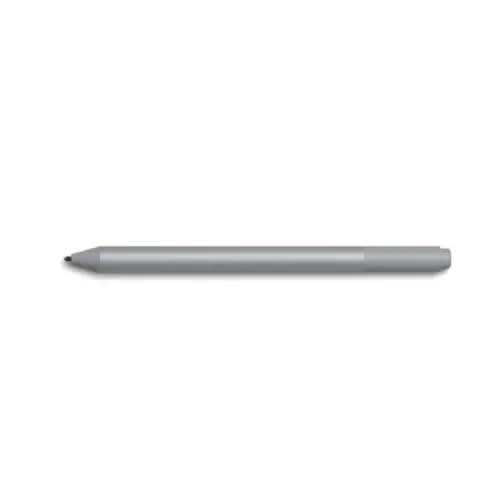
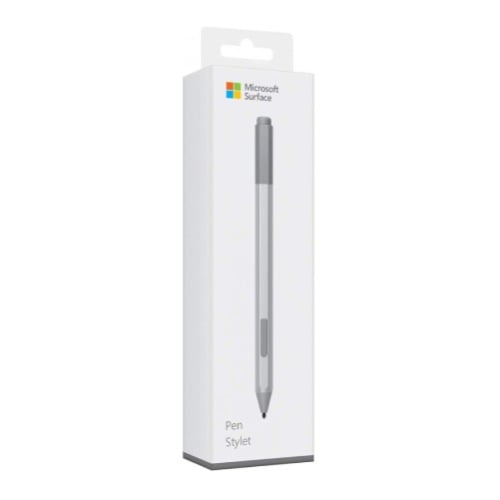
Microsoft Surface Pen EYV-00009 (Stylus Pen)
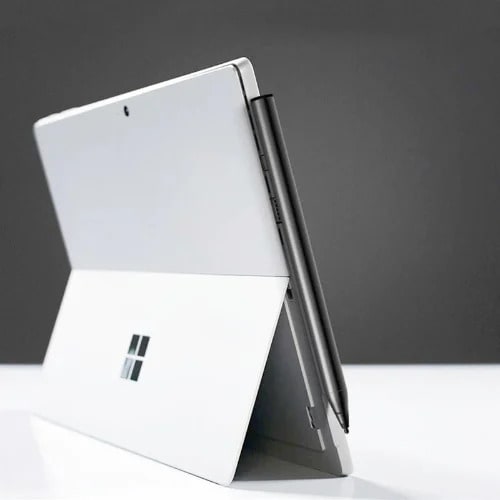
The Microsoft Surface Pen EYV-00009 is a sophisticated stylus designed to enhance your digital experience. Engineered to deliver a natural and precise writing and drawing experience, this stylus pen is perfect for artists, designers, and professionals who require the utmost accuracy. With its sleek, ergonomic design, the Surface Pen fits comfortably in your hand, providing a natural feel that mimics the experience of using a traditional pen.
One of the standout features of the Microsoft Surface Pen is its 4,096 levels of pressure sensitivity, allowing for precise control over your writing and drawing. This ensures that every stroke, whether light or bold, is captured with exceptional accuracy. Additionally, the pen supports tilt functionality, enabling you to shade and create intricate designs with ease.
The Microsoft Surface Pen is equipped with a durable tip that provides a smooth, friction-free writing experience on the screen. Its low latency ensures there is no lag between your movements and the display, making it ideal for note-taking, sketching, and annotating documents. The pen also includes a convenient side button for quick access to customizable shortcuts, enhancing productivity.
Compatible with a wide range of Microsoft Surface devices, the EYV-00009 seamlessly integrates with your existing setup. Its magnetic attach feature allows you to easily store it on the side of your Surface device, ensuring it & rsquo;s always within reach. Whether you & rsquo;re working on a creative project or simply jotting down notes, the Microsoft Surface Pen EYV-00009 is an essential tool that combines functionality with elegance, elevating your digital interaction to new heights.
You can get Microsoft Surface Pen at Online Store. Kindly contact the customer representative for price before placing order by clicking
SPECIFICATIONS
Compatibility: Works with various Microsoft Surface devices, including Surface Pro, Surface Book, Surface Laptop, Surface Studio, Surface Go, and Surface Duo.
Pressure Sensitivity: 4,096 levels for precise and responsive writing and drawing.
Tilt Support: Yes, allows for shading and drawing with natural tilt gestures.
Buttons:Connectivity: Bluetooth 4.0.
One customizable side button.
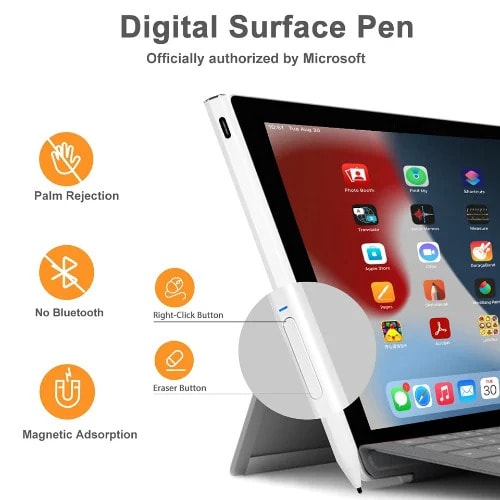
Eraser button on the top.
Battery: Uses a replaceable AAAA battery, providing long-lasting power.
Dimensions:Weight: 0.04 pounds (20 grams)
Length: 5.75 inches (146 mm)
Diameter: 0.37 inches (9.7 mm)
Colors: Available in Platinum, Black, Ice Blue, and Poppy Red.
Materials: Durable aluminum body with a replaceable pen tip.
Magnetic Attach: Attaches to the side of Surface devices for easy storage.
Palm Rejection: Yes, allowing you to rest your hand on the screen while using the pen without interference.
Latency: Low latency for real-time writing and drawing.
Tip: Precision tip for accurate and smooth interaction with the screen.
FEATURES
High Pressure Sensitivity: With 4,096 levels of pressure sensitivity, the Surface Pen captures even the lightest touch, offering precision and control for detailed writing and drawing.
Tilt Support: The pen recognizes natural tilt gestures, allowing for dynamic shading and creating artwork with a more natural, intuitive feel.
Low Latency: The Surface Pen offers minimal lag between your input and the display, ensuring a smooth and real-time writing or drawing experience.
Customizable Buttons: Equipped with a customizable side button and an eraser button on top, the Surface Pen enhances productivity by providing quick access to frequently used functions.
Bluetooth Connectivity: The pen connects to your Surface device via Bluetooth 4.0, ensuring a reliable and seamless connection.
Magnetic Attach: The magnetic attach feature allows you to conveniently store the pen on the side of your Surface device, so it & rsquo;s always within easy reach.
Durable and Lightweight Design: Made from high-quality aluminum, the Surface Pen is both durable and lightweight, weighing only 20 grams and measuring 146 mm in length.
Palm Rejection Technology: This feature allows you to rest your hand on the screen while writing or drawing without any unwanted marks or interference.
Replaceable Pen Tip: The pen tip is replaceable, ensuring long-term usability and consistent performance.
Multiple Color Options: Available in Platinum, Black, Ice Blue, and Poppy Red, the Surface Pen can match your personal style or device color.
Battery Life: Powered by a replaceable AAAA battery, the Surface Pen offers long-lasting usage, reducing the need for frequent battery changes.
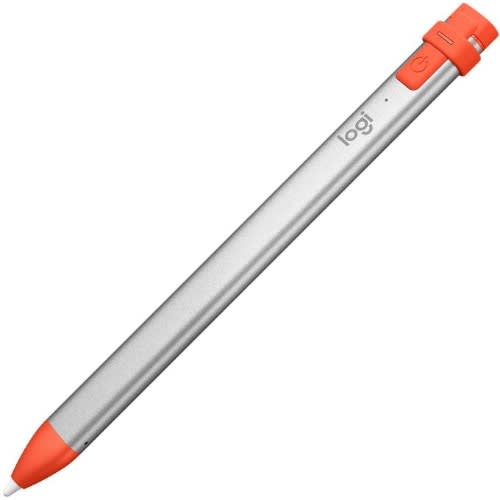
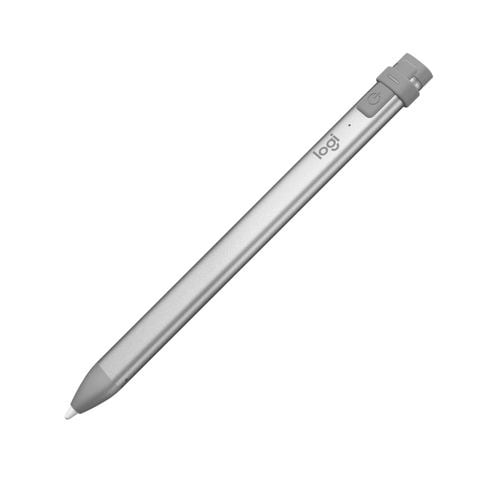
Crayon Digital Pencil For Ipad Pro/air/mini 2018 & Later
Grab a crayon and let the fun begin! Logitech Crayon is a versatile, pixel precise digital Pencil for ipad(6th generation), iPad Air (3rd generation) and iPad mini (5th Generation) that unleashes your creativity in hundreds of Apple Pencil supported apps instantly. Logitech Crayon uses Apple Pencil technology for a seamless writing experience as natural as pencil and paper. Integrated palm Rejection technology means you can rest your hands right on the screen while you write. Need a thicker or thinner line? Just tilt & mdash; The dynamic tip adjusts line thickness automatically. Plus, Logitech Crayon is built tough with 4 ft drop protection, a unique roll proof shape, and up to 7.5 hours of active writing time.
Uses Apple Pencil Technology
Logitech Crayon is built using Apple Pencil technology designed for iPad (6th generation), iPad Air (3rd generation) and iPad mini (5th generation). Use it with hundreds of Apple Pencil supported apps & mdash; your only limit is your imagination. No limits to what you can do. Works seamlessly with iPad Pro 12.9 Inch (3rd Gen), iPad Pro 11 inch, iPad (7th Gen), iPad (6th (Gen), iPad Air (3rd Gen), iPad Mini 5, iOS 12.2 and above, delivering precise and fast Pencil input across hundreds of Apple Pencil supported apps
Precise Lines with No Delays
With zero perceptible lag time and precision down to the pixel, just draw and write naturally without fear of missing a single line or detail.
Palm Rejection TechnologyGo right ahead and rest your palm on the screen while you write with Logitech Crayon. iPad supports palm rejection for natural hand placement so you can focus on the task at hand.
Tip TiltNeed a thicker or thinner line? Just tilt. Logitech Crayon has a smart tip which dynamically adjusts line weight depending on the angle you place it down & mdash; just like a regular pencil.
Surface Pen- Charcoal Black- Model - 1776-eyu-00001
Microsoft Surface Pen- Charcoal Black- Model: 1776-EYU-00001
Color
Black
Brand
Microsoft
Material
Rubber
Number of Batteries
1 Lithium Polymer batteries required. (included)
Item Weight
20 Grams
Item dimensions L x W x H
0.93 x 2.01 x 6.97 inches
Are Batteries Included
Yes
Batteries Required?
Yes
Item Diameter
0.38 Inches
About this item
Surface Pen. Write and draw naturally. Create without limits
Precisely sketch and shade with 4,096 pressure points that respond to the lightest touch
Reduced lag/low latency: Ink flows out in real time with no lag or latency
Use Surface Pen with apps like OneNote, Microsoft Office, Adobe Suite, Sketch able, Bluebeam Revue, Draw board, CorelDraw, and Staff pad
Compatibility- Surface Book, Surface Book 2, Surface Studio 1st Gen, Surface Studio 2, Surface Laptop 1st Gen, Surface Laptop 2, Surface Go, Surface Pro 3, Surface Pro 4, Surface Pro 5th Gen, Surface Pro 6, Surface 3, Pen Tip Kit
Weight
0.50 kg
OS
-
Color
Black
Brand
Microsoft
Material
Rubber
Number of Batteries
1 Lithium Polymer batteries required. (included)
Item Weight
20 Grams
Compatible Devices
Surface Book,Surface Book 2, Surface Studio 1st Gen, Surface Studio 2, Surface Laptop 1st Gen, Surface Laptop 2, Surface Go, Surface Pro 3, Surface Pro 4, Surface Pro 5th Gen, Surface Pro 6, Surface Pro 7, Surface Pro X, Surface 3, Pen Tip KitSurface Book,Surface Book 2, Surface Studio 1st Gen, Surface Studio 2, Surface Laptop 1st Gen, Surface Laptop 2, Surface Go, Surface Pro 3, Surface Pro 4, Surface Pro 5th Gen, Surface Pro 6, Surface Pro 7, Surface Pro X, Surface 3, P & hellip;
Item dimensions L x W x H
0.93 x 2.01 x 6.97 inches
Are Batteries Included
Yes
Batteries Required?
Yes
Item Diameter
0.38 Inches
About this item
Surface Pen. Write and draw naturally. Create without limits
Precisely sketch and shade with 4,096 pressure points that respond to the lightest touch
Reduced lag/low latency: Ink flows out in real time with no lag or latency
Use Surface Pen with apps like OneNote, Microsoft Office, Adobe Suite, Sketch able, Bluebeam Revue, Draw board, CorelDraw, and Staff pad
Compatibility- Surface Book, Surface Book 2, Surface Studio 1st Gen, Surface Studio 2, Surface Laptop 1st Gen, Surface Laptop 2, Surface Go, Surface Pro 3, Surface Pro 4, Surface Pro 5th Gen, Surface Pro 6, Surface 3, Pen Tip Kit
Surface pen. Write and draw naturally. Create without limits
Precisely sketch and shade with 4,096 pressure points that respond to the lightest touch
Reduced lag/low latency: Ink flows out in real time with no lag or latency
Connector type: bluetooth 4.0. Use Surface Pen with apps like OneNote, Microsoft Office, Adobe Suite, Sketch able, Bluebeam Revue, Draw board, CorelDraw, and Staff pad
Compatibility: Surface Book, Surface Book 2, Surface Studio 1st Gen, Surface Studio 2, Surface Laptop 1st Gen, Surface Laptop 2, Surface Go, Surface Pro 3, Surface Pro 4, Surface Pro 5th Gen, Surface Pro 6, Surface 3, Pen Tip Kit
Warranty Valid at Point of Sale.
Create uninterrupted.
Write and draw with precision ink on one end and a rubber eraser on the other. Tilt your Surface Pen to shade your sketches just like you would a graphite pencil.
Write and draw naturally.
Precisely sketch and shade with 4,096 pressure points that respond to the lightest touch. Ink flows from the tip of Surface Pen to your screen with virtually no lag, and the eraser rubs away mistakes.
Bring your vision to life.
Compose a song, make an animated short, take notes, and draw 3D CAD designs. Use Surface Pen with apps like OneNote, Microsoft Office, Adobe Suite, Sketch able, Bluebeam Revu, Drawboard, Corel DRAW, and Staff pad.
Express yourself with Surface Pen.
Choose the color that best expresses your style. Surface Pen comes in four colors & ndash; Platinum, Black, Burgundy, and Cobalt Blue & ndash; that coordinate with Surface accessories.
Electromagnetic pen for Samsung Tab
Learning, drawing, playing games
Writing without Delay
Magnetic ads option
No need to charge
Aluminum alloy + POM Material
Compatible with Samsung Tab and Smartphones
Electromagnetic pen for Samsung Tab
Learning, drawing, playing games
Writing without Delay
Magnetic ads option
No need to charge
Aluminum alloy + POM Material
Compatible with Samsung Tab and Smartphones




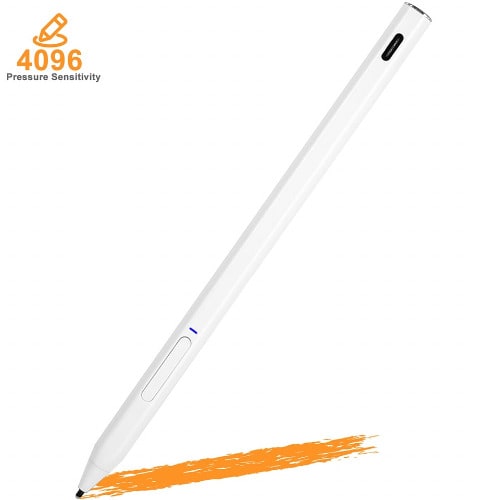
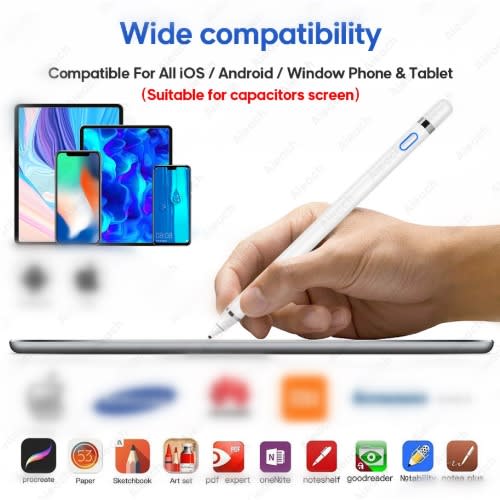
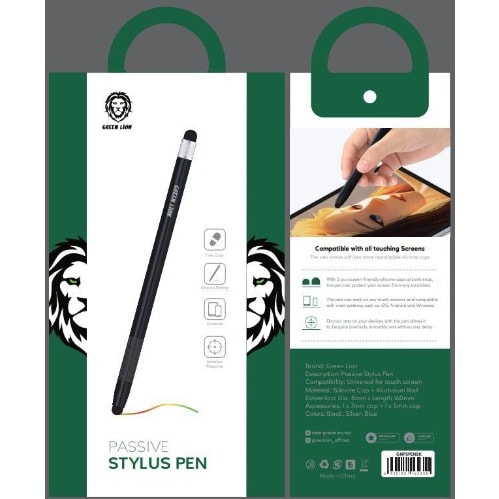
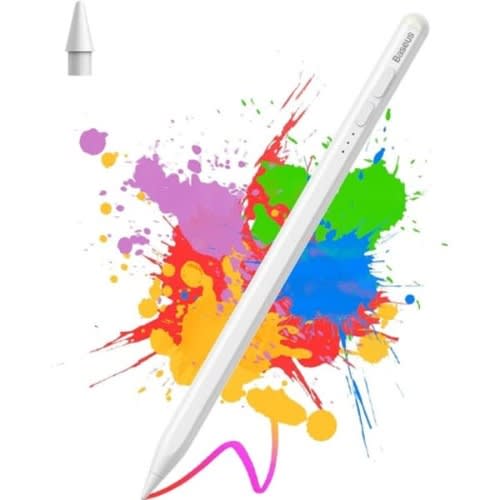
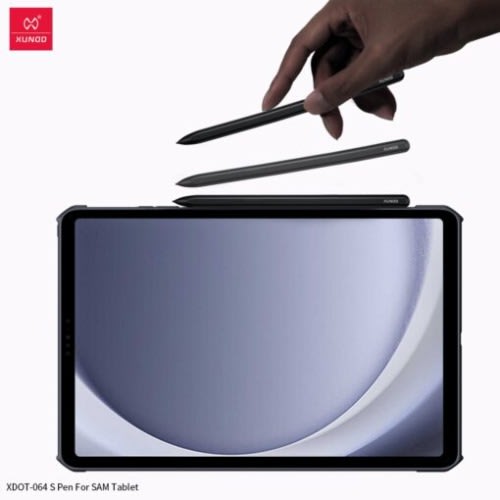
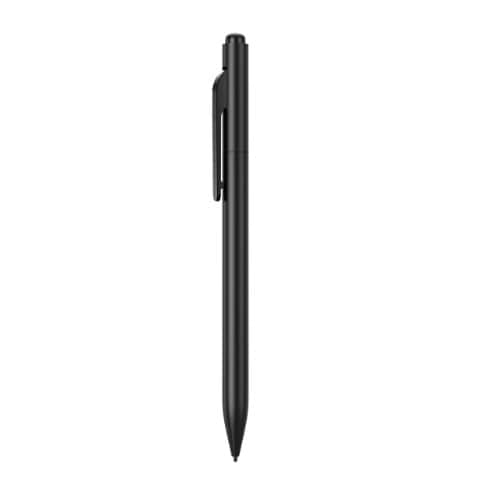
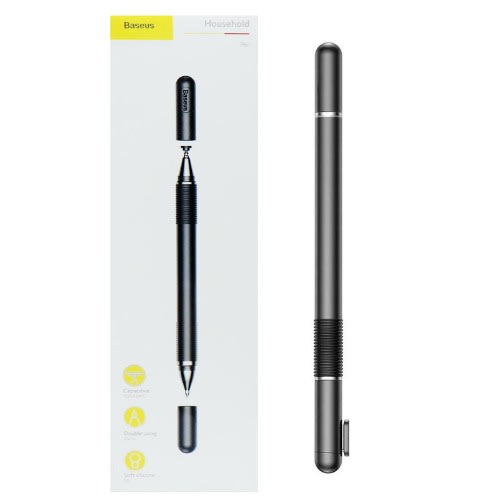
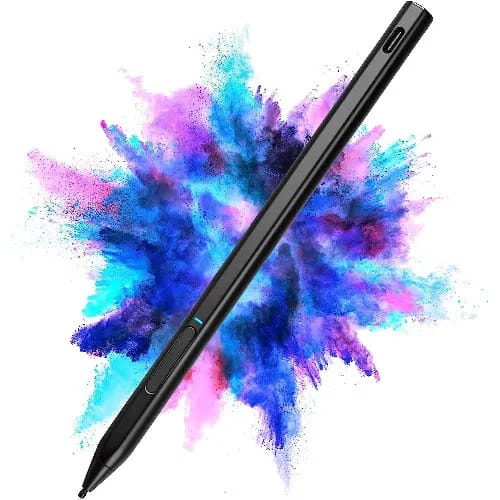
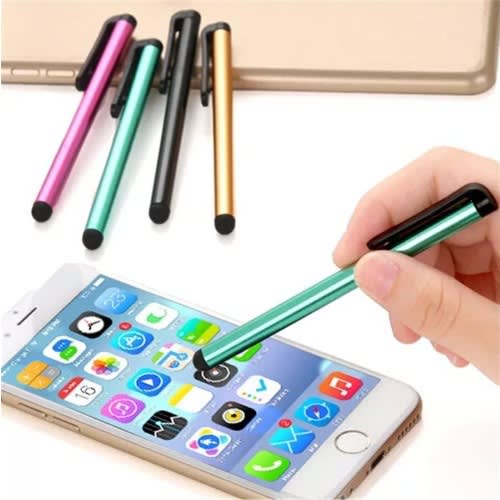
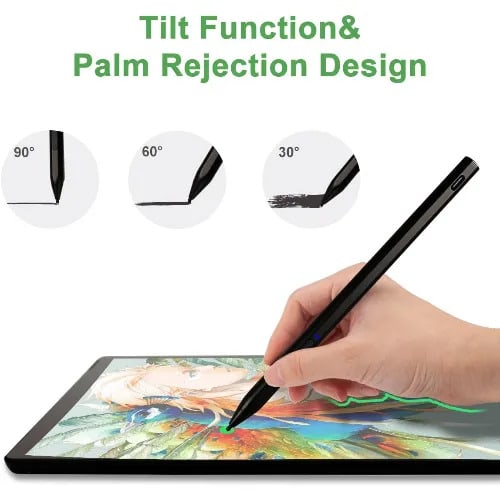
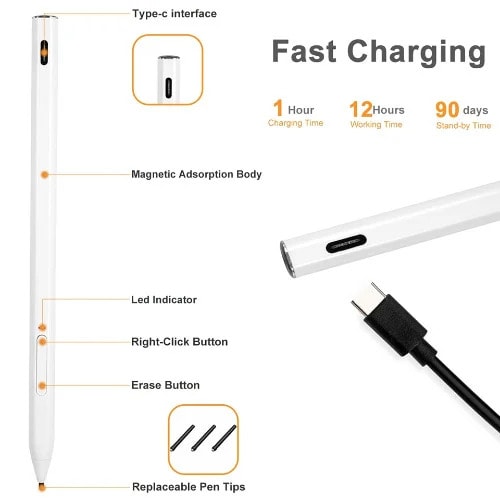
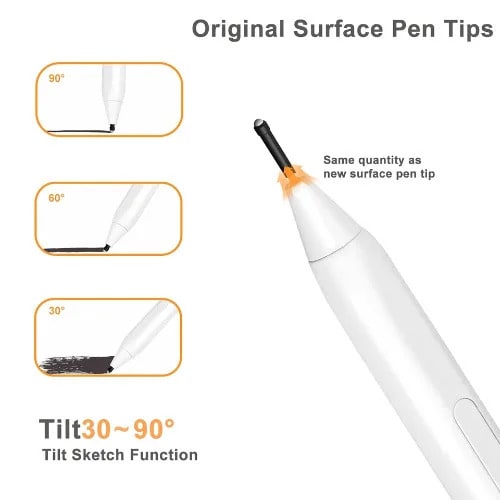
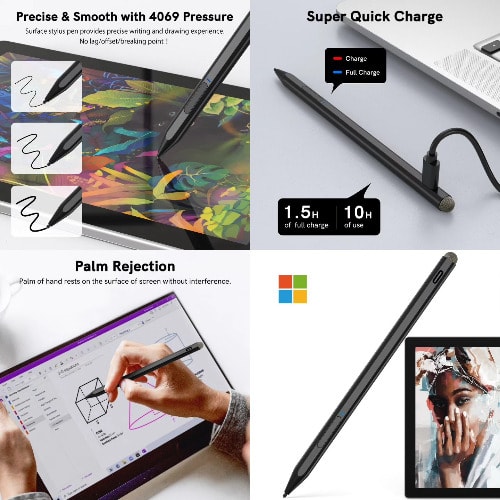
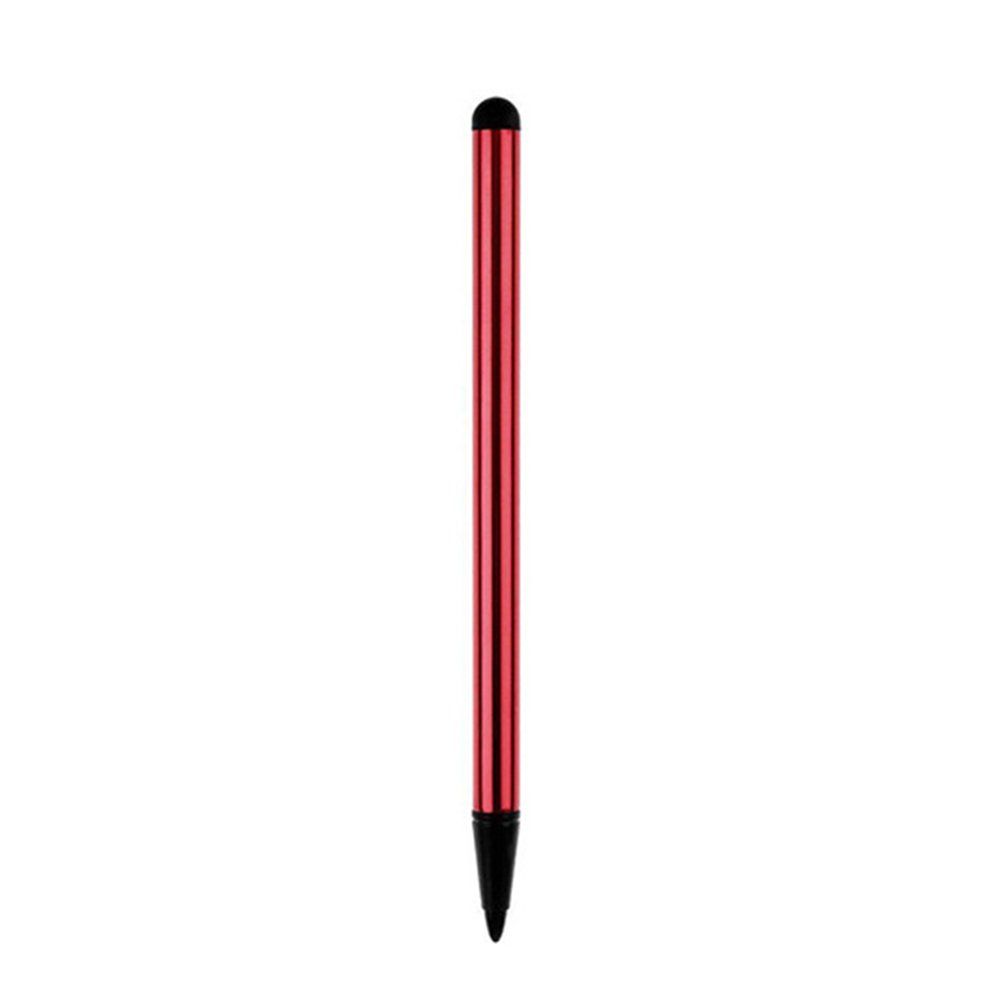
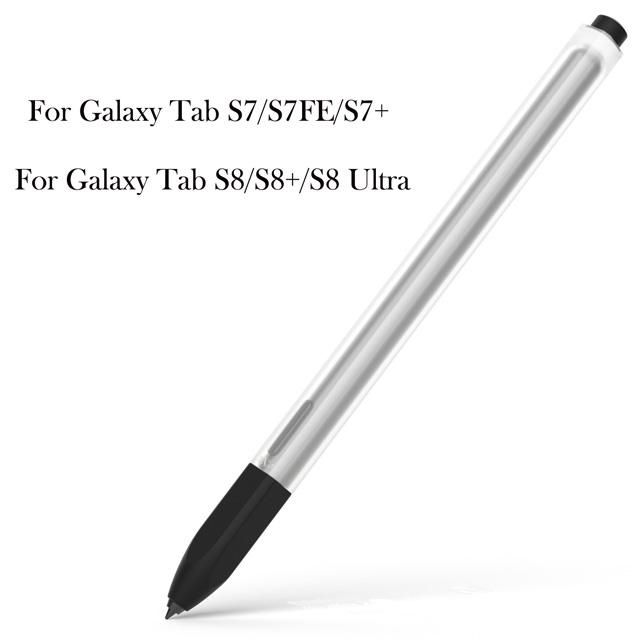
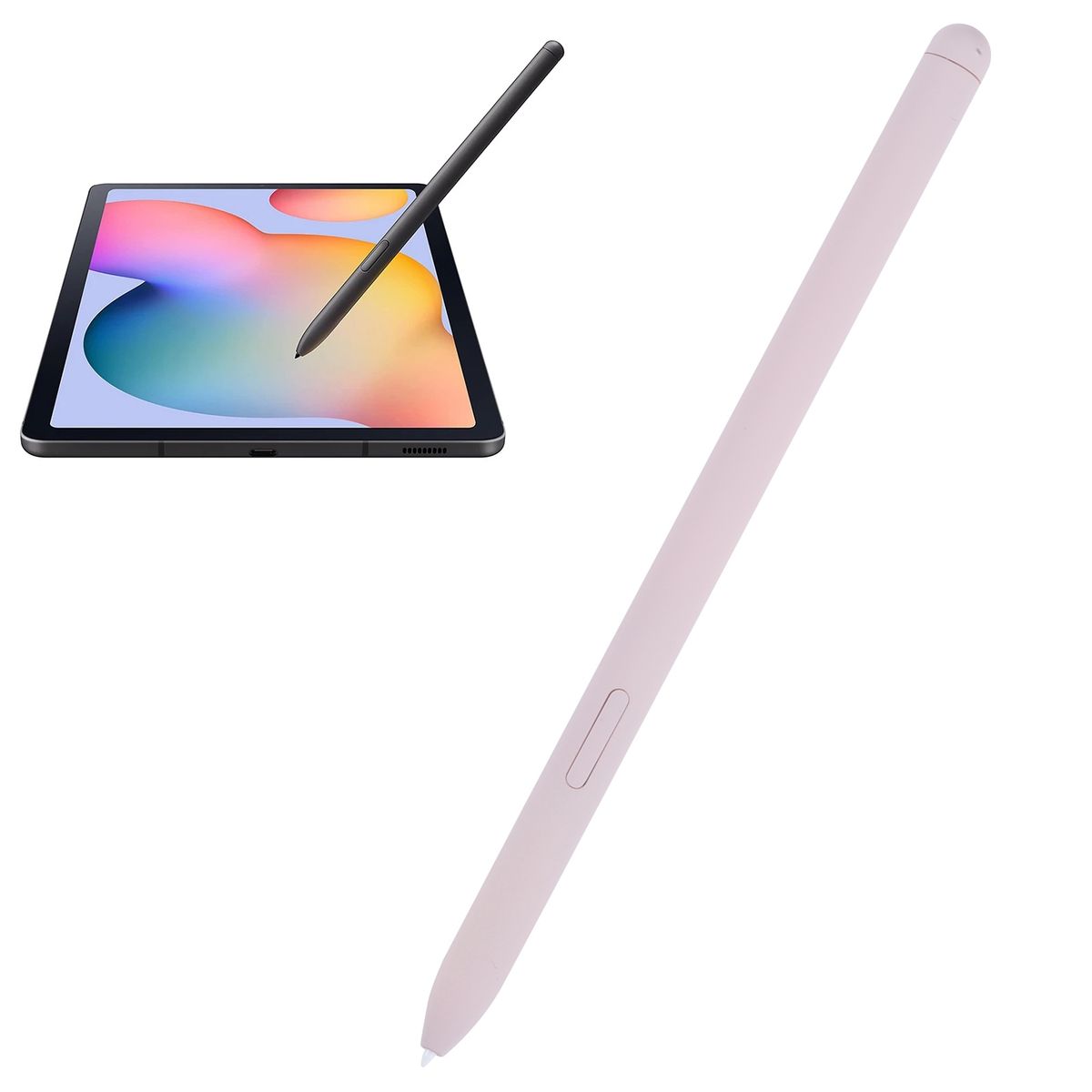
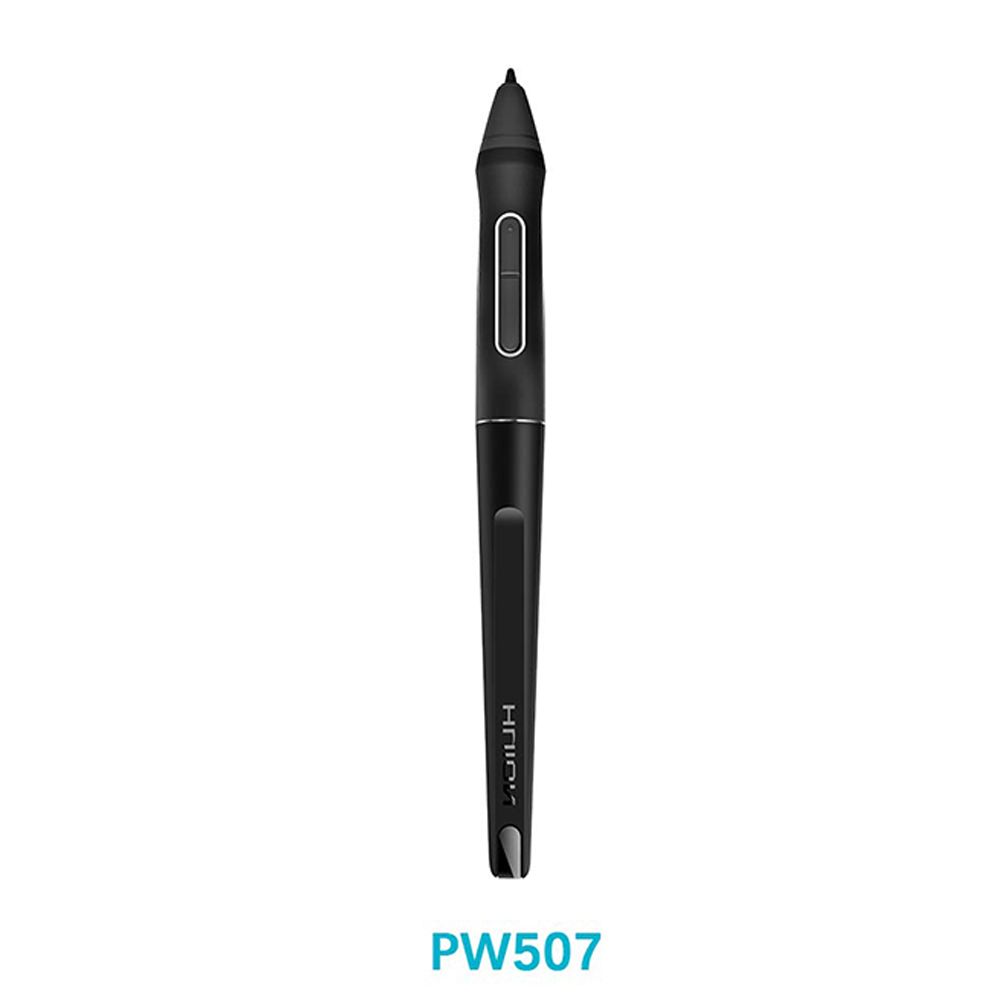
Stylus Pen For Lenovo Tab P11 Pro Plus 2021 TB-J716F TB-J607F N Tablet Pen Pencil For Xiaoxin Pad Pro 11.5" 11" Screen Touch Pen JIN")