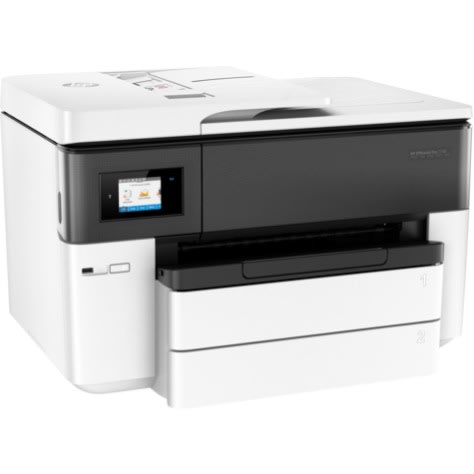
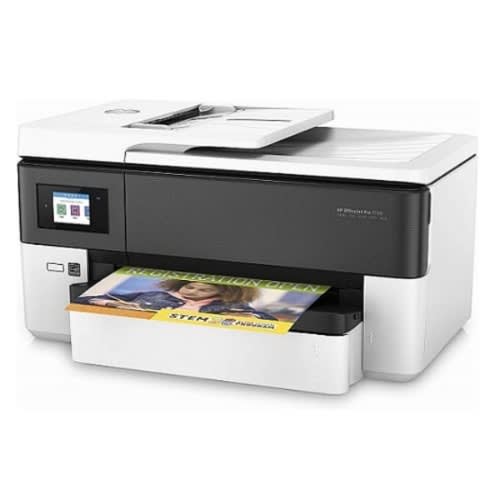
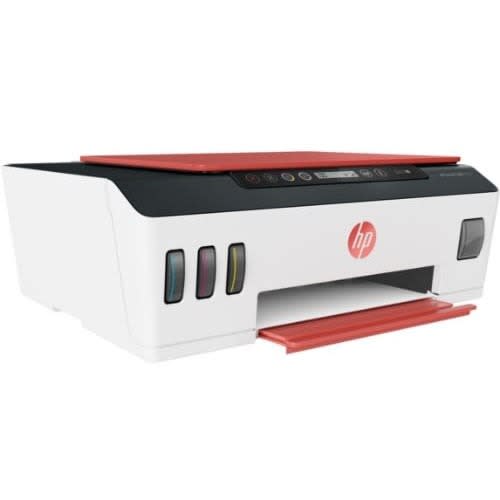
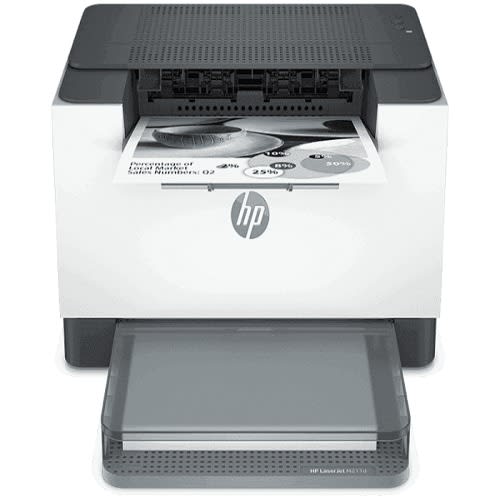
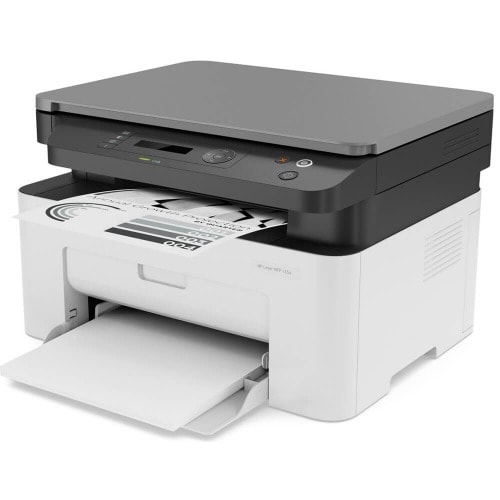
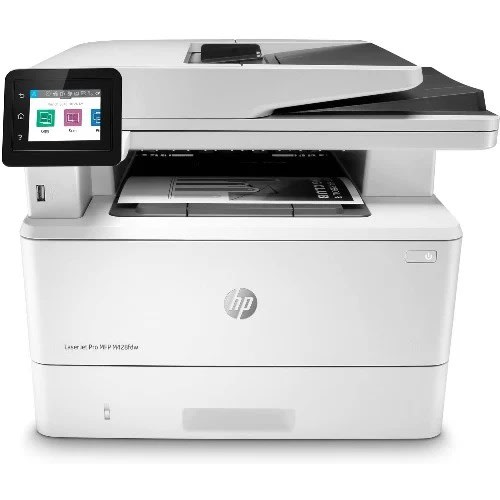
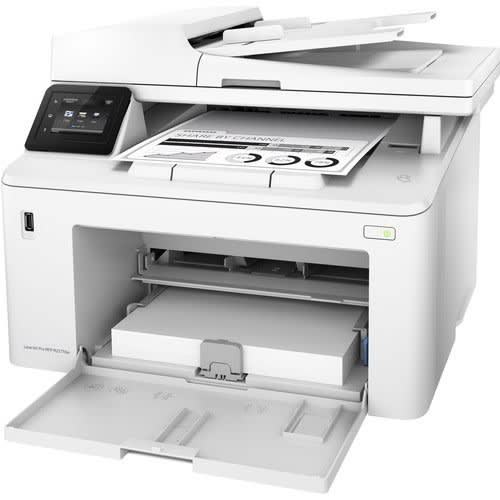
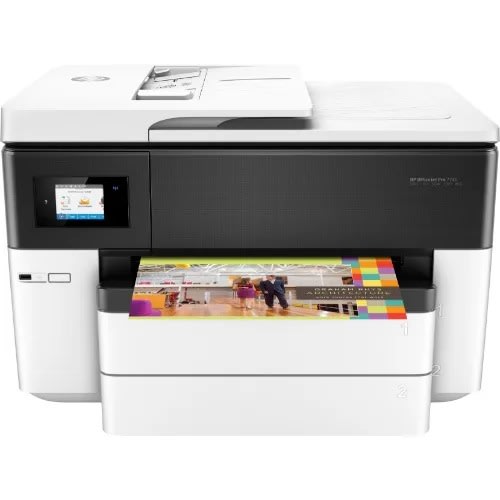
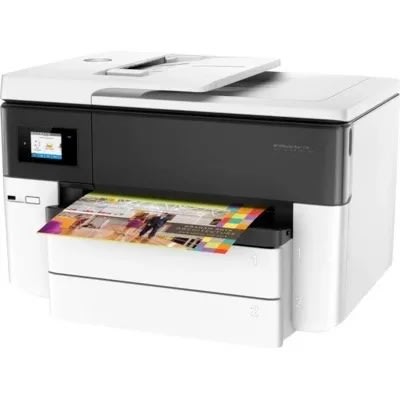
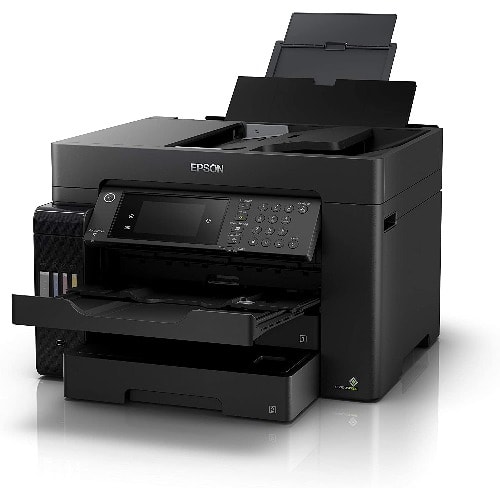
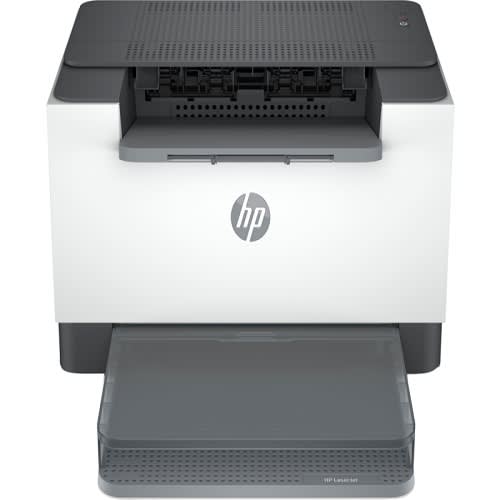
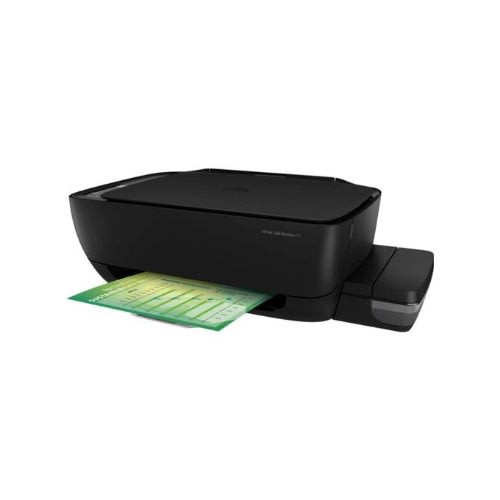
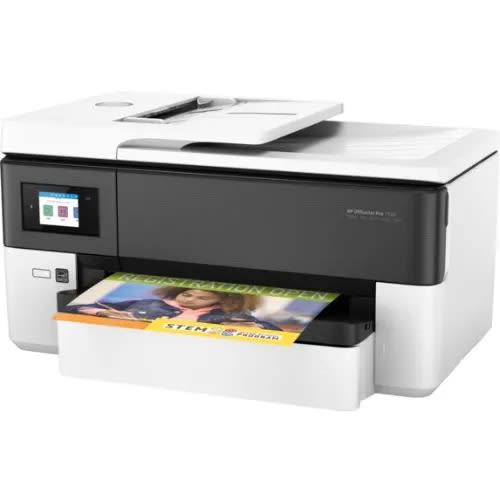
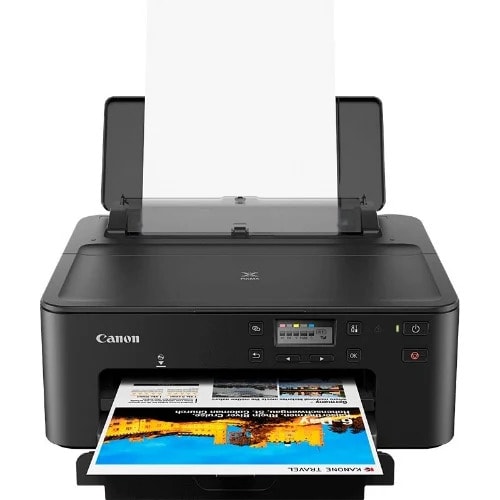
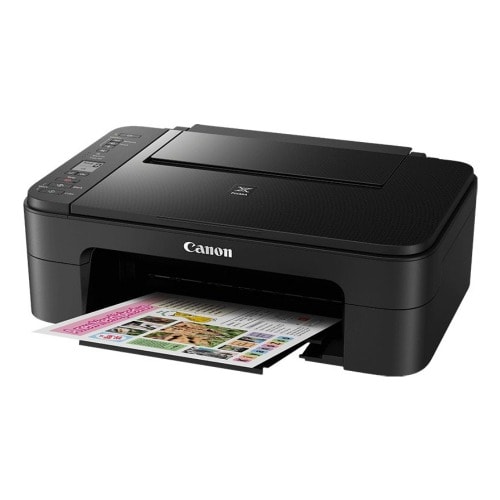
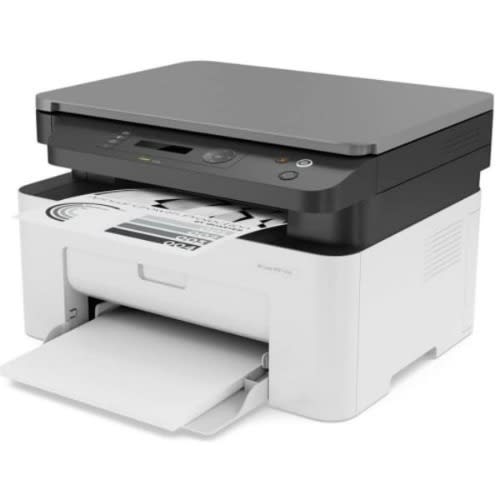
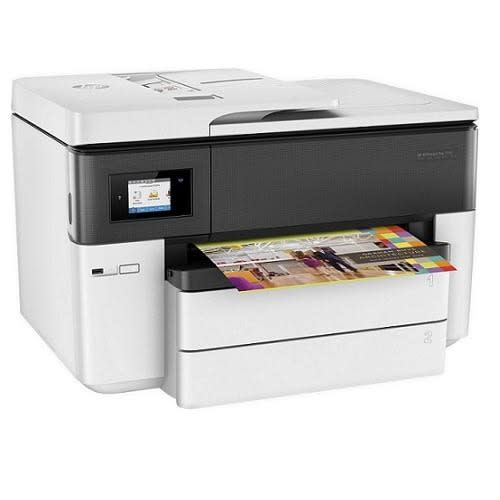
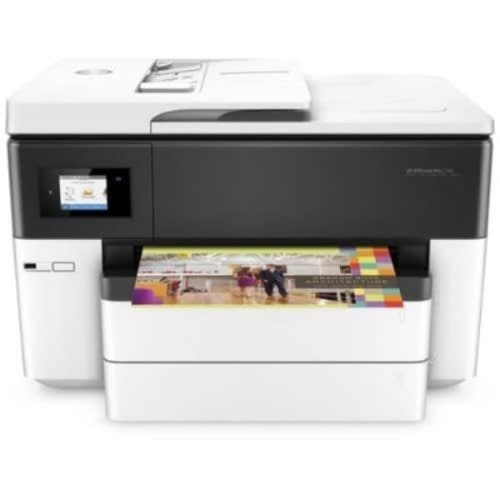
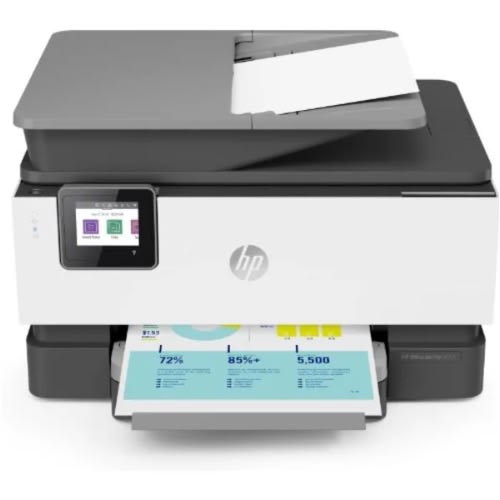
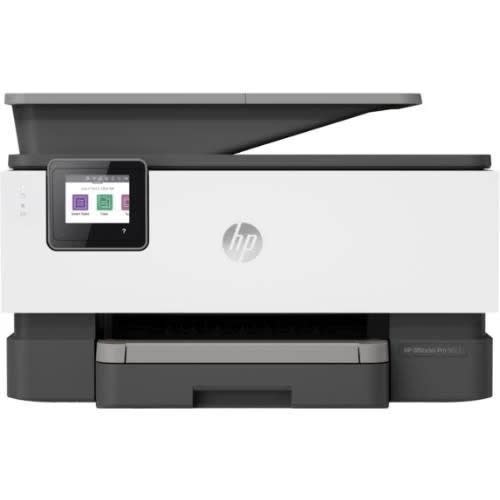
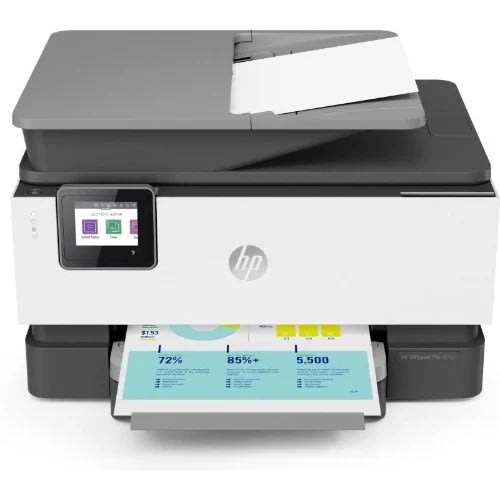
Officejet Pro 7740 Wide Format All-in-one Inkjet A3 Printer
Highlights
Print, Scan, Copy, Fax
Print Resolution: 4800 x 1200 dpi
Print Speed: 22 ppm Black / 18 ppm Color
Max Print Size: 11.7 x 17"
Borderless Printing & Automatic Duplex
Optical Scan Resolution: 1200 dpi
Flatbed Scan Area: 11.7 x 17"
2.65" Touchscreen LCD Control Panel
500-Sheet Input Capacity & 35-Sheet ADF
USB 2.0, Ethernet, & Wi-Fi Connectivity
Features
Do almost everything you need with the OfficeJet Pro 7740 Wide Format All-In-One Inkjet Printer from HP which offers printing, scanning, copying, and faxing, as well as the ability to work with large 11 x 17" and A3-size documents. Printing is with quality and speed thanks to a maximum resolution of 4800 x 1200 dpi and ISO rated outputs of 22 ppm in black and 18 ppm in color. Borderless printing and automatic duplexing is available as well to further expand your printing capabilities. For scanning, copying, and faxing, the 7740 has both a flatbed and ADF for scanning. This uses an optical scan resolution of 1200 dpi for sharp images and the flatbed is a notably large 11.7 x 17".Operation of the unit is streamlined through a 2.65" touchscreen LCD control panel. Also, it features two 250-sheet input trays, as well as a 35-sheet ADF, for loading multiple media types at once, eliminating the need for constant media loading. Additionally, it has USB 2.0, Ethernet, and Wi-Fi connectivity for setting up the printer exactly as you want.
Draft mode increases print speeds to 34 ppm in black or color
Print directly from a USB drive using the USB host port.
ISO copy speeds of 18 cpm in black and 13 cpm in color
HP PCL XL (PCL 6), native PDF, and HP PostScript Level 3 emulation print languages
Apple AirPrint, HP ePrint, Wi-Fi Direct, Mopria, and Google Cloud Print support
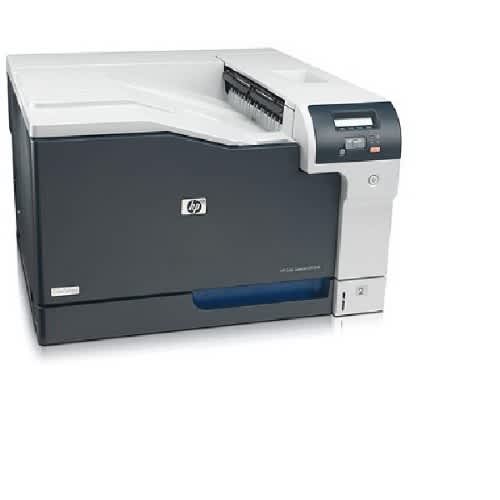
Features HP CP5225n HP LaserJet CP5225NBrand HP HPMax Color Resolution 600 x 600 dpi 600 x 600 dpiModel CP5225n LaserJet CP5525NMax BW Resolution 600 x 600 dpi 600 x 600 dpiColor Print Speed 20 ppm 30 ppmBlack Print Speed 20 ppm 30 ppmExterior Color Black Not SpecifiedPrinters Family Line HP LaserJet Not SpecifiedScanner Resolution 600 x 600 dpi Not SpecifiedBasic Printer Technology Laser LaserOutput Type Color ColorExtend Printer Technology Laser LaserMax Media Size 297 x 432 mm A4 Long (210 x 348 mm)Printer Type Workgroup Printer Workgroup PrinterDuplex Printout Not Specified StandardHP CP5225n
From printing general office correspondence to oversize documents, the produces high-impact prints in both black and white and color. The 600 x 600 dpi resolution the HP CP5225n offers ensures crisp, clean text and simple graphics. With its 510 MHz processor and 192 MB standard memory, this HP model rushes documents at speeds up to 20 pages per minute. HP's "Instant-on Technology" saves energy and time by powering up the HP CP5225n from low-power mode 50 percent faster than previous models. This means that most jobs can be finished printing before other printers have even started. This HP printer offers a monthly duty cycle of up to 75,000 pages and comes standard with two input paper trays, 250 sheets and 100 sheets respectively. An additional 500-sheet input paper tray is available, bringing its total input capacity to 850 sheets. The HP CP5225n features an intuitive control panel capable of walking the user through specific tasks. Networked via either or hardwire, the HP CP5225n printer is shareable between multiple users from their desktop.HP LaserJet CP5525N
The is a step up in large-volume, professional-quality printing, whether black and white or color. This HP LaserJet model produces crisp 600 x 600 dpi text and simple graphics at the rate of up to 30 pages per minute. The HP Laserjet CP5525n's 800 MHz processor and 1 GB standard memory ensure quick response and follow-through on any print job. This HP model also features their signature "Instant-on Technology." It has a monthly duty cycle of up to 120,000 pages and comes standard with three input paper trays: 100, 250, and 500 sheets. The HP Laserjet CP5525n is available to a workgroup or fleet via hardwired network, either high-speed USB or Gigabit Ethernet, and purchasing an additional hardware accessory enables a wireless connection. As an added convenience, the HP Laserjet CP5525n is capable of printing from any smartphone, tablet, or other mobile device, with the HP ePrint utility. HP's robust security features ensures privacy of corporate documents.Comparing the HP CP5225n Vs HP LaserJet CP5525N
Both the HP CP5225n and HP Laserjet CP5525n offer quality printing at a resolution of 600 x 600 dpi, which is suitable for professional-looking text and simple graphics. Both of these printers accept a variety of media types, including plain paper, card stock, and , at sizes up to 11.5 by 17 inches. Print speed varies, as the HP Laserjet CP5525n's 30 pages per minute outstrips the HP CP5225n's 20 pages per minute. As both printers feature HP's "Instant-on Technology," time to first print from low power mode is exceptional. Networking for both printers is accomplished via hardwire, whether high-speed USB or Ethernet; however, the HP Laserjet CP5525n can be networked wirelessly with an optional hardware attachment and also offers HP ePrint for printing from a or . The 75,000-page duty cycle of the HP CP5225n is left behind by the HP Laserjet CP5525n's 120,000-page duty cycle. This increased productivity is further encouraged by the HP Laserjet CP5525n's larger input paper capacity. The larger, 800 MHz processor and 1 GB memory of the HP Laserjet CP5525n makes its increased capabilities possible. The 510 MHz and 192 MB of memory of the HP CP5225n simply cannot keep up. Both printers are compatible with Windows operating systems through , as well as Mac Os X v 10.04 and higher, and Linux. The HP Laserjet CP5525n, however, is also compatible with UNIX.
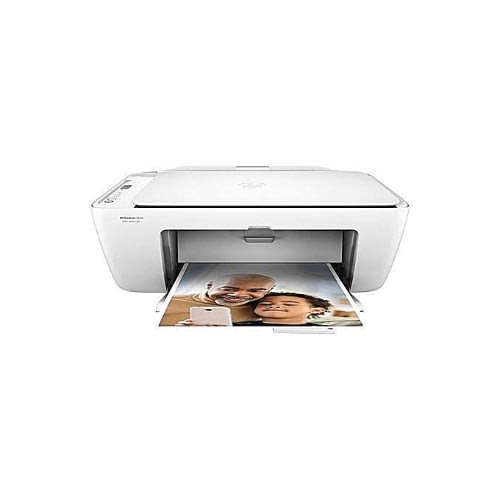
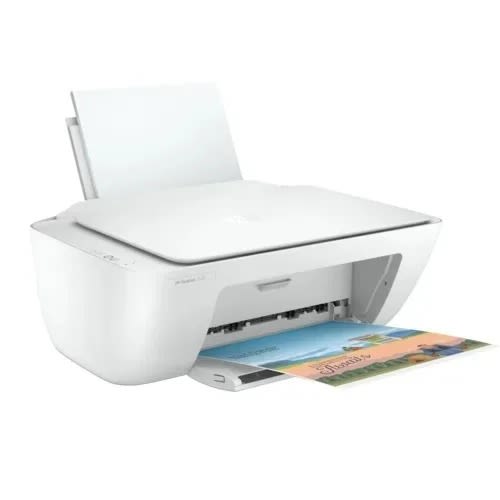
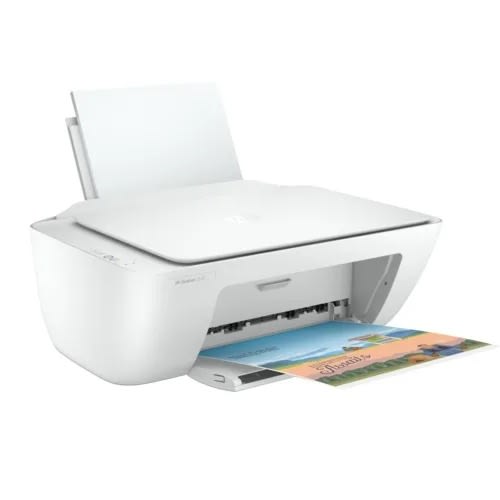
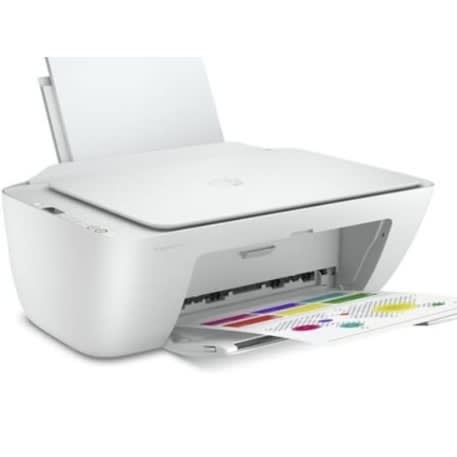
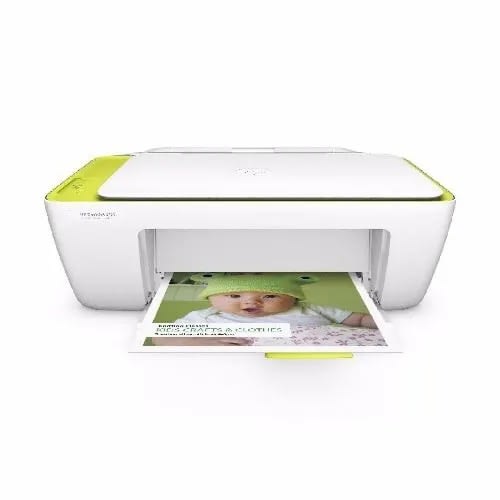
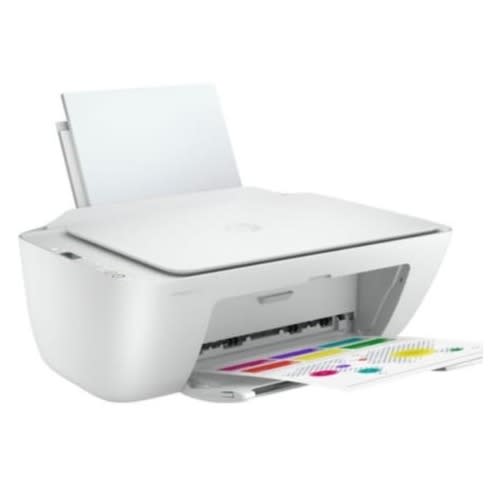
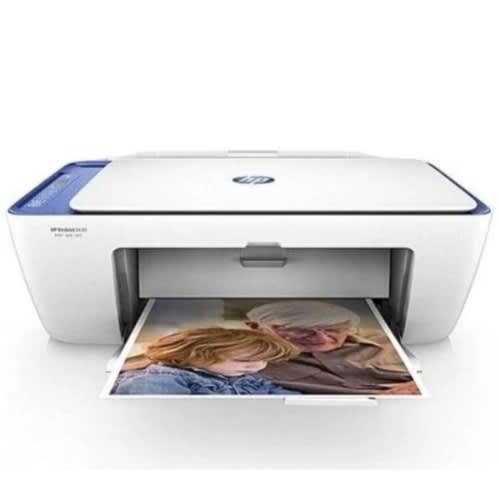
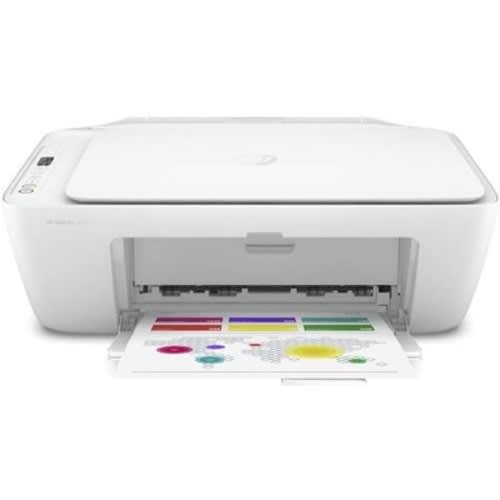
Deskjet 2710 All-in-one Printer With Wireless Printing, Instant Ink
DescriptionColour WhiteBrand Connectivity USB + Bluetooth + WiFiFrom the manufacturer
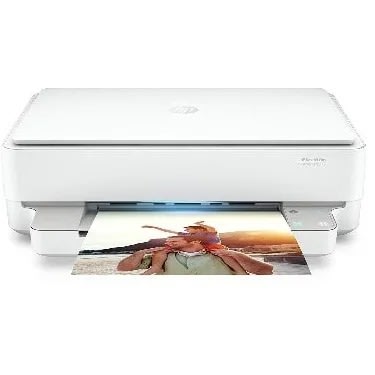
HP DeskJet 2710 All-in-One Printer
HP DeskJet 2710 All-in-One printerHP 305 Setup Black CartridgeHP 305 Setup Tri-color CartridgeRegulatory flyerSetup guideReference guidePower cord
Keep it simpleAll the basics, now with easy-to-use features. Print, scan, and copy everyday documents, and get hassle-free wireless. Simple setup with HP Smart app means you & rsquo;re ready on any device. Get ink delivered for a lot less & ndash; HP Instant Ink
Print. Copy. ScanPrint speed 7.5/5.5 ppm (black/colour)Contains more than 20% recycled plastic60 sheet input trayFlatbed scannerHP Instant Ink ready with 2 months trial includedReliable connectivity with Dual Band Wi-Fi with self-reset + Bluetooth 4.2Wireless and HP Smart app capable
Simple setup. Simple printing.
Get started fast with simple setup that guides you through each step, using HP Smart app.Easily handle tasks and get a lot from one device & ndash; print, scan, and copy.Easily print everyday documents from your smartphone, using HP Smart app.With HP Smart app, get high-quality scanning and sharing & ndash; plus easily make copies & ndash; from your smartphone.
Hassle-free wireless
Get better range and faster, more reliable connections using dual-band Wi-Fi with self-reset.Get connected with Bluetooth and start printing fast from your smartphone or tablet & ndash; easy setup.Built-in wireless capabilities let you easily access, print, and share resources on a network.Get connected and start printing. Easily connect your printer to your computer with the built-in USB port
Save up to 70% on ink and never run out
With HP Instant Ink, ink is automatically ordered and delivered to your door, and you pay a lot less.With HP Instant Ink, you can enroll in a plan that enables you to print up to 15 pages per month for free.Original HP ink cartridges deliver sharp text and vibrant graphics for all your everyday documents and photos
DescriptionAll the basics, now with easy-to-use features. Print, scan, and copy everyday documents, and get worry-free wireless. Simple setup with HP Smart app means you & rsquo;re ready on any device. Get ink delivered for a lot less & ndash; HP Instant Ink.
Help save time with Smart Tasks, automatic two-sided scanning, and best-in-class security.A revolutionary smart printer that works the way you need it. Help save time with Smart Tasks shortcuts, Get automatictwo-sided printing and scanning, seamless connections, and best-inclass security. Print and scan from your phone.Designed to save you timeEliminate steps in repetitive tasks, using Smart Tasks. Scan to the cloud, email, and more & ndash; in a tap. Freedom to work anywhereConnect to cloud-based printing with Wi-Fi & trade; or your cellular network to print from anywhere. Best-in-class security, reliable connections Reduce interruptions with self-healing Wi-Fi & trade; that keeps you connected.FeaturingCustomizable shortcuts on your phone or printerCreate editable, searchable documentsTwo-sided. Hands-free. Auto-fedReady when you arePrinting just got more productiveAmazing scanning, now on your smartphoneGet automatic two-sided printing and scanning, and help save time with Smart Tasks. Even create editable, searchable documents from phone or printerGet work done wherever, whenever, and easily print, scan, and copy from your phone, using HP Smart & ndash; HP's best-in-class mobile print appGet HP's best-in-class security to help maintain privacy and control, and self-healing Wi-Fi & trade; that keeps you connected.With the HP Smart app, you & rsquo;ll get notifications when you & rsquo;re running low on ink, and can easily order new ink
Functions: Print, copy, scan, faxMultitasking supported: YesPrint speed black: ISO: Up to 22 ppm / Draft: Up to 32 ppm 5 Print speed color: ISO:Up to 18 ppm / Draft:Up to 32 ppm 5 First page out (ready): Black: As fast as 9 sec / Color: As fast as 10 sec 6 Duty cycle (monthly, A4) Up to 25,000 pagesRecommended monthly page volume: Up to 1,500Print technology: HP Thermal InkjetPrint quality (best): Color: Up to 4800 x 1200 optimised dpi on HP Advance Photo Paper 1200 x 1200 dpi input / Black: 1200 x 1200 rendered dpiDisplay: 6.86 cm (2.7 inch) Capacitive Touchscreen CGDProcessor speed: 1.2 GHzNumber of print cartridges 4 (1 each black, cyan, magenta, yellow)Print languages: HP PCL3 GUIAutomatic paper sensor: NoMobile printing capability: Apple AirPrint & trade; / Wi-Fi & reg; Direct Printing / Mopria & trade; Certified / HP Smart 4 Wireless capability: Yes, built-in WiFi 802.11a/b/g/nConnectivity, standard: 1 USB 2.0 / 1 Host USB / 1 Ethernet / 1 Wireless 802.11a/b/g/n / 2 RJ-11 modem portsMemory, standard: 512 MBPaper handling input, standard: 250 sheet input tray / 35 sheet ADFPaper handling output, standard: 60 sheet output trayMaximum output capacity (sheets) Up to 60 sheetsDuplex printing: Automatic (standard)Media sizes supported: A4, A5, A6, B5(JIS); Card (A4, Hagaki, Ofuku Hagaki); Photo (13 x 18 cm, 10 x 15 cm); Envelope (A2, C5, C6, DL)Media sizes, custom: Tray 1: 76.2 x 127 to 215.9 x 355.6 mm
Print, Copy, Scan
Pages per minute: 22 B/W (Monochrome)
Paper capacity: Std 350 Max 1,850 sheets
Easy-to-use 5-line LCD control panel with status LED
Robust security features
Optional wireless connectivity
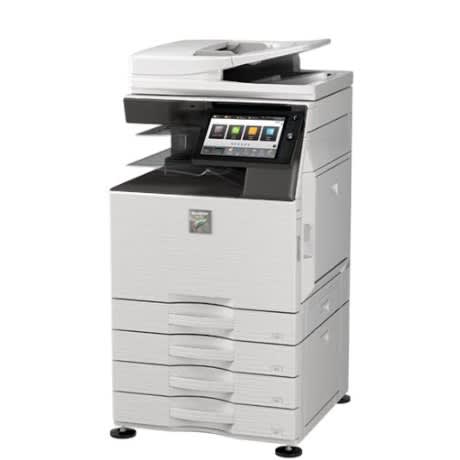
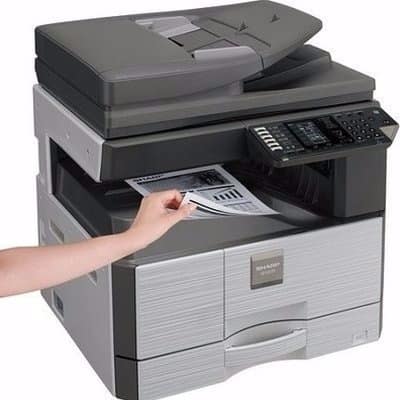
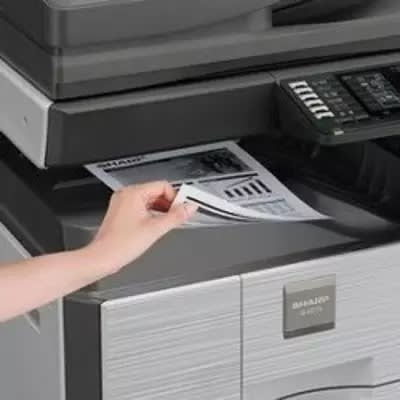
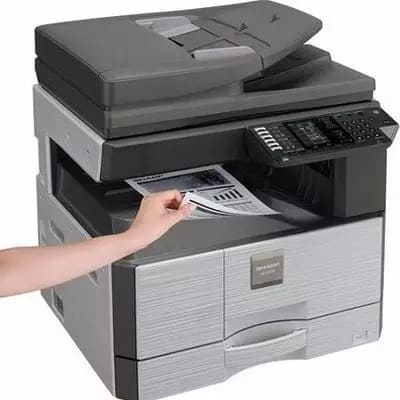
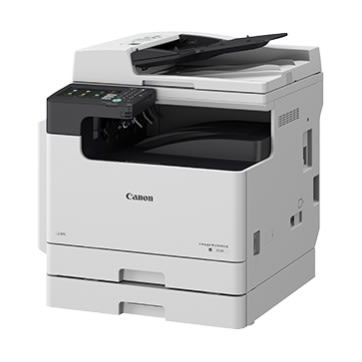
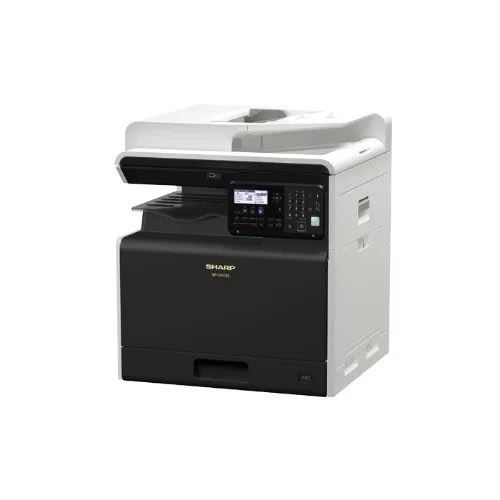
The BP-20M22 is a A3 black & white (monochrome) multifunctional device that offers adaptable features for connected teams. This compact all-in-one printer has enhanced security features and superior functionality that enables flexible working and lets you complete everyday tasks quickly and easily; all with a lot more style. It & rsquo;s a unique cubic frame and the smallest A3 footprint in its class means it can fit almost anywhere and its two-tone color scheme will enhance the look of any workspace.
The BP-20M22 has an output speed of 22 ppm in colour and black & white, a standard paper capacity of 350 sheets which can be expanded up to 1,850 sheets and support for a variety of media.
A range of robust security features keep your data and network safe including intrusion detection, access control, and data encryption as well as a self-healing firmware system, SSL certificate validation and a program execution white list.
Copier
Original paper size
Max. A3 (11" x 17")
First copy time*4
5.2 sec.
6.4 sec.
Continuous copy
Max. 999 copies
ResolutionScan
400 x 600 dpi
Print
600 x 600 dpi
Gradation
Equivalent to 256 levels
Zoom range
25% to 400% (25% to 200% using RSPF) in 1% increments
Preset copy ratiosMetric
10 ratios (5R/5E)
Inch
8 ratios (4R/4E)
Scanner
Scan method
Push scan (via control panel)Pull scan (TWAIN-compliant application)
Scan speed*5Colour & B/W
Max. 37 originals/min.
ResolutionPush scan
100, 150, 200, 300, 400, 600 dpi*6
Pull scan
75, 100, 150, 200, 300, 400, 600 dpi50 dpi to 9,600 dpi via user setting*7
File formats
TIFF, PDF, JPEG*8
Scan destinations
Scan to email/desktop*9/FTP server/network folder (SMB)/USB drive
Printer
Resolution
600 x 600 dpi
Interface
USB 2.0 (host, high-speed), 10Base-T/100Base-TX/1000Base-T, wireless LAN (IEEE 802.11 b/g/n)*10
Supported OS
Windows Server & reg; 2012, Windows Server & reg; 2012 R2, Windows Server & reg; 2016, Windows Server & reg; 2019, Windows & reg; 8.1, Windows & reg; 10,Mac OS 10.9, 10.10, 10.11, 10.12, 10.13, 10.14, 10.15
Network protocols
TCP/IP
Printing protocols
LPR, Raw TCP (port 9100), FTP for downloading print files, IPP, SMB, WSD
PDLStandard
PCL 6 emulation
Option
PostScript & reg; 3 & trade; emulation
Work with the modern HP OfficeJet Pro 9013 All-in-One inkjet printer. You will certainly appreciate the possibility of connecting via USB, but rather we recommend you forget about wiring and printer connect to WiFi. With this modern connection method, Apple AirPrint, Google Cloud Print, or WiFi Direct Print are supported
The printer can print up to 22 pmm/mono and 18 ppm/colour at 4800 x 1200 dpi. The first colour page is printed in 10 seconds, black and white in 9 seconds. You can view and control print jobs conveniently on the 2.65 "colour graphics display..
HP Smart can be used to allow mobile device to print, copy and scan, solve printer problems, and set up the printer on a wireless network. Everything is extremely easy and clear.
Print technology
Inkjet
Features
Automatic two-sided printing (duplex), Copying & scanning, AirPrint, Separate colour cartridges
Connection
Wi-Fi, LAN, USB
Standard Paper Sizes
A4, A5, A6
Scanner features
Double-sided ADF, Automatic document feeder, Scan to Email
Memory
Memory
512 MB
Maximum Memory
512 MB
Mobile printing capability
Mobile printing services
Apple AirPrint & trade;; Mobile Apps; Wi-Fi & reg; Direct Printing; Mopria & trade; Certified; HP Smart
Mobile printing compatibility note
Wireless operations are compatible with 2.4/5 GHz operations only. App or software and HP ID account registration may also be required. Some features require purchase of an optional accessory. Learn more at .
Help save time with Smart Tasks, automatic two-sided scanning, and best-in-class security.A revolutionary smart printer that works the way you need it. Help save time with Smart Tasks shortcuts, Get automatictwo-sided printing and scanning, seamless connections, and best-inclass security. Print and scan from your phone.Designed to save you timeEliminate steps in repetitive tasks, using Smart Tasks. Scan to the cloud, email, and more & ndash; in a tap. Freedom to work anywhereConnect to cloud-based printing with Wi-Fi & trade; or your cellular network to print from anywhere. Best-in-class security, reliable connections Reduce interruptions with self-healing Wi-Fi & trade; that keeps you connected.
PRINT SPEED - (BLACK)
ISO Laser comparable, Professional Mode: Up to 24 ppm, General Office Mode: Up to 39 ppm
PRINT SPEED - (COLOR)
ISO Laser comparable, Professional Mode: Up to 20 ppm, General Office Mode: Up to 39 ppm
FIRST PAGE OUT (READY)
Black: As fast as 9 sec
PRINT QUALITY BLACK (BEST)
Black: 1200 x 1200 rendered dpi Color: Up to 4800 x 1200 optimised dpi on HP Advance Photo Paper 1200 x 1200 dpi input
DUTY CYCLE (MONTHLY, A4)
Up to 30,000 pages [7] Duty cycle is defined as the maximum number of pages per month of imaged output. This value provides a comparison of product robustness in relation to other HP Color InkJet devices.
RECOMMENDED MONTHLY PAGE VOLUME
Up to 2,000
PRINT QUALITY COLOR (BEST)
Up to 4800 x 1200 optimised dpi on HP Advance Photo Paper 1200 x 1200 dpi input
PRINT TECHNOLOGY
HP Thermal Inkjet
PRINTER DRIVERS INCLUDED
HP PCL3 GUI
DISPLAY
6.75 cm (2.65 in) Touchscreen CGD (Colour Graphics Display)
PROCESSOR SPEED
1.2 GHz
PRINT LANGUAGES
HP PCL3 GUI
WIRELESS CAPABILITY
Yes
CONNECTIVITY, STANDARD
1 USB 2.0; 1 Host USB; 1 Ethernet; 1 Wireless 802.11b/g/n; 2 RJ-11 modem ports
CONNECTIVITY, OPTIONAL
No
MINIMUM SYSTEM REQUIREMENTS
Windows 10, 8.1, 8, 7: 1 GHz 32-bit (x86) or 64-bit (x64) processor, 2 GB available hard disk space, CD-ROM/DVD drive or Internet connection, USB port, Internet Explorer
MINIMUM SYSTEM REQUIREMENTS FOR MACINTOSH
OS X v10.11 El Capitan; MacOS Sierra v10.12 (previously OS X); MacOS High Sierra v10.13; MacOS Mojave v10.14; 1.5 GB available hard disk space; Internet access; USB
COMPATIBLE OPERATING SYSTEMS
Windows 10, 8.1, 8, 7, Windows Server 2008 R2 64-bit, Windows Server 2008 R2 64-bit (SP1), Windows Server 2012 64-bit, Windows Server 2012 R2 64-bit, Windows Server 2016 Windows XP and Windows Vista not supported
MEMORY, STANDARD
512 MB
MAXIMUM MEMORY
512 MB
PAPER HANDLING INPUT, STANDARD
250 sheet input tray; 250 Sheet Multipurpose Tray
PAPER HANDLING OUTPUT, STANDARD
Up to 100 sheets with Smart output management
DUPLEX PRINTING
Automatic (standard)
BORDERLESS PRINTING
Yes, on photo paper only, 210 x 297 mm (A4)
MEDIA SIZES SUPPORTED
A4; A5; A6; B5 (JIS); Envelope (DL, C5, C6); Card
MEDIA TYPES
Plain Paper, HP Photo Papers, HP Matte Brochure or Professional Paper, HP Matte Presentation Paper, HP Glossy Brochure or Professional Paper, Other Photo Inkjet Papers, Other Matte Inkjet Papers, Other Glossy Inkjet Papers, Thick Plain Paper, Light/Recycled Plain Paper, HP Tri-fold Brochure Paper, Glossy
MEDIA WEIGHTS, RECOMMENDED
60 to 105 g/m & sup2; (plain); 220 to 280 g/m & sup2; (photo); 75 to 90 g/m & sup2; (envelope); 163 to 200 g/m & sup2; (card)
MEDIA WEIGHT, SUPPORTED
60 to 105 g/m & sup2; (plain); 220 to 280 g/m & sup2; (photo); 75 to 90 g/m & sup2; (envelope); 163 to 200 g/m & sup2; (card)
POWER
Input voltage: 100 to 240 VAC (+/- 10%), 50/60 Hz
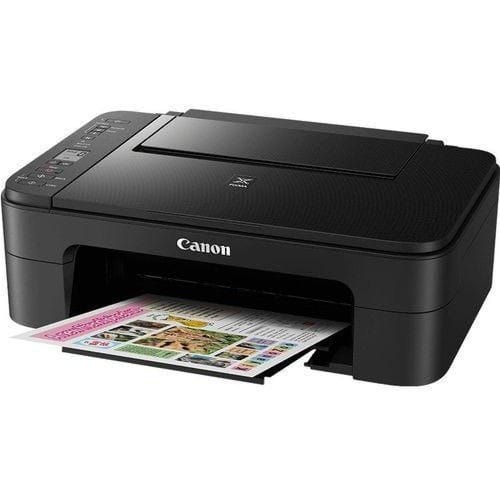
Smart device printing, scanning and copyingPrint from anywhere with convenient wireless printing, using the Canon PRINT app, AirPrint and Mopria.
Easy-to-use LCD screen and buttonsConnect to your Smart device, check your settings and troubleshoot with the easy-to-use 3.8cm LCD screen.
Stylish, durable designWith a surface that & rsquo;s fingerprint and scratch resistant, this printer is practical and easy to maintain.
Borderless Photo PrintingCreate vivid borderless photos up to 5x7 & rdquo; thanks to dye-based ink cartridges.PRINT UP TO 120 MORE PAGESUsing inks included in the box, the Canon PIXMA TS3150 Series prints more than its nearest rival.
Copy, scan automatic 2-sided printingCrisp colour images with every printDynamic security enabled printerWorks with your smart phone or tabletEasy set-up, pair device with your printer and you & rsquo;re ready to goPrint speed up to 10 ppm (black) and 7 pmm (colour)Keep the whole family connected with built in self healing Wi-FiPROCESSORProcessor speed
800 MHz
MEMORYMemory
256 MB DDR3
Maximum Memory
256 MB DDR3
Memory Slots
None
BOX CONTENTSWhat's in the box
HP ENVY 6032e All-in-One PrinterHP 305 Setup Black CartridgeHP 305 Setup Tri-Color CartridgeRegulatory flyerSetup guideReference guidePower cordFor ink volume and page yield information, visit //hp.com/go/learnaboutsupplies
CONNECTIVITY AND COMMUNICATIONSMobile printing capability
Apple AirPrint & trade;Chrome OSHP Smart appMopria-certified
Wireless capability
Yes, built-in Wi-Fi 802.11b/g/n
Network capabilities
Built-in Wi-Fi 802.11b/g/n
Connectivity, standard
1 Hi-Speed USB 2.01 Wi-Fi 802.11ac (dual band) with Bluetooth & reg; 4.2
Wireless technologies
Bluetooth & reg; 4.2802.11b/g/n
MULTIMEDIA AND INPUT DEVICESFax phone features
No
Fax phone TAM interface supported
No
WEIGHTSWeight
5.22 kg
Package weight
6.35 kg
SOFTWARE AND APPLICATIONSSoftware included
HP Printer Software, available online
Mac compatible
Yes
CARTRIDGES AND PRINTHEADSNumber of print cartridges
2 (1 each black, tri-color)
Ink types
Dye-based (color)Pigment-based (black)
Color(s) of printing supplies
BlackCyanMagentaYellow
Print colors maximum
4
PRINTER SPECIFICATIONSFunctions
Print, copy, scan
Duty cycle (monthly, A4)
Up to 1000 pages
Duty cycle (monthly, letter)
Up to 1000 pages[7]
Recommended monthly page volume
100 to 400
Target user and print volume
For teams up to 3 usersPrints up to 100 pages/month
Paper trays, standard
1
Paper trays, maximum
1
Print colors
Yes
Top key features
WirelessHP+HP Instant Ink eligiblePrint from phone or tablet
Print technology
HP Thermal Inkjet
Print languages
HP PCL 3 GUI
Envelope Feeder
No
Borderless printing
Yes (up to 8.5 x 11 in, 216 x 297 mm)
Duplex printing
Automatic (standard)
Automatic paper sensor
Yes
PRINT SPEEDPrint speed black (ISO)
Up to 10 ppm
Print speed color (ISO)
Up to 7 ppm
Print speed black (draft, A4)
Up to 20 ppm
Print speed black (ISO, A4)
Up to 10 ppm
Print speed color (draft, A4)
Up to 17 ppm
Print Speed Color (ISO)
Up to 7 ppm
PRINT RESOLUTIONPrint quality black (best)
Up to 1200X 1200 rendered dpi (when Printing from a computer)
Print quality color (best)
Up to 4800 x 1200 optimised dpi colour (when printing from a computer on selected HP photo papers and 1200 input dpi)
SUPPORTED PRINTING MEDIAMedia sizes supported, key
10 x 15 cmA4
Media sizes supported
A4A5B5DLC6A6
Media sizes, custom
Simplex: 76.2 x 127 to 216 x 297 mmDuplex: 76.2 x 127 to 216 x 297 mm
Standard media sizes (duplex)
A4A5B5
Media types
Plain PaperHP Photo PapersHP Matte Brochure or Professional PaperHP Matte Presentation PaperHP Glossy Brochure or Professional PaperOther Photo Inkjet PapersOther Matte Inkjet PapersOther Glossy Inkjet PapersPlain Paper, Light/Recycled
Media weight, supported
A4: 60 to 90 g/m & sup2;HP envelopes: 75 to 90 g/m & sup2;HP cards: up to 200 g/m & sup2;HP 10 x 15 cm photo paper: up to 300 g/m & sup2;
Media weight, recommended
75 g/m & sup2;
COPIER SPECIFICATIONSColor copy capability
Yes
Copies, maximum
Up to 9 copies
Copier settings
Colour, monochrome
Copy reduce / enlarge settings
Via HP Smart app
COPY RESOLUTIONCopy resolution (black text)
Up to 300 x 300 dpi
Copy resolution (black graphics)
Up to 300 x 300 dpi
Copy resolution (color text and graphics)
300 x 300 dpi
COPY SPEEDCopy speed black (ISO)
Up to 8 cpm
Copy speed color (ISO)
Up to 4 cpm
Copy speed note
Speed specifications have been updated to reflect current industry testing methods.
SCANNER SPECIFICATIONSScan technology
CIS
Color scanning
Yes
Scanner type
Flatbed
Scan input modes
Mobile, HP Scan Software, HP Smart
Scan size, maximum
216 x 297 mm
Bit depth
24-bit
Levels of grayscale
256
Twain version
Version 2.1
Scan file format
JPEG, TIFF, PDF, BMP, PNG
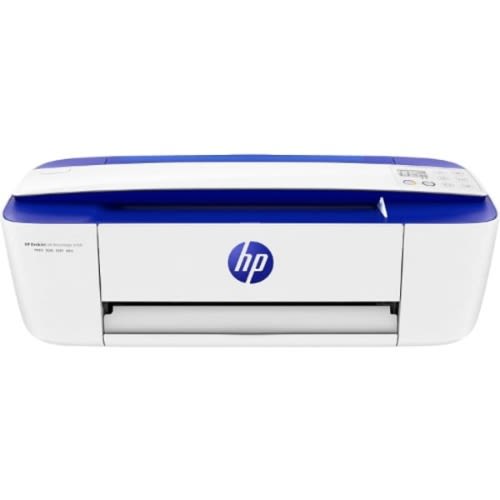
Deskjet Ink Advantage 3790 Wireless All In One Printer
Printing specifications
Print speed black:
ISO: Up to 8 ppmDraft: Up to 19 ppm
Print speed color:
ISO:Up to 5.5 ppmDraft:Up to 15 ppm
First page out (ready)
Black: As fast as 15 secColor: As fast as 18 sec
Duty cycle (monthly, A4)
Up to 1,000 pages
Recommended monthly page volume
50 to 200
Print technology
HP Thermal Inkjet
Printer drivers included
HP PCL 3 GUI
Print quality (best)
Color: Up to 4800 x 1200 optimised dpi colour (when printing from a computer and 1200 input dpi)Black: Up to 1200 x 1200 rendered dpi
Display
7-segment and icon LCD
Processor speed
360 MHz
Number of print cartridges
2 (1 black, 1 tri-colour)
Print languages
HP PCL 3 GUI
Replacement cartridges
F6V25AE HP 652 Black Original Ink Cartridge (~360 pages);F6V24AE HP 652 Tri-colour Original Ink Cartridge (~200 pages)
Connectivity
Wireless capability
Yes, built-in Wi-Fi 802.11b/g/n
Connectivity, standard
1 Hi-Speed USB 2.0
Overview
Value for money: Ultra-low-cost per print for 1900 photo with good quality
Epson Quality: Purpose-built, refillable ink tank
Peace of mind: Covered by Epson's warranty
PC-less printing: Use the LCD screen to print from memory cards and cameras
User-friendly: Hassle-free with simple set-up
Direct printing onto CDs/DVDs
All-in-One Functions: Print, Scan, Copy with LCD Display
SAY GOODBYE TO CARTRIDGES
PRINT UP TO 1,800 PHOTOS FROM AN INITIAL SET OF BOTTLES
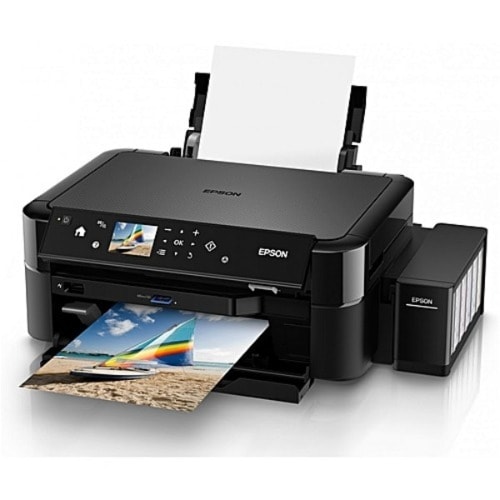
Easily print Epson-quality and low-cost photos from memory cards or directly from cameras using PictBridge with this A4 ITS photo printer. Ideal for photographers using these printers at events or in a studio, the L850 delivers reliable and high-quality photo printing together with more advanced functions such as a scanner, LCD display, and CD/DVD printing.
Easy to use and reliable
Increase productivity and reduce downtime with hassle-free set up and reliable printing. The purpose-built ink tank is fully integrated into the printer, so you can enjoy reliable colour printing without the mess or hassle often associated with non-genuine refills and third-party ink tank systems. Epson-genuine ink bottles make it easy to refill the ink tank with their clear labelling and drip-free nozzle. The L850 has 70ml ink tanks and comes with a 12 month (or 3,000 page) warranty, providing peace of mind and help should you need it. The 6.9cm LCD screen allows for easy and convenient printing and scanning without a PC.
EPSON QUALITY PHOTO PRINTING
Refillable ink tank systemUltra-low-cost photo printingEpson Micro Piezo technologyFast photo printing (12 seconds per photo & sup2;)
FEATURESHigh-quality borderless photo printing up to A4 sizeWi-Fi connectivityDirect printing onto CDs/DVDs6 colour 70ml Epson genuine ink bottles includedENERGY STAR-qualifiedAll-in-One Functions: Print, Scan, CopyLCD Desplay and Memory card Sl