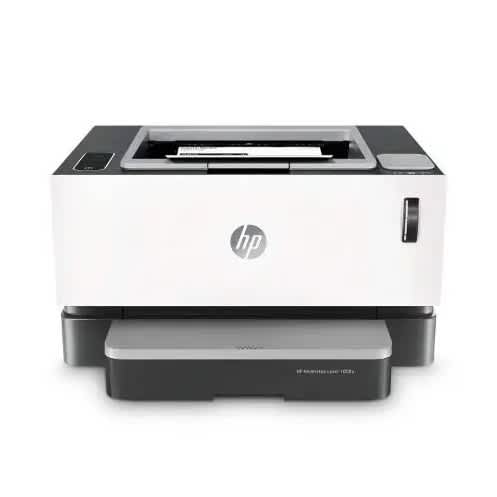



Buy Laserjet Mfp M141a Monochrome Multifunction Printer in Nigeria
You May Also Like
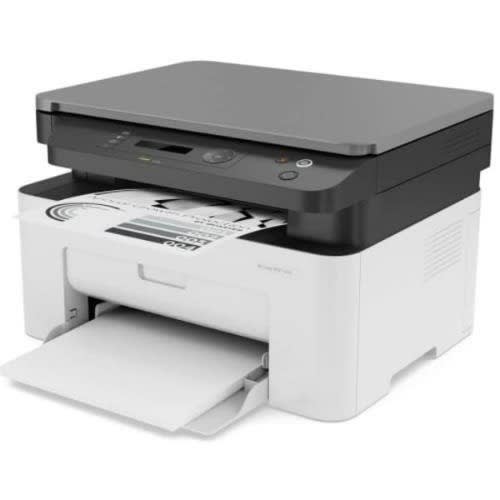
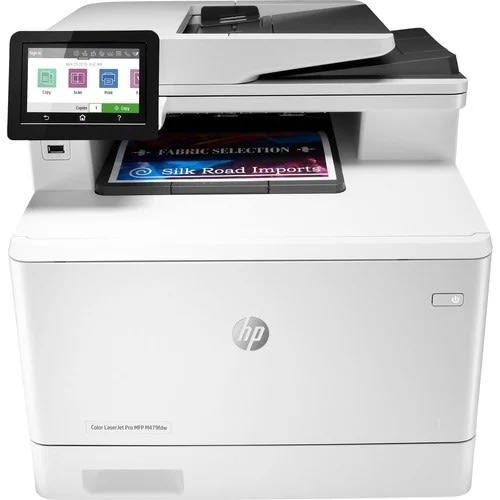
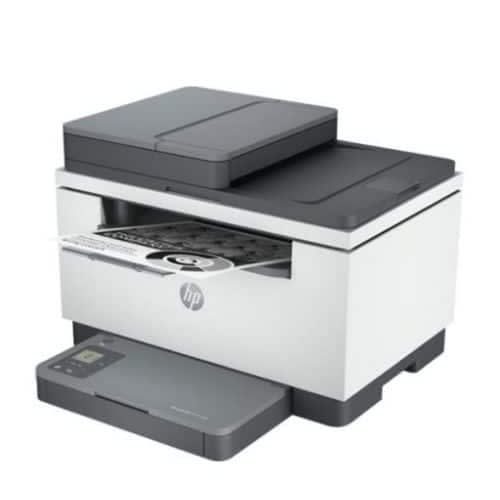
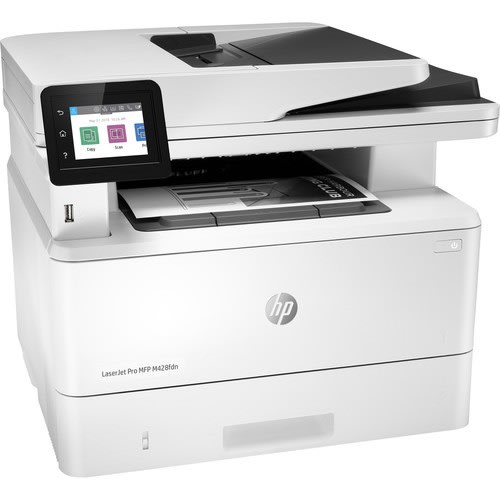
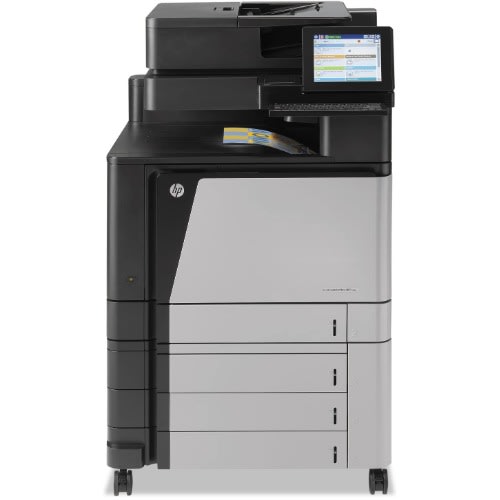
Laserjet Pro M428fdn All-in-one Monochrome Printer With Built-in Ethernet & Duplex Printing
₦ 851,400.00
₦ 860,000.00
-1%
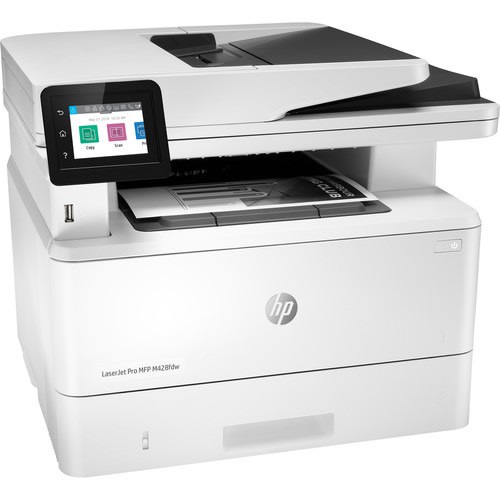
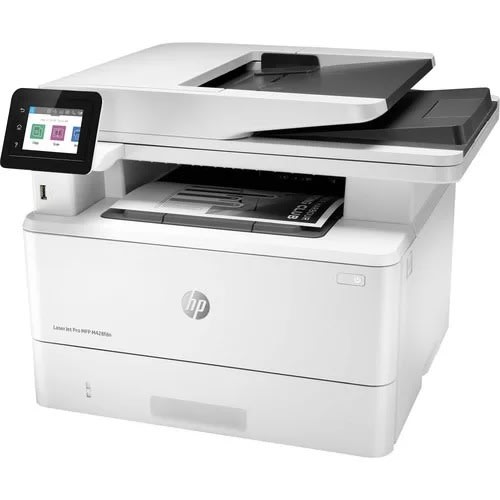
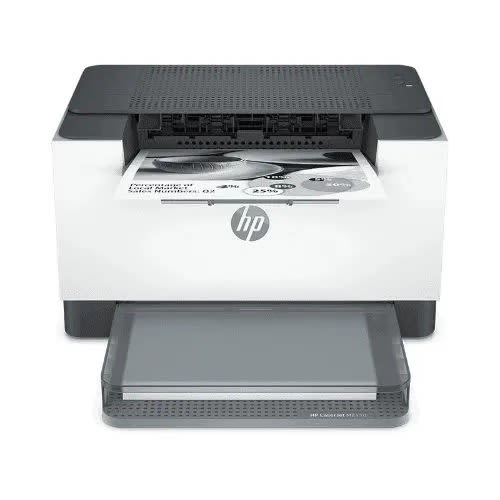
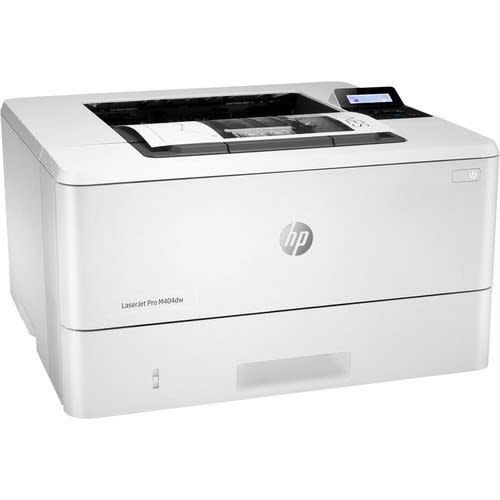
HP Laserjet Pro M404dw Monochrome Wireless Laser Printer With Double-sided Printing
₦ 594,000.00
₦ 600,000.00
-1%
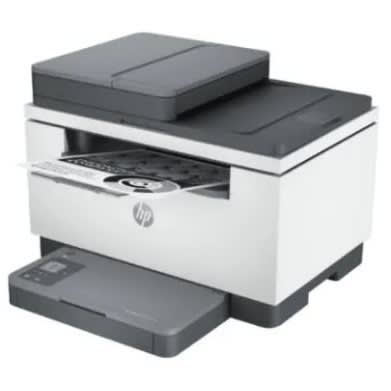
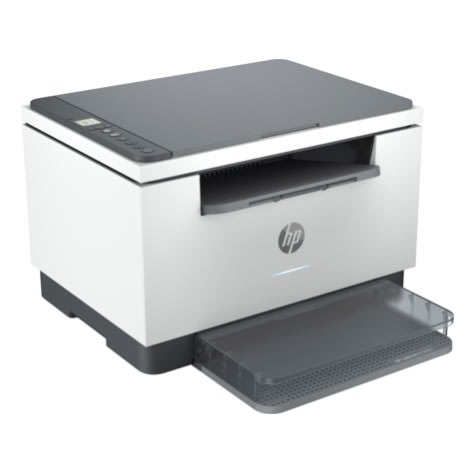
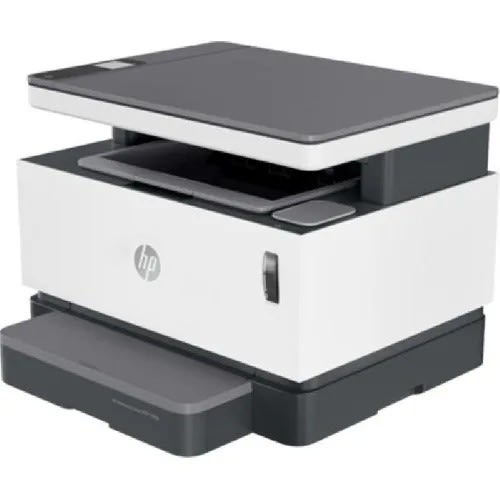
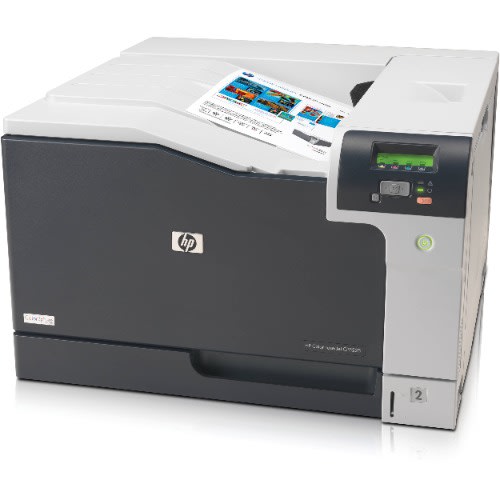
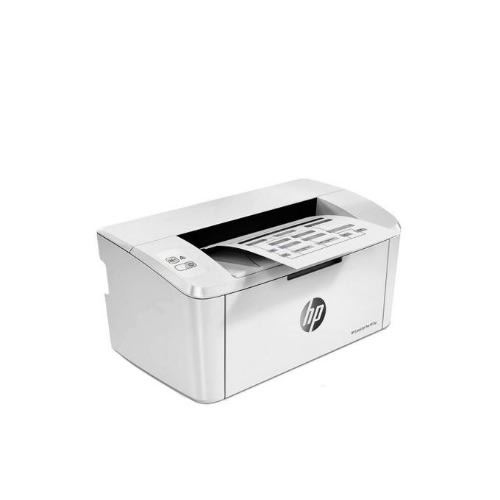
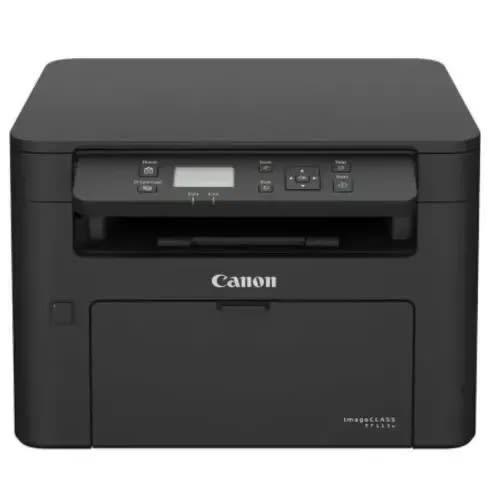
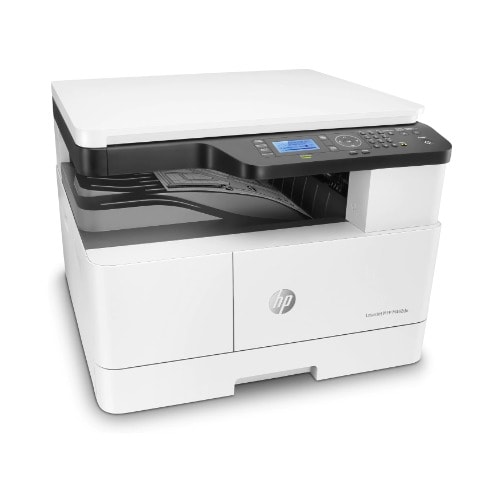
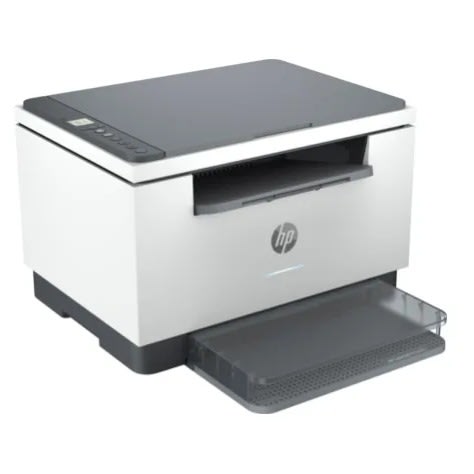
Laserjet Mfp M442dn A3 / A4 Aio Black & White Multifunction Printer
₦ 1,336,500.00
₦ 1,350,000.00
-1%
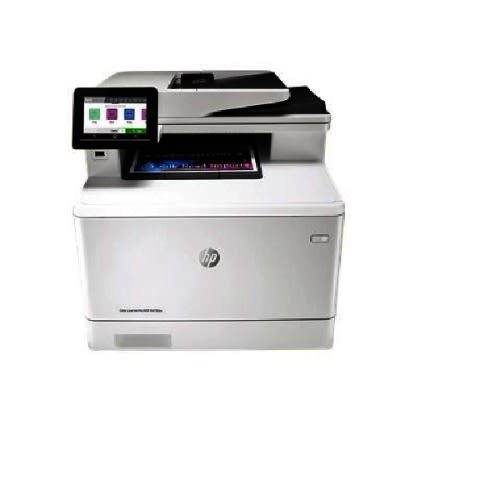
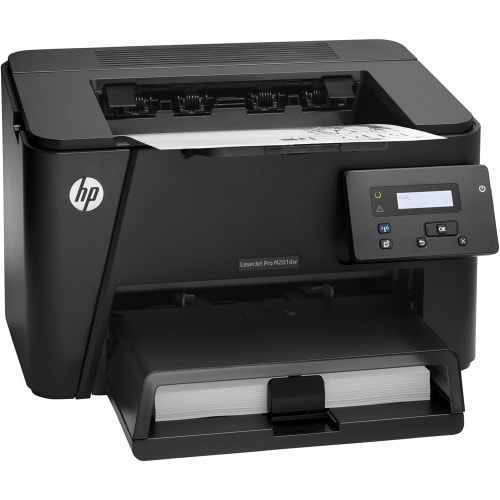
Laserjet Pro M404dw Monochrome Wireless Laser Printer With Double-sided Printing
₦ 540,050.06
₦ 568,473.75
-5%
Featured Products
000RENG425035
HP
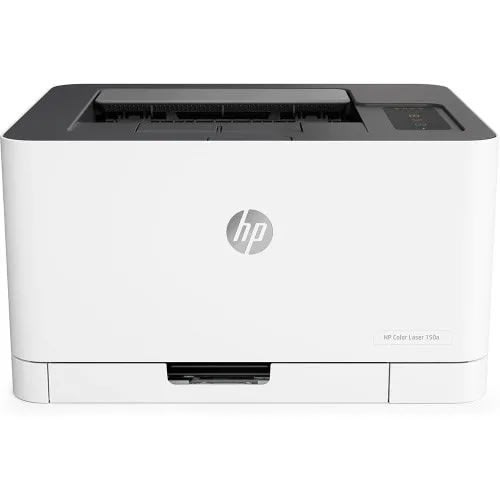
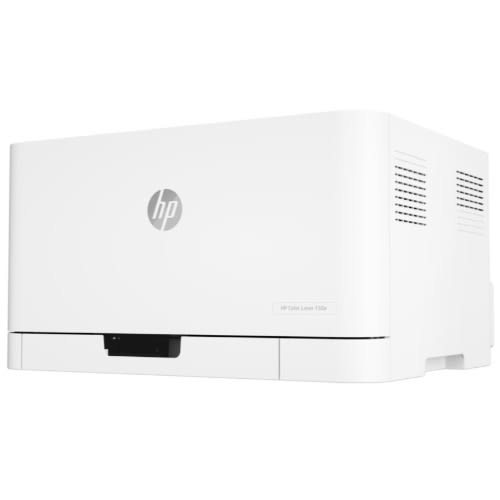
Colour LaserJet Printer - 150a 4zb94a
Compatibility: Windows Connectivity: USB Dimensions W x D x H: 382 x 397 x 274 Emulation: SPL Functions: Print Only Input Capacity: 150 Sheet Manufacturer: HP Max Paper Size: A4 Max Paper Weight: 220gsm Memory: 64 MB Mono or Colour: Colour Pages Per Min Colour: 4 PPM Pages Per Min Mono: 18 PPM Paper Handling Output: 50 Sheet Print DPI: 600 x 600 Printer Type: Laser/LED Processor Speed: 400 Mhz
000RENG425065
Rehmie.com.ng
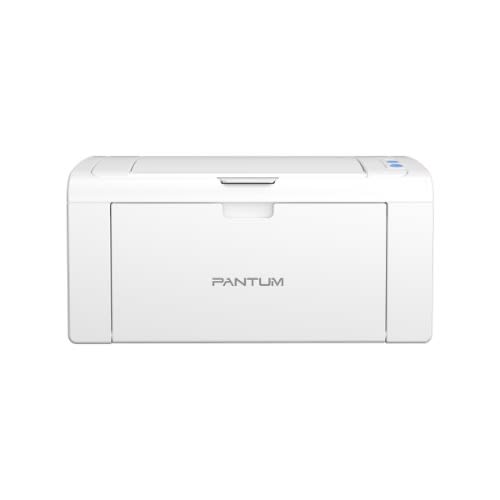
Pantum P2509 Mono Laser Single Function Printer
Product Specification
Model Name/Number
P2509
Brand
Pantum
Usage/Application
Printing
Connectivity Type
Hi-Speed USB 2.0
Print Speed
22ppm(A4)
First print out time
7.8s
Maximum monthly volume
15000 Pages
Recommended monthly volume
2000 Pages
Resolution(dpi)
1200x1200
Paper input
150
Dimensions (W*D*H)
337x220x178mm
Weight
4.75kg
Minimum Order Quantity
10
Product Description
Description :
Printing speed-22ppm
Connection method-USB
Basic function-Print
Special function
Small size;
One step driver installation , new product comes with a USB cable;
The metal frame inside the machine is strong and durable
Key Features
Model: P2509
Print Speed: 22ppm(A4) / 23ppm(Letter)
First print-out time (FPOT): & lt;7.8s
Processor Speed: 600MHz, Memory: 128MB
Connectivity: Hi-Speed USB 2.0
Power Consumption
Printing: Average 370WReady: 38WSleep Mode: Less than 2W
000RENG425066
Rehmie.com.ng
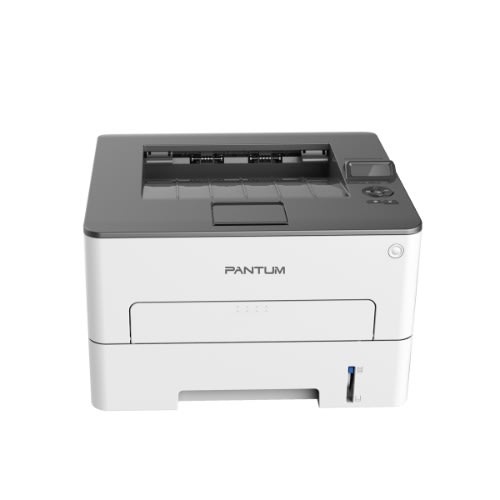
Pantum - P3300 Monochrome Laser Single Function Printer
PANTUM - P3300 MONOCHROME LASER SINGLE FUNCTION PRINTER
Automatic duplexing function for easy office documentation
Less than 8.2s FPOT within category
Up to 33 A4 / 35 Letter ppm high print speed
1,500p yield standard cartridge
Up to 60,000 page monthly duty cycle boosts more productivity.
Extreme low paper jam rate
350 MHz efficient processor plus 256MB large memory produce faster results.
Compact and stylish design, which is suitable for different scenario on any workspace.
Easy-to-use one step installation and saves more space.
One step Drive installation and Direct Printing.
Robust metal frame and parts made from 100% recyclable materials.
Make your printing more convenient with network, wireless and NFC connection
Separate toner cartridge and drum unit reduce waste.
Silent mode creates less noise and gives a comfortable environment..
000RENG425420
HP
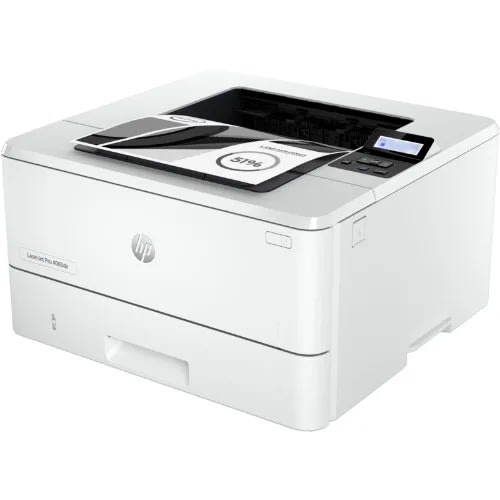
Laserjet Pro 4003dn Printer
HP Laserjet Pro 4003dn Printer
Brand
HP
Connectivity technology
Ethernet
Printing technology
Laser
Special features
auto duplex
Colour
White
Model name
LaserJet Pro 4003dn
Printer output
Monochrome
Max. monochrome printing speed
40
Item weight
8.6 Kilograms
Product dimensions
36.7D x 39.8W x 21.7H centimeters
About this item
Maximum performance.: Support your dynamic workteam with this high-speed smart printer, ideal for up to 10 users. Connect your way. Choose between Ethernet or high-speed USB.
Maximum productivity: Don't wait for printjobs. With no warm up time your printer is always ready.
Seamless management : Connect your HP printers. Robust features and smart tools help your people do more, wherever work happens.
HP Wolf Pro Security: Get printer fleet security out of the box. Preconfigured settings mean it's ready when you are.
HP LaserJet Pro 4003dn Printer (2Z609A): All features
Large workteam solution
Support your dynamic workteam with this high-speed printer, ideal for up to 10 users.
HP Pro-class print speed
Step up your workflow. HP Pro-class print speed reaches up to 42 ppm to meet high-demand environments.
Simple setup
Set up your printers quickly. Streamlined setup makes it easy to set up and get back to business.
Out-of-the-box secure
this at Series:Get printer security out of the box. Preconfigured settings mean it's ready when you are.
Optional HP JetAdvantage Security Manager
Set configuration policies and validate settings universally with HP JetAdvantage Security Manager.
EcoSmart toner
Save up to 20% energy. EcoSmart toner with JetIntelligence balances premium quality with sustainability.
Connectivity, standard:
1 Hi-Speed USB 2.0; 1 host USB at rear side; Gigabit Ethernet 10/100/1000BASE-T network; 802.3az(EEE)
Mobile printing capability:
HP Smart App; Apple AirPrint & trade;; Mopria & trade; Certified
Duty cycle (monthly, A4):
Up to 80,000 pages
Duty cycle (monthly, letter):
Up to 80,000 pages
000RENG425436
HP
Color Laserjet Pro M255dw - Wireless Laser Printer
Weight
0.10 kg
Brand
Connectivity
USB + Bluetooth + WiFi
Colour
White
Weight
7.00 kg
Colour
White
Brand
Connectivity
USB + Bluetooth + WiFi
Functions
Print
Print speed, color (draft)
Measured using ISO/IEC 24734, excludes first set of test documents. For more information see //www.hp.com/go/printerclaims. Exact speed varies depending on the system configuration, software application, driver, and document complexity.
Print speed, black (normal)
Up to 22 ppm
Print speed, color (normal)
Up to 22 ppm
Printer page yield
Declared yield value in accordance with ISO/IEC 19798 and continuous printing. Actual yields vary considerably based on images printed and other factors. For details see //www.hp.com/go/learnaboutsupplies
First page out (ready) black
As fast as 10.2 sec
First page out (ready) color
As fast as 12.0 sec
Resolution (black)
Up to 600 x 600 dpi
Resolution (color)
Up to 600 x 600 dpi
Resolution technology
ImageRET 3600
Monthly duty cycle
Up to 40,000 pages
Recommended monthly page volume
150 to 2500
Print Technology
Laser
Display
2.7'' color graphic touch screen
Processor speed
800 MHz
Number of print cartridges
4 (1 each black, cyan, magenta, yellow)
Replacement cartridges
HP 206A Black LaserJet Toner Cartridge (~1350 yield) W2110A; HP 206A Cyan LaserJet Toner Cartridge (~1250 yield) W2111A; HP 206A Yellow LaserJet Toner Cartridge (~1250 yield) W2112A; HP 206A Magenta LaserJet Toner Cartridge (~1250 yield) W2113A; HP 206X Black LaserJet Toner Cartridge (~3150 yield) W2110X; HP 206X Cyan LaserJet Toner Cartridge (~2450 yield) W2111X; HP 206X Yellow LaserJet Toner Cartridge (~2450 yield) W2112X; HP 206X Magenta LaserJet Toner Cartridge (~2450 yield) W2113X
[3]
[3] Replacement 206A cartridge average composite (C/Y/M) declared yield ~1250 and average black yield ~1350 pages; replacement 206X cartridge average composite (C/Y/M) declared yield ~2450 and average black yield ~3150 pages based on ISO/IEC 19798 and continuous printing. Actual yields vary considerably based on images printed and other factors. For details see //www.hp.com/go/learnaboutsupplies.
000RENG425446
HP
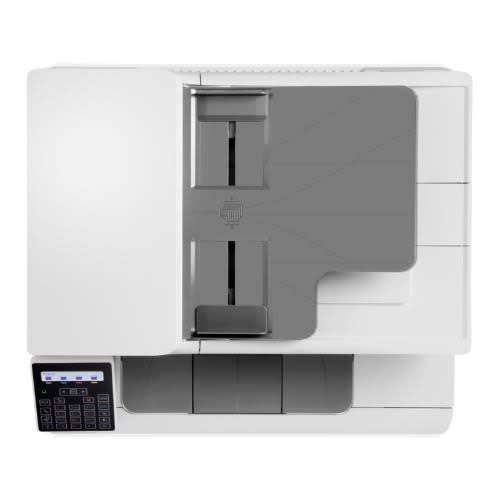
Hp Color Laser Jet Printer - Mfp 178nw
Weight
0.10 kg
Colour
White
Brand
Connectivity
USB + Bluetooth + WiFi
Weight
5.00 kg
Brand
Connectivity
USB + Bluetooth + WiFi
Warranty Period
1 Year
Colour
Multicolour
Functions
Print, copy, scan
Print speed black (ISO, A4)
Up to 18 ppm 1
Print Speed Color (ISO)
Up to 4 ppm 1
First page out black (letter, ready)
2 (Measured using ISO/IEC 17629. For more information see //www.hp.com/go/printerclaims. Exact speed varies depending on the system configuration, software application, driver, and document complexity.)
First page out black (A4, ready)
As fast as 12.4 sec 2 (Measured using ISO/IEC 17629. For more information see //www.hp.com/go/printerclaims. Exact speed varies depending on the system configuration, software application, driver, and document complexity.)
First page out color (letter, ready)
2 (Measured using ISO/IEC 17629. For more information see //www.hp.com/go/printerclaims. Exact speed varies depending on the system configuration, software application, driver, and document complexity.)
First page out color (A4, ready)
As fast as 25.3 sec 2 (Measured using ISO/IEC 17629. For more information see //www.hp.com/go/printerclaims. Exact speed varies depending on the system configuration, software application, driver, and document complexity.)
Duplex printing
Manual (driver support provided)
Duty cycle (monthly, letter)
Up to 20,000 pages (Duty cycle is defined as the maximum number of pages per month of imaged output.)
Duty cycle (monthly, A4)
Up to 20,000 pages (Duty cycle is defined as the maximum number of pages per month of imaged output.)
Recommended monthly page volume
100 to 500 3 (HP recommends that the number of pages per month of imaged output be within the stated range for optimum device performance, based on factors including supplies replacement intervals and device life over an extended warranty period.)
Print quality black (best)
Up to 600 x 600 dpi 4 bits
Print quality color (best)
Up to 600 x 600 dpi 4 bits
Print languages
SPL
Print technology
Laser
Connectivity, standard
Hi-speed USB 2.0 port; Fast Ethernet 10/100Base-Tx network port; Wireless 802.11 b/g/n
Mobile printing capability
HP Smart App; Apple AirPrint & trade;; Mobile Apps; Mopria & trade; Certified; Wi-Fi & reg; Direct Printing; Google Cloud Print & trade; 4 May require a firmware upgrade to be compatible, download at //www.hp.com/go/support
Network capabilities
Via built-in 10/100 Base-TX networking
Wireless capability
Yes, built-in Wi-Fi 802.11 b/g/n
Minimum System Requirements for Macintosh
OS X v10.11 or newer, 1.5 GB available hard disk space, Internet, USB
Minimum System Requirements
Windows 7 or newer, Intel & reg; Pentium & reg; IV 1 GHz 32/64-bit processor or higher, 1 GB RAM, 16 GB available hard disk space
Digital sending standard features
Scan to WSD; PC Scan
Display
2-Line LCD
Processor speed
800 MHz
Maximum Memory
128 MB
Memory
128 MB
Compatible Operating Systems
Windows 11; Windows 8; Windows 7; macOS 10.11 El Capitan; macOS 10.12 Sierra; macOS 10.13 High Sierra; macOS 10.14 Mojave 5 (Windows 7 or higher)
Paper handling input, standard
150 sheet input tray
Paper handling output, standard
50 sheet output bin
Finished output handling
Sheetfed
Media types
Plain, Light, Heavy, Extra Heavy, Coloured, Preprinted, Recycle, Labels, Bond, Glossy
Media sizes supported
Tray1: A4; A5; A6; B5 (JIS); Oficio 216 x 340. Tray2: Not supported; Optional Automatic duplexer: Not supported
Media sizes, custom
76 x 148.5 to 216 x 356 mm
Scanner type
Flatbed
Scan file format
PDF, JPG, TIFF
Enhanced scanning resolution
Up to 19,200 dpi
Scan resolution, optical
Up to 600 & times; 600 dpi (300 dpi for Mac OS)
Scan resolution, hardware
Up to 4,800 x 4,800 dpi
Scan size, maximum
216 x 297 mm
Scan technology
Contact Image Sensor (CIS)
Copy speed (black, normal quality, A4)
Up to 14 cpm 6
Copy speed (color, normal quality, A4)
Up to 4 cpm 6
Copy resolution (black text)
Up to 600 x 600 dpi (flatbed); Up to 600 x 600 dpi
Copy resolution (color text and graphics)
Up to 600 x 600 dpi (flatbed); Up to 600 x 600 dpi
Copies, maximum
Up to 999 copies
Copy reduce / enlarge settings
25 to 400%
Copier settings
Copies; Original Size; Reduce/Enlarge; Darkness; Original Type; Collation; 2-Up; 4-Up; ID Copy; Adjust Background; Auto Fit Copy; Colour Mode
Faxing
No
Power consumption
300 watts (active printing), 38 watts (ready), 1.9 watts (sleep), 0.2 watts (manual off), 0.2 watts (auto off/manual on) 7
Power
220-volt input voltage: 220 to 240 VAC, 50/60 Hz
Operating humidity range
10 to 80% RH (non-condensing)
Recommended operating humidity range
20 to 70% RH (non-condensing)
Operating temperature range
10 to 30 & deg;C
Typical electricity consumption (TEC) number
0.876 kWh/Week (Blue Angel); 1.093 kWh/Week (Energy Star) 8 (Power requirements are based on the country/region where the printer is sold. Do not convert operating voltages. This will damage the printer and void the product warranty. Energy Star value typically based on measurement of 115V device and 230V for Blue Angel.)
Energy savings feature technology
HP Auto-Off Technology
Ecolabels
CECP
Energy star certified
No
000RENG425451
HP
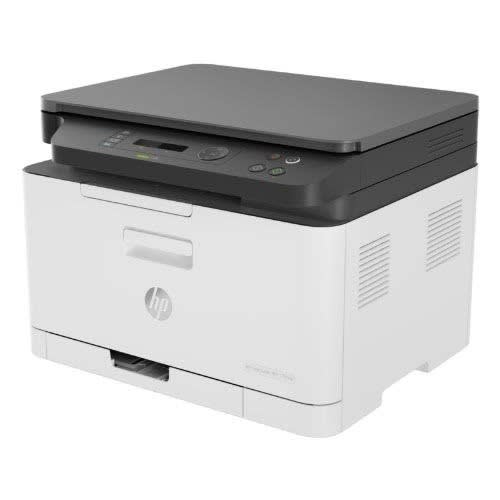
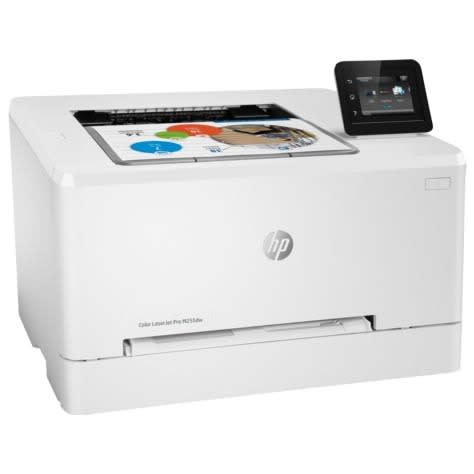
Color Laserjet Pro M255dw Wireless Laser Printer
Weight
7.00 kg
Colour
White
Brand
Connectivity
USB + Bluetooth + WiFi
Functions
Print
Print speed, color (draft)
Measured using ISO/IEC 24734, excludes first set of test documents. For more information see //www.hp.com/go/printerclaims. Exact speed varies depending on the system configuration, software application, driver, and document complexity.
Print speed, black (normal)
Up to 22 ppm
Print speed, color (normal)
Up to 22 ppm
Printer page yield
Declared yield value in accordance with ISO/IEC 19798 and continuous printing. Actual yields vary considerably based on images printed and other factors. For details see //www.hp.com/go/learnaboutsupplies
First page out (ready) black
As fast as 10.2 sec
First page out (ready) color
As fast as 12.0 sec
Resolution (black)
Up to 600 x 600 dpi
Resolution (color)
Up to 600 x 600 dpi
Resolution technology
ImageRET 3600
Monthly duty cycle
Up to 40,000 pages
Recommended monthly page volume
150 to 2500
Print Technology
Laser
Display
2.7'' color graphic touch screen
Processor speed
800 MHz
Number of print cartridges
4 (1 each black, cyan, magenta, yellow)
Replacement cartridges
HP 206A Black LaserJet Toner Cartridge (~1350 yield) W2110A; HP 206A Cyan LaserJet Toner Cartridge (~1250 yield) W2111A; HP 206A Yellow LaserJet Toner Cartridge (~1250 yield) W2112A; HP 206A Magenta LaserJet Toner Cartridge (~1250 yield) W2113A; HP 206X Black LaserJet Toner Cartridge (~3150 yield) W2110X; HP 206X Cyan LaserJet Toner Cartridge (~2450 yield) W2111X; HP 206X Yellow LaserJet Toner Cartridge (~2450 yield) W2112X; HP 206X Magenta LaserJet Toner Cartridge (~2450 yield) W2113X
[3]
[3] Replacement 206A cartridge average composite (C/Y/M) declared yield ~1250 and average black yield ~1350 pages; replacement 206X cartridge average composite (C/Y/M) declared yield ~2450 and average black yield ~3150 pages based on ISO/IEC 19798 and continuous printing. Actual yields vary considerably based on images printed and other factors. For details see //www.hp.com/go/learnaboutsupplies.
000RENG425459
HP
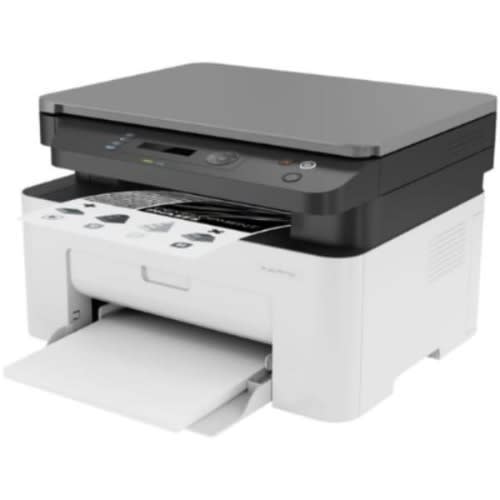
Laser Mono Multifunction Printer - Mfp 135a A4
Weight
0.10 kg
Colour
White
Brand
Connectivity
USB + Bluetooth + WiFi
Brand
Connectivity
USB + Bluetooth + WiFi
Colour
White
Brand
Connectivity
Wired
Colour
White
HP Laser MFP 135a Mono PrinterHP 105A Black Original Laser Toner Cartridge (~1000 yield); HP 106A Black Original Laser Toner Cartridge (~1000 yield); HP 107A Black Original Laser Toner Cartridge (~1000 yield) [4]
Product SpecificationsHP MFP 135a Mono Laser Printer (4ZB82A) - Print Size: A4, Functions: Print, Copy & Scan, Print Speed: Up to 20ppm mono, Print Resolution: Up to 1200 x 1200 dpi, Memory: 128MB RAM, Duplex Printing: Manual, Connectivity: Hi-Speed USB 2.0 port, Paper Handling: 150 sheet paper input tray, 40 Sheet Automatic Document Feeder
In the BoxHP MFP 135a Mono Laser Printer (4ZB82A), Preinstalled introductory HP LaserJet Black print cartridges, Setup Guide, Reference Guide, Regulatory Statements Flyer, Power cord,
USB Cable
Warranty1 Year Collect, Repair & Return Warranty
Print speed black (ISO, A4) Up to 20 ppmFirst page out black (A4, ready) As fast as 8.3 secDuty cycle (monthly, A4) Up to 10,000 pagesRecommended monthly page volume 100 to 2,000Print technology LaserPrint quality black (best) Up to 1,200 x 1,200 dpiDisplay 2-Line LCD (16 characters per line)Wireless capability NoConnectivity, standard Hi-Speed USB 2.0Compatible Operating Systems Windows & reg; 7 (32/64-bit), 2008 Server R2, 8 (32/64-bit), 8.1 (32/64 bit), 10 (32/64-bit), 2012 Server, 2016 ServermacOS v10.14 Mojave, macOS v10.13 High Sierra, macOS v10.12 Sierra, OS X v10.11 El CapitanMemory 128 MBMaximum Memory 128 MB
Maximum Memory 128 MBPaper handling input, standard 150 sheet input trayPaper handling output, standard 100 sheet output binDuplex printing Manual (driver support provided)Finished output handling SheetfedMedia sizes supported A4A5A5 (LEF)B5 (JIS)OficioEnvelope (DL, C5)Media types Plain, Thick, Thin, Cotton, Colour, Preprinted, Recycled, Labels, CardStock, Bond, Archive, EnvelopeScanner type FlatbedScan resolution, optical Up to 600 & times; 600 dpiScan size, maximum 216 x 297 mmDigital sending standard features PC ScanCopy speed (black, normal quality, A4) Up to 20 cpmCopy resolution (black text) Up to 600 x 600 dpiCopy reduce / enlarge settings 25 to 400%
Blue Angel compliant Yes, Blue Angel DE-UZ 205 & mdash;only ensured when using Original HP suppliesOperating temperature range 10 to 30 & deg;CRecommended operating humidity range 20 to 70% RH (non-condensing)Minimum dimensions (W x D x H) 406 x 359.6 x 253 mmMaximum dimensions (W x D x H) 406 x 424 x 253 mm
What's included and accessoriesWhat's in the boxPreinstalled introductory HP LaserJet Black print cartridges (~0.5K pages, WW); Setup Guide; Reference Guide; Regulatory Statements Flyer; Power cord;
000RENG425839
HP
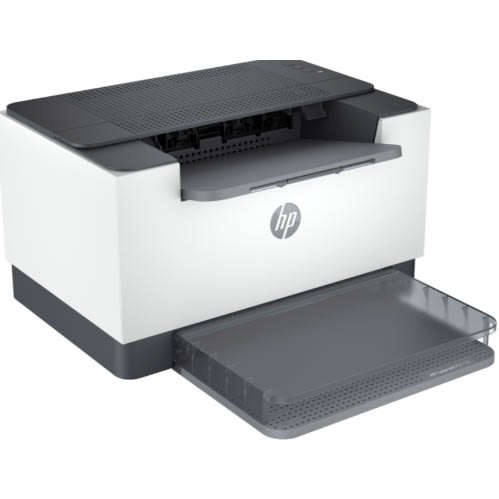
Laserjet Printer M211d 9yf82a
Model LaserJet M211d Printer (9YF82A)Device Category Desktop PrinterPrinter Technology LaserOutput Type MonoFunctions PrintPrint Quality (Mono) Up to 600 x 600 dpiMax Print Speed (Mono) ppm 29Duty Cycle (Max Monthly Pages, A4) 20000Printing Paper Size A4, A5, A6, B5Paper types supported 101.6 x 152.4 to 216 x 356 mmAutomatic Duplex Printing YesFeatures Automatic Duplex PrintingConnectivity USBDimensions 355 x 426.5 x 265 mmWeight 12.44 lbsColor WhiteColor Detail Black and Whhite
000RENG425853
HP
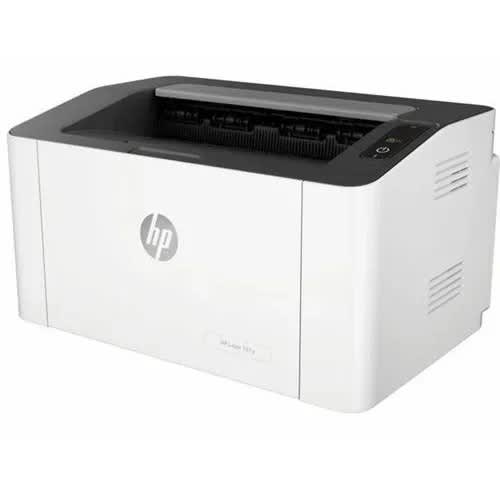
Laser 107a Mono Laser Single Function Printer
Weight
4.0 kg
Colour
White
Warranty Period
1 Year
Connectivity
USB Only
Weight
4.00 kg
Colour
White
Warranty Period
1 Year
Connectivity
USB Only
HP Laser 107a Mono laser Single function printer
FUNCTIONS PRINT
PRINT SPEED BLACK (ISO, A4) UP TO 20 PPM 1
FIRST PAGE OUT BLACK (A4, READY) AS FAST AS 8.3 SEC 2
DUPLEX PRINTING MANUAL (DRIVER SUPPORT PROVIDED)
DUTY CYCLE (MONTHLY, LETTER)
UP TO 10,000 PAGES (DUTY CYCLE IS DEFINED AS THE MAXIMUM NUMBER OF PAGES PER MONTH OF IMAGED OUTPUT. THIS VALUE PROVIDES A COMPARISON OF PRODUCT ROBUSTNESS IN RELATION TO OTHER HP LASERJET OR HP COLOR LASERJET DEVICES, AND ENABLES APPROPRIATE DEPLOYMENT OF PRINTERS AND MFPS TO SATISFY THE DEMANDS OF CONNECTED INDIVIDUALS OR GROUPS.)
DUTY CYCLE (MONTHLY, A4)
UP TO 10,000 PAGES 3 (DUTY CYCLE IS DEFINED AS THE MAXIMUM NUMBER OF PAGES PER MONTH OF IMAGED OUTPUT. THIS VALUE PROVIDES A COMPARISON OF PRODUCT ROBUSTNESS IN RELATION TO OTHER HP LASERJET OR HP COLOR LASERJET DEVICES, AND ENABLES APPROPRIATE DEPLOYMENT OF PRINTERS AND MFPS TO SATISFY THE DEMANDS OF CONNECTED INDIVIDUALS OR GROUPS.)
RECOMMENDED MONTHLY PAGE VOLUME 100 TO 1,500
PRINT QUALITY BLACK (BEST) UP TO 1,200 X 1,200 DPI
PRINT LANGUAGES SPL
PRINT TECHNOLOGY LASER
CONNECTIVITY, STANDARD
HI-SPEED USB 2.0 PORT
WIRELESS CAPABILITY NO
MINIMUM SYSTEM REQUIREMENTS
WINDOWS 7 OR NEWER, INTEL & reg; PENTIUM & reg; IV 1 GHZ 32/64-BIT PROCESSOR OR HIGHER, 1 GB RAM, 16 GB HDD
DISPLAY LED
PROCESSOR SPEED 400 MHZ
MAXIMUM MEMORY 64 MB
MEMORY 64 MB
MEMORY CARD COMPATIBILITY NONE
COMPATIBLE OPERATING SYSTEMS WINDOWS & reg;: 7 (32/64-BIT), 2008 SERVER R2, 8 (32/64-BIT), 8.1 (32/64-BIT), 10 (32/64-BIT), 2012 SERVER, 2016 SERVER 5 (WINDOWS 7 OR HIGHER)
PAPER HANDLING INPUT, STANDARD 150 SHEET INPUT TRAY
PAPER HANDLING OUTPUT, STANDARD 100 SHEET OUTPUT BIN
FINISHED OUTPUT HANDLING SHEETFED
MEDIA TYPES PLAIN, THICK, THIN, COTTON, COLOUR, PREPRINTED, RECYCLED, LABELS, CARDSTOCK, BOND, ARCHIVE, ENVELOPE
MEDIA SIZES SUPPORTED A4; A5; A5 (LEF); B5 (JIS); OFICIO; ENVELOPE (DL, C5); 76 X 127 TO 216 X 356 MM
MEDIA SIZES, CUSTOM 76 X 127 TO 216 X 356 MM
POWER CONSUMPTION 320 WATTS (ACTIVE PRINTING), 33 WATTS (READY), 1.1 WATTS (SLEEP), 0.2 WATTS (MANUAL OFF), 0.2 WATTS (AUTO OFF/MANUAL ON) 6
POWER 220 TO 240 VAC, 50/60HZ
OPERATING HUMIDITY RANGE 10 TO 80% RH (NON-CONDENSING)
RECOMMENDED OPERATING HUMIDITY RANGE 20 TO 70% RH (NON-CONDENSING)
OPERATING TEMPERATURE RANGE 10 TO 30 & deg;C
000RENG425872
HP
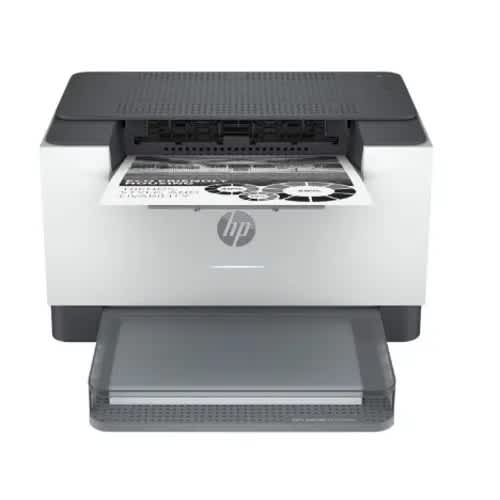
Laserjet M209dwe A4 Mono Laser Printer
Weight
4.00 kg
Colour
White
Warranty Period
1 Year
Brand
Connectivity
Not Specified
This HP LaserJet is a high-productivity printer with the fastest two-sided printing in its class. It & rsquo;s designed for home office users who need reliable performance for high-volume black-and-white printing in a compact and easy-to-use device. This is an HP+ printer. It requires an HP account,connection to the internet,and exclusive use of Original HP Toner cartridges for the life of the printer.
A high-quality compact mono laser printer with the fastest two-sided printing in its class2 and the time-saving HP Smart app.3 4 Includes HP+, HP & rsquo;s simplest printing solution & ndash; more value added with exclusive use of Original HP Toner.
Work fast. Work smart.Speed through multipage documents with the fastest in-class two-sided printing speed.
Stay productive from anywhereGet started fast with easy setup that guides you, step by step. Simply download the HP Smart app, connect to a network, and share your printer across all your devices.
HP+ printing made brilliantly simpleWith HP+ get fewer printer interruptions with new connected cloud that automatically detects and fixes connectivity issues
Investing in forests with every printWith HP+, your printer supports Forest First sustainable printing.7 For every page printed, we invest in the protection and management of healthy forests.
Key Features
Up to 29ppm Mono Print
Up to 600 x 600 dpi PrintHP+ EligibleGet Advanced Smart App Solutions with HP+Automatic Double Sided PrintingUSB, Network, Wireless & Wi-Fi DirectAs Fast as 7 Seconds First pagePCLmS, URF, PWG150 Sheet Input Tray500MHz Processor64MB RAMWindows & Mac Compatible
000RENG425888
Rehmie.com.ng
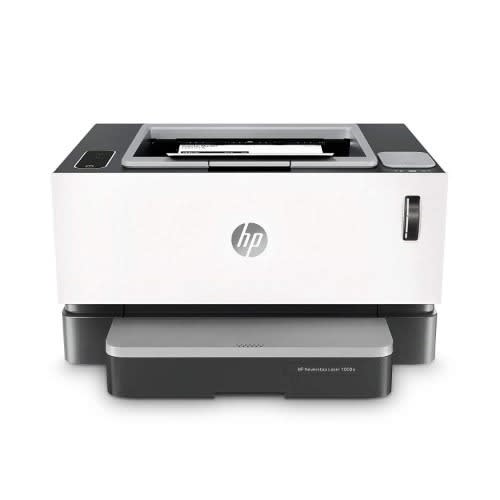
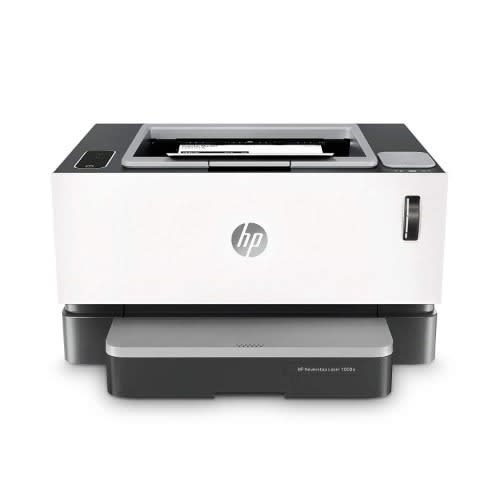
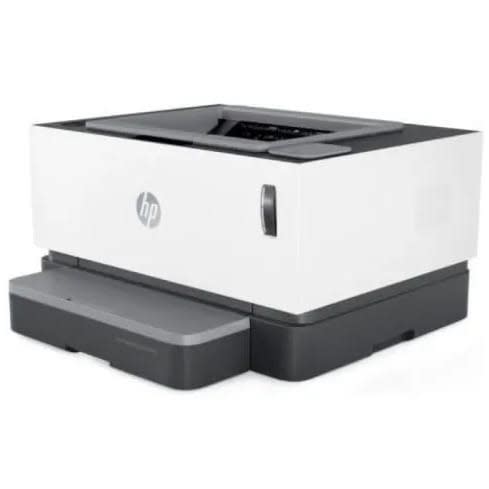
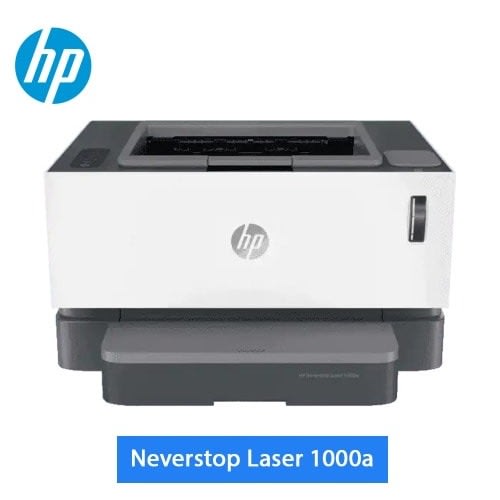
Neverstop Laser 1000w
NEVERSTOP LASER 1000W PRINTER- WIRELESS FROM HP BUSINESS PARTNEREasily print at high volumes with the innovative cartridge-free laser printer & ndash; includes 5,000 pages of toner. Count on HP quality at an ultra-low cost. Print and scan virtually anywhere with HP Smart & ndash; best-in-class mobile print app.Up to 5000 pages right out of the box before your first reloadEngineered for high-volume printing & ndash; get 5,000 pages of toner right out of the box.Refill kit for 2500 pages. Ultimate low printing cost.Count on getting consistently high quality prints with this revolutionary laser.15-second, mess-free self reloadEasy self reload your toner with a mess-free experience.Freedom to work anywhereMobile printing with HP Smart & ndash; best-in-class mobile print app.
Brand HP
Product Dimensions 4.75 x 2.9 x 4.2 cm; 8 Kilograms
Item model number HP Neverstop Laser 1000w Printer
Manufacturer Hp
Color White
RAM Size 32 MB
Wireless Type 802.11bgn
Number of USB 2.0 Ports 1
Wattage 365 watts
Power Source AC 200-240v,50/60Hz
Are Batteries Included No
Item Weight 8 kg
Print Size: A4 / Functions: Print Only
Print Speed: Up to 20ppm mono
Print Resolution: Up to 600 x 600 x 2 dpi
Connectivity: Wireless 802.11 b/g/n & USB 2.0
Paper Handling: 150 sheet paper input tray
Key FeaturesThousands of pages right out of the boxEngineered for high-volume printing & ndash; get 5.000 pages of toner right out of the box.Uncompromising laser qualityThis innovative laser printer delivers exceptional quality, page after page.The power of your printer in the palm of your handGet simple setup, and print and scan from your phone, with the HP Smart app.Simple, mess-free reloadEasy reload your toner with a mess-free experience.Fast printingGet print speeds up to 20 ppm.No network, no problemConnect your smartphone or tablet directly to your printer & ndash; and easily print without accessing a network.Sharp, high-quality black textConnect your smartphone or tablet directly to your printer & ndash; and easily print without accessing a network.Simple, intuitive control panelGet quick and easy printing directly at the control panel.Load up to 150 sheetsChange paper less often with a 150-sheet capacity paper tray.Revolutionary toner reload systemQuickly and easily restore toner levels with the toner reload kit.