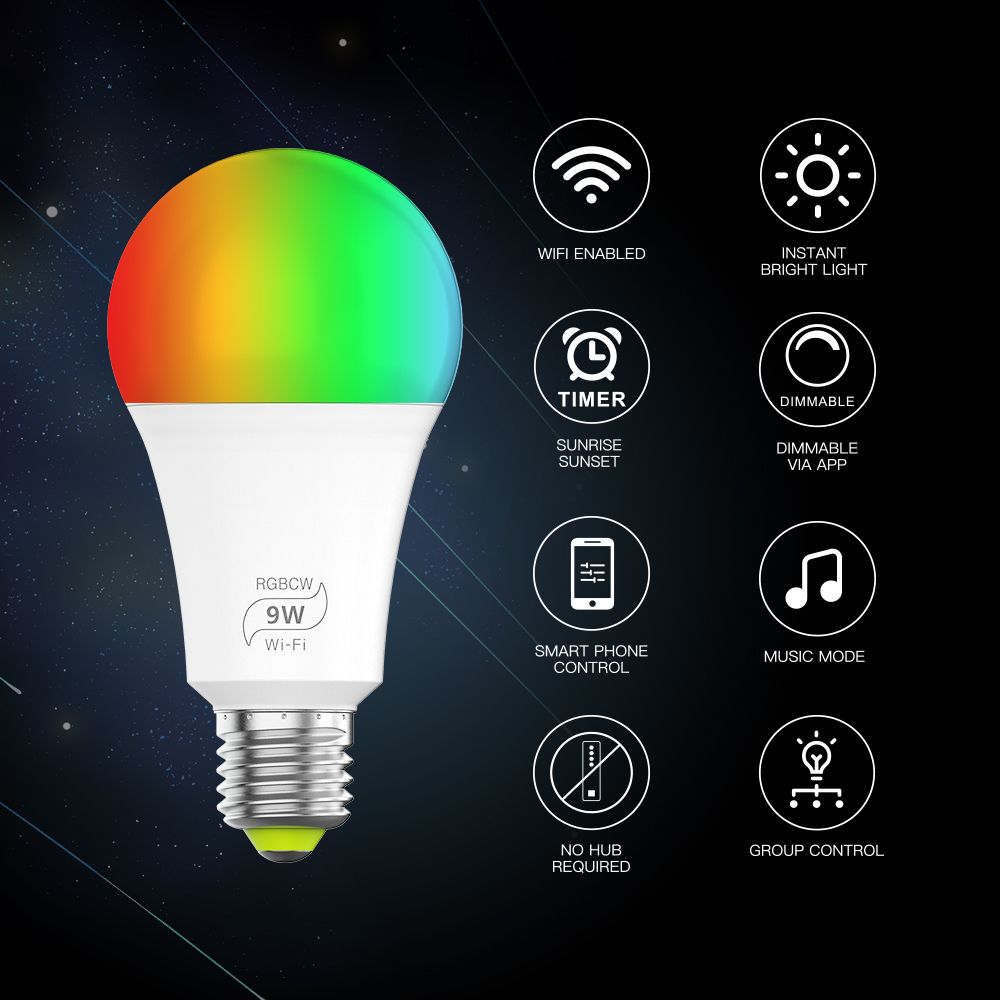


App function introduction1).Bluetooth Remote Control:Home router must cooperate with gateway to realize remote control of mobile phone ,At anywhere you can customize the color, brightness, and switch with your android/ ios smart phones or tablets. It supports separate control or group control2).WORK WITH ALEXA AND GOOGLE HOME ASSISTANT: This WiFi light bulb is compatible with Alexa, Google Home Assistant and IFTTT3) Support color temperature control Change the dual color temperature with your finger on color wheel and dim brightness Choose your favorite color temperature and long press DIY button to save it. You can display this color temperature and brightness for your need easier and faster next time.4) 2 Channel: warm white and cool white In addition to the functions as in color temperature, the warm white and cool white channel can be adjusted separately.
Choose your favorite brightness of warm white or cool white and long press DIY button to save it. You can display this color and brightness for your need easier and faster next time.
5) Microphone FunctionLighting will change as per the volume/noise from outside like a microphone. It works when playing music with speaker. The lighting will dance based on different rhythm. The microphone sensitivity can be adjusted by the slider.
6) Music FunctionSelect your music songs in your smartphone and play them, lighting will dance based on the rhythm.7) Grouping operation Click the " " at the top right corner and add new device(s).
Input the name of the group, which can be edited casually or according to the actual scene. Long press the name of the group to assign device(s).
Select "Assign Devices" and add the device(s) to the group.
Please save after adding the device(s).
8) Timer setting
9) Hidden functions Sign in or Create an account: new and old users can register or log in their accounts here.
Location Settings: when there are multiple locations, you can choose to switch locations. And each location can be added up to 64 devices.
Share Control: the person who be shared needs to download the APP and create an account. And then input the Email account which need to be shared.
Firmware Update: if the device has new firmware, you can update the firmware version.
Smart Bridge Settings: you need to purchase and configure smart bridge, which can make the device(s) realize remote control and can be controlled by amazon Alexa and Google assistant. Widget: In order to the control the device(s) more easily, you can add the device(s) to widget of phone.
ATTENTIONS1. Please use the product in a dry environment.
2. Make sure the light power off before installing and you can power them on afterinstalling.
3. Please don't touch the lights when your hands are wet to avoid electric shock.
Product parameters:2)Conection Methods: Bluetooth Version >=4.0
4)Suitable Phone OS: Android 4.0/IOS9.0
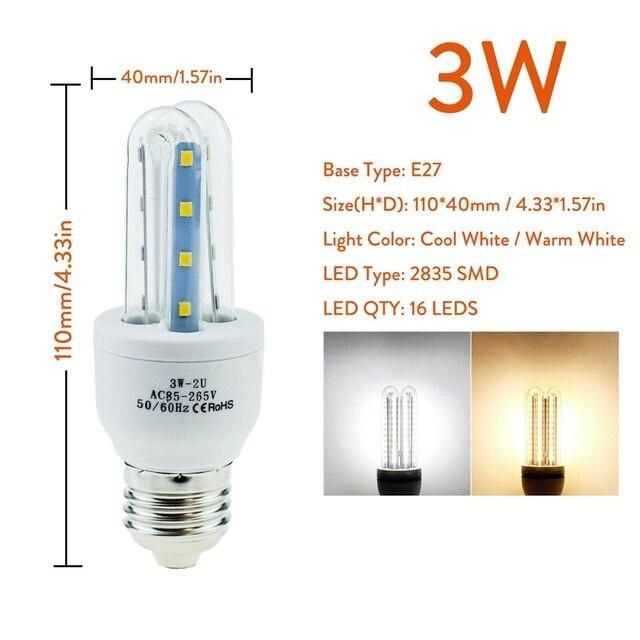
7)Power: 7W
8)Power factor: 0.6
9)Luminous: 500LM
11)Color temperature: 2700K-6500K
13)Working temperature: -20 TO +45 ℃
14)Control Distance: No barrier, 30m
16)Working Voltage: 100-264VAC,50/60HZ
17)Scope of application: Indoor lighting
Key Features
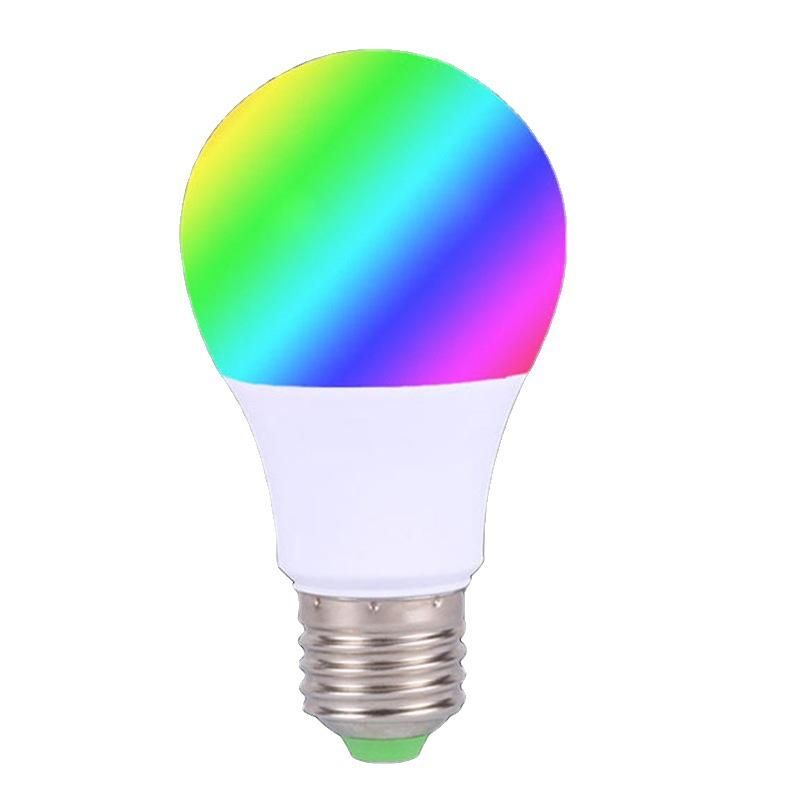
1: Change colors---16 millions color
2: Change brightness
3: ON/OFF by App
4: Control individually or sync control by group
5: Timer mode
6: Lighting dancing with music
7: Lighting changing according to the microphone
8. Built-in dynamic modes or customized mode
9. share control
10. Can be controlled 64 bulbs at the same time in a group & can be created unlimited group
11.Works with Amazon Alexa/ Google Home/SIRI if match Bluetooth Mesh Smart Bridge
12.Lamp Holder:B22 E26 E27